Accuracy: what you draw is what the factory makes.
Clairvyn CAD measures on the exact surfaces of a part, not on the triangles the screen draws. Write the part to STEP, read it back, and it measures the same. Drive the gauge: spin the wheel, slide it along the plate, zero it on any surface.
Out to STEP and back, compared in type.
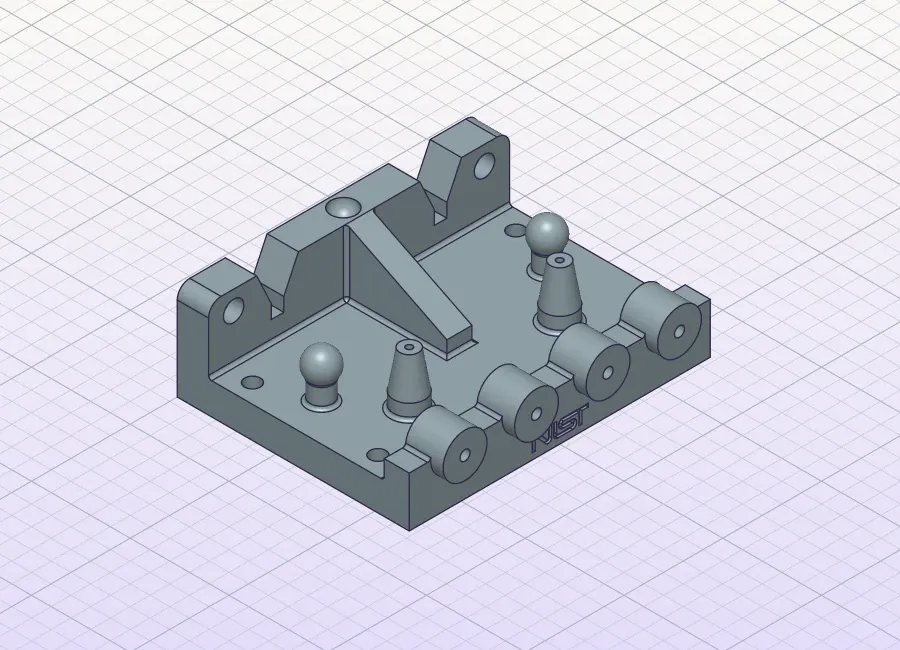
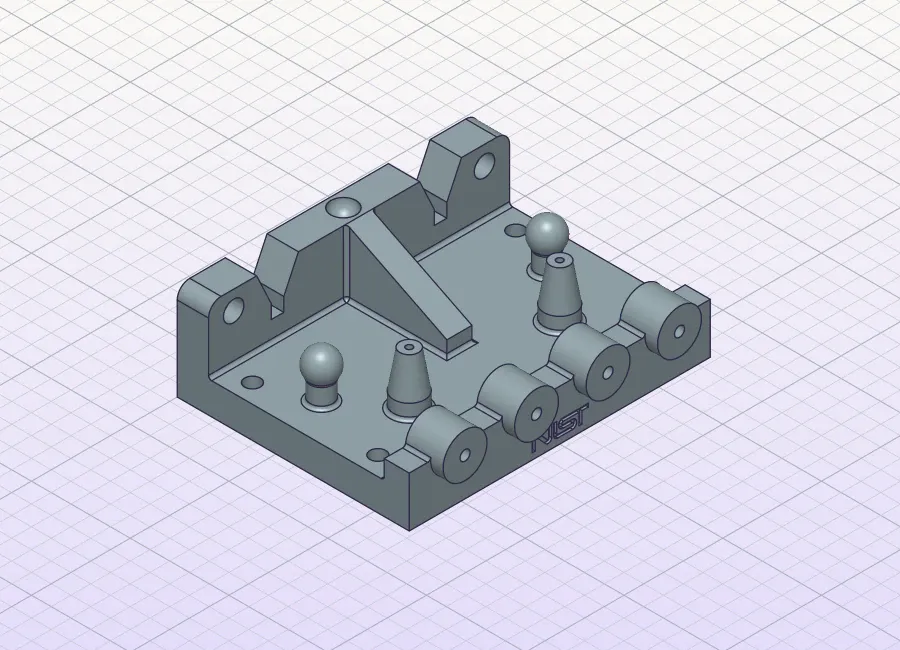
A machined housing, as Clairvyn CAD read it, and again after writing it to STEP and reading it back. Both are printed in type from the real renders; the scriber sweeps down them and marks each row of the gap: = where the two are the same, a red # where they would differ. Hover or drag for the loupe.
- MeasuredVolume, area, centre of mass, lengths, cylinder axes
- Round tripWritten to STEP, read back, measured again
- BodyChecked as a sound solid
An instrument, not a mesh.
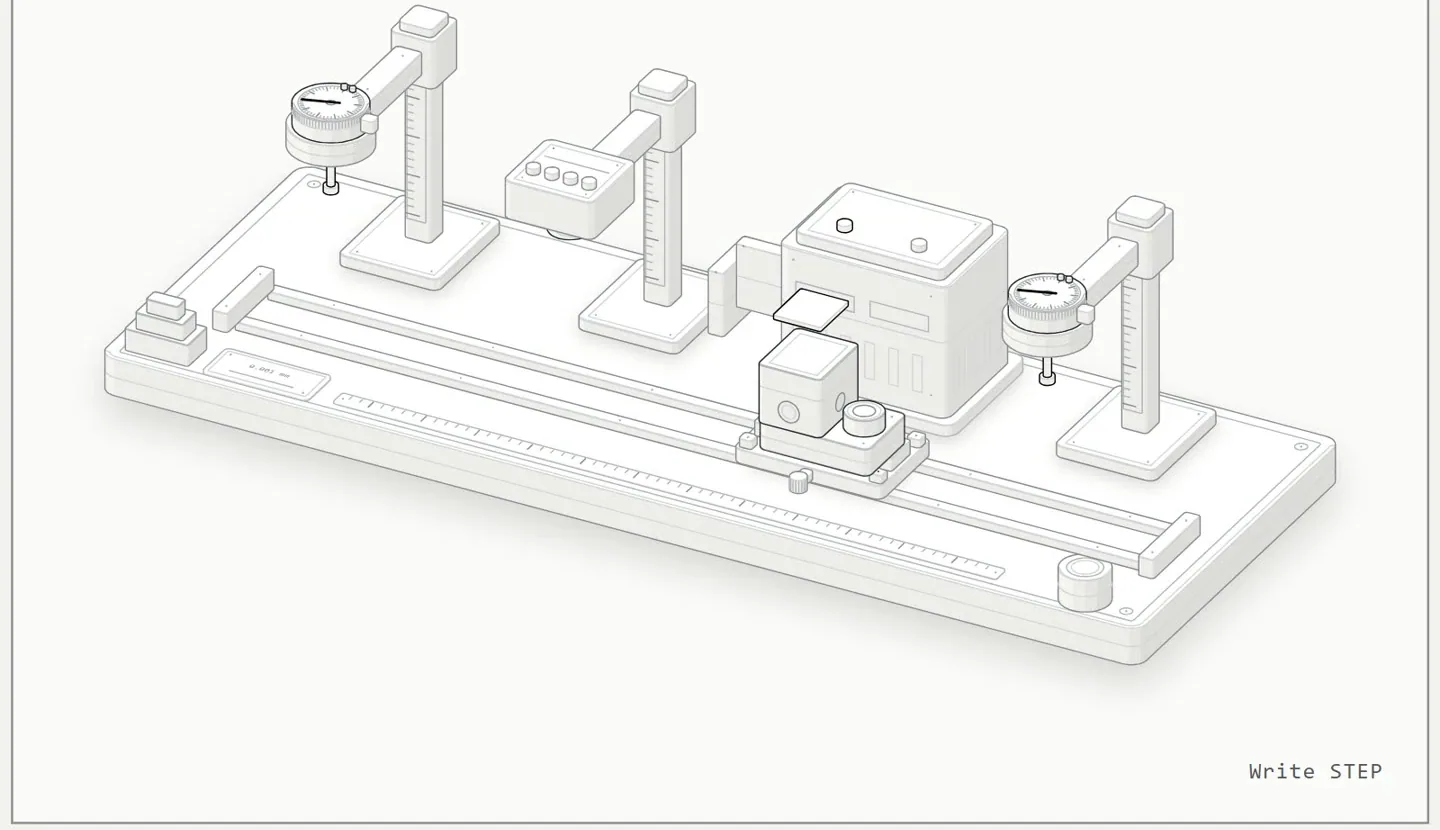
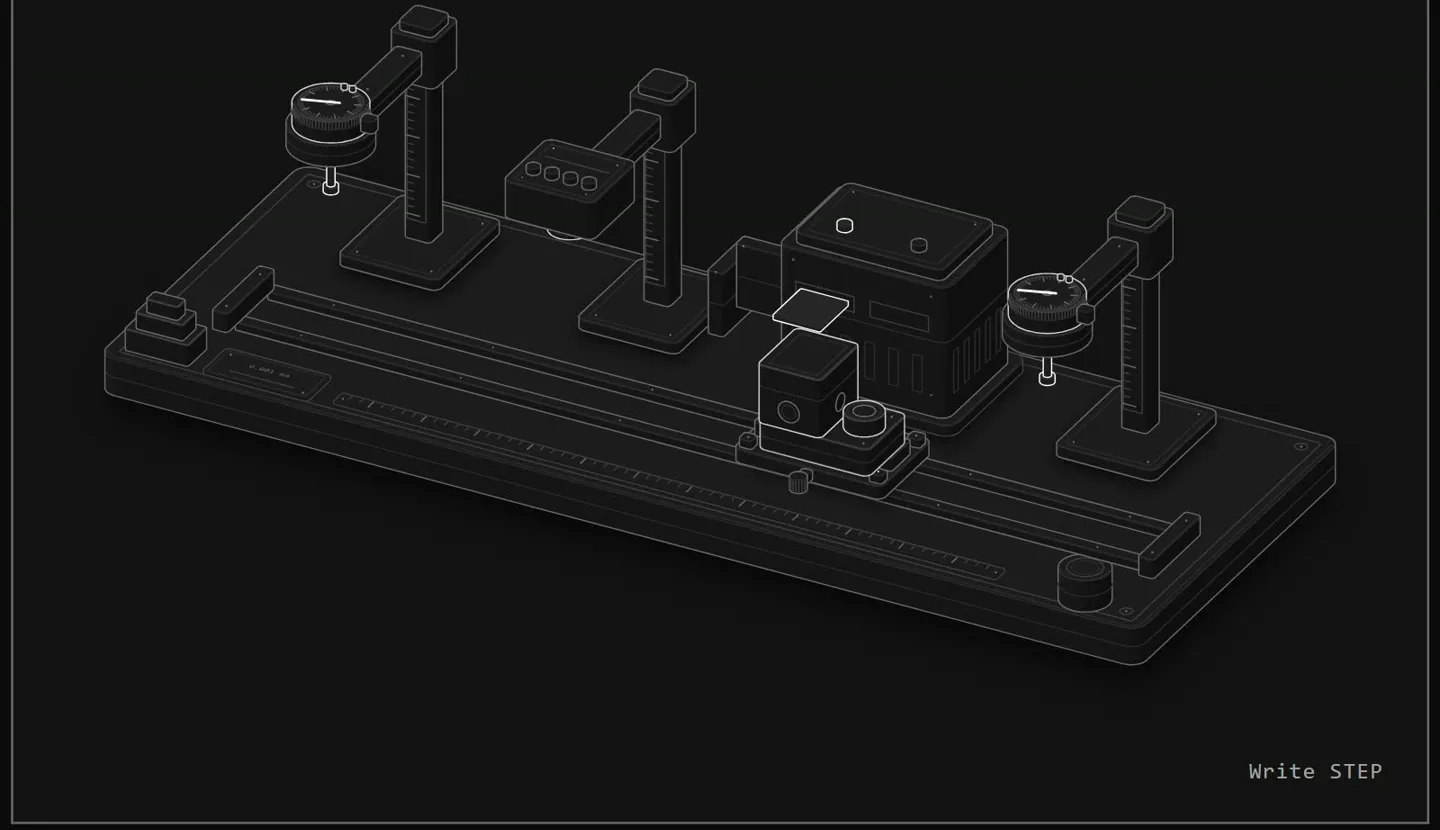
Most tools measure the triangles they draw. Clairvyn CAD works out volume, area and centre of mass on the true curved surfaces, however finely the screen cuts them, and checks each answer a second, independent way. A part that changes on its way out to STEP fails.
- 1. BuildFrom commands, the way you or your AI would
- 2. MeasureAgainst values worked out by hand from the drawing
- 3. Round tripOut to STEP, back in, measured again
Measure it, cut it open, check the fit.
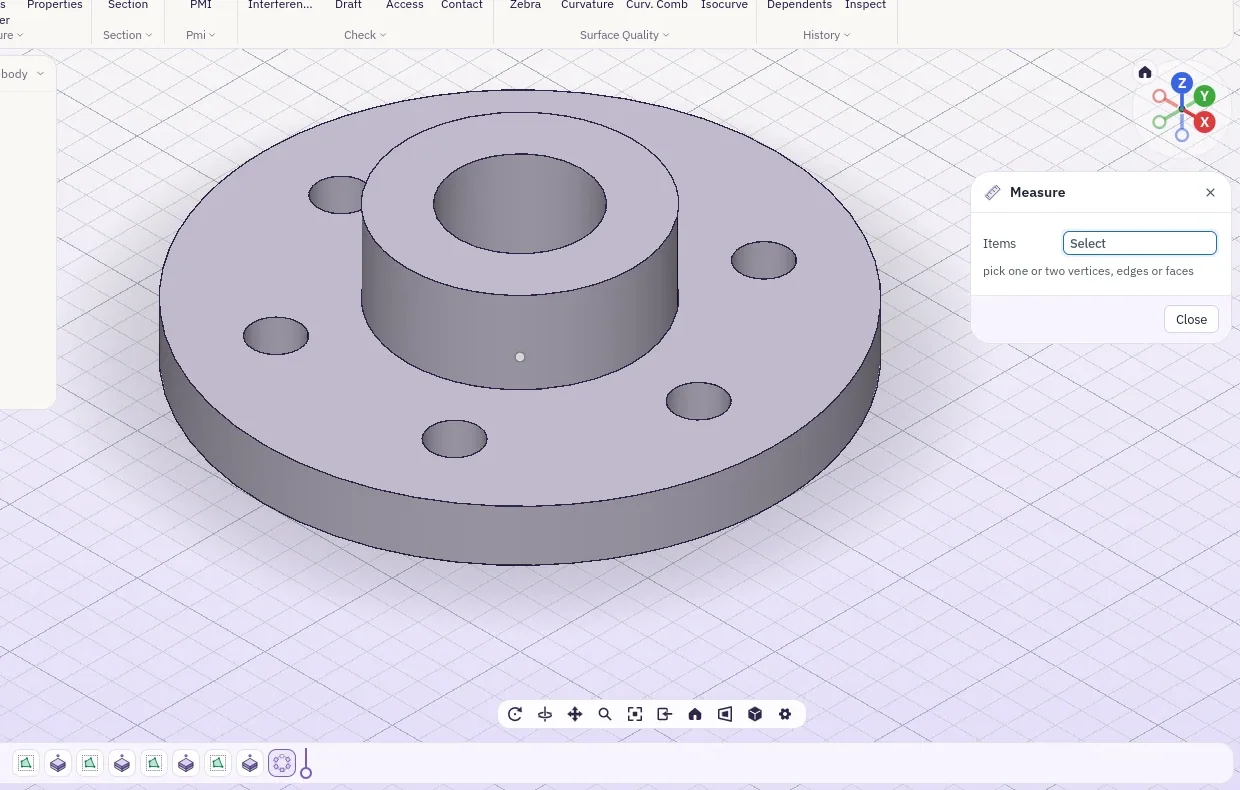
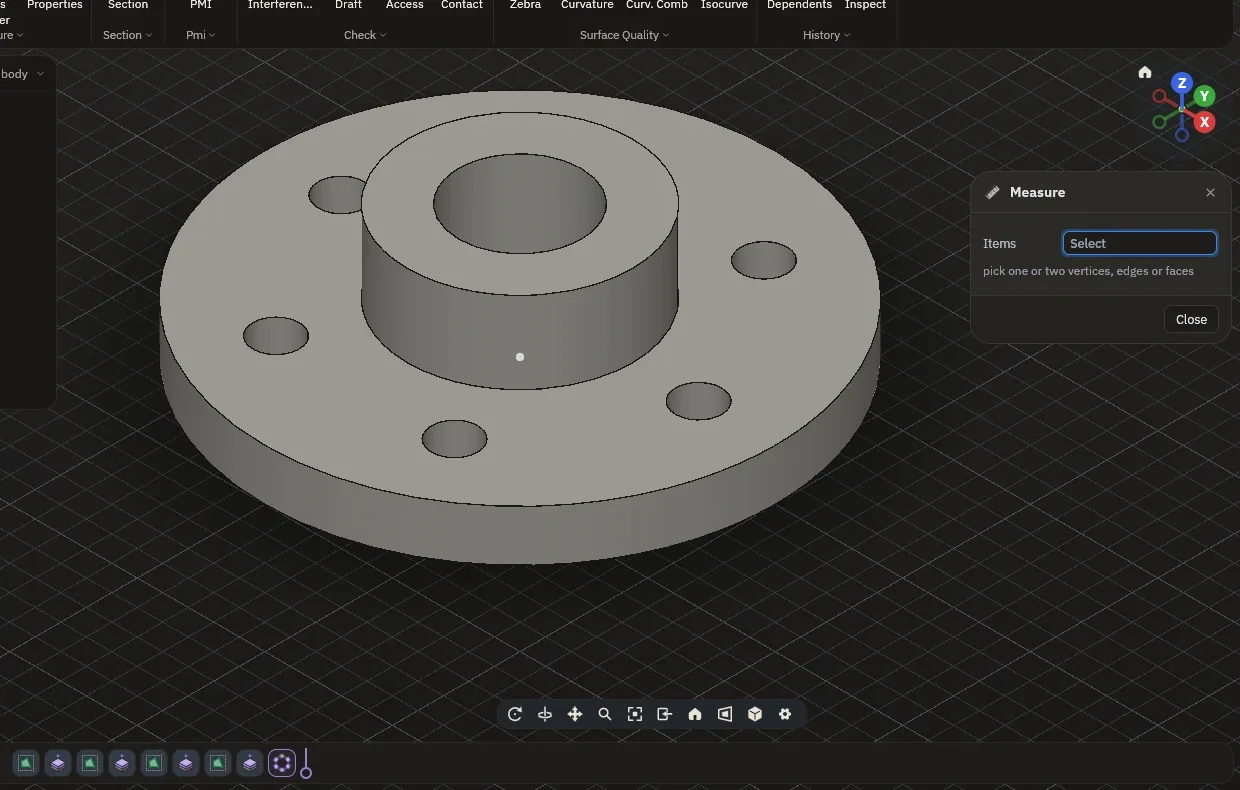
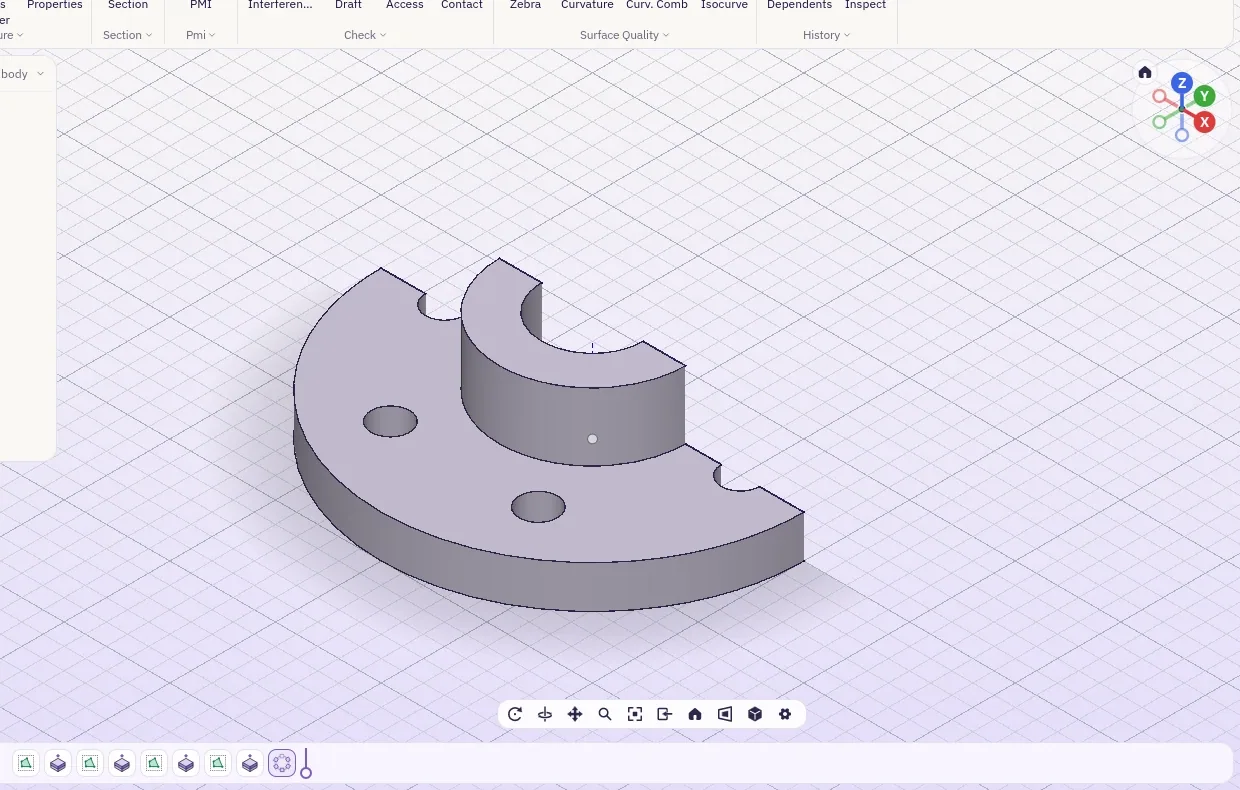
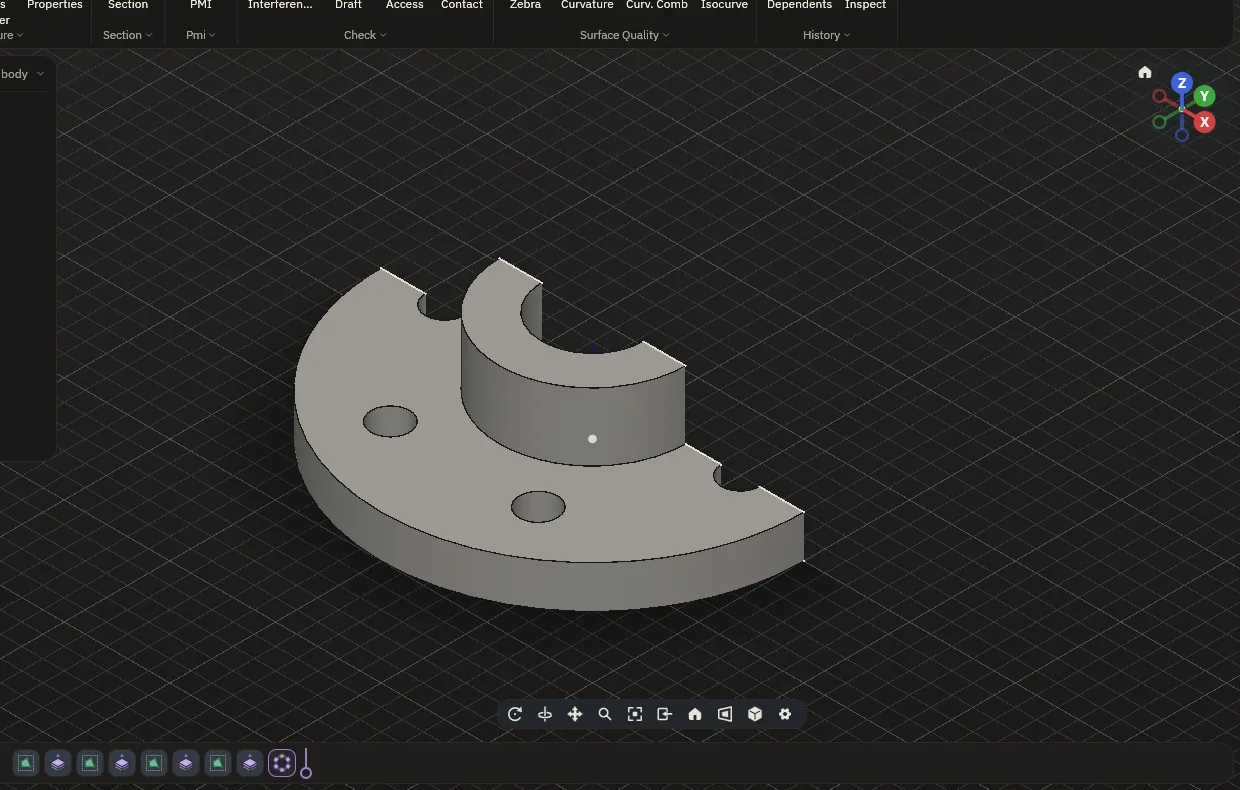
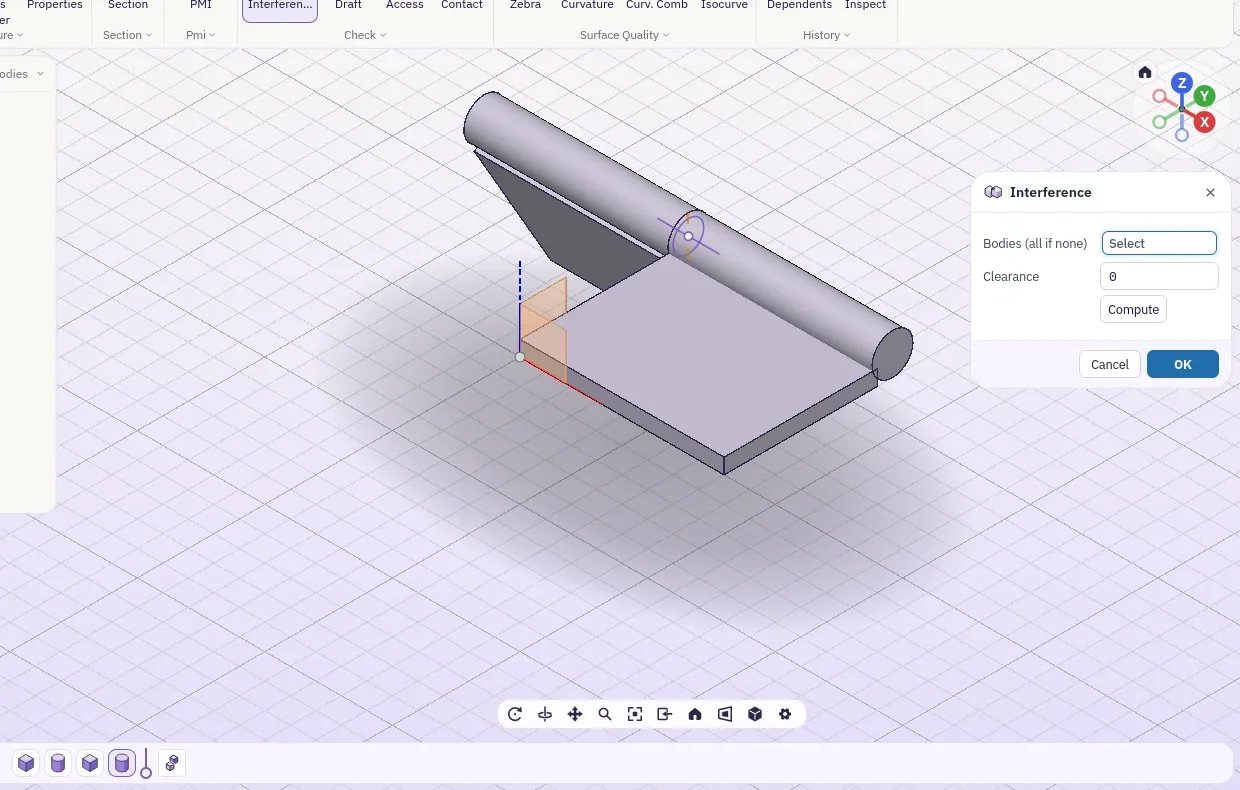
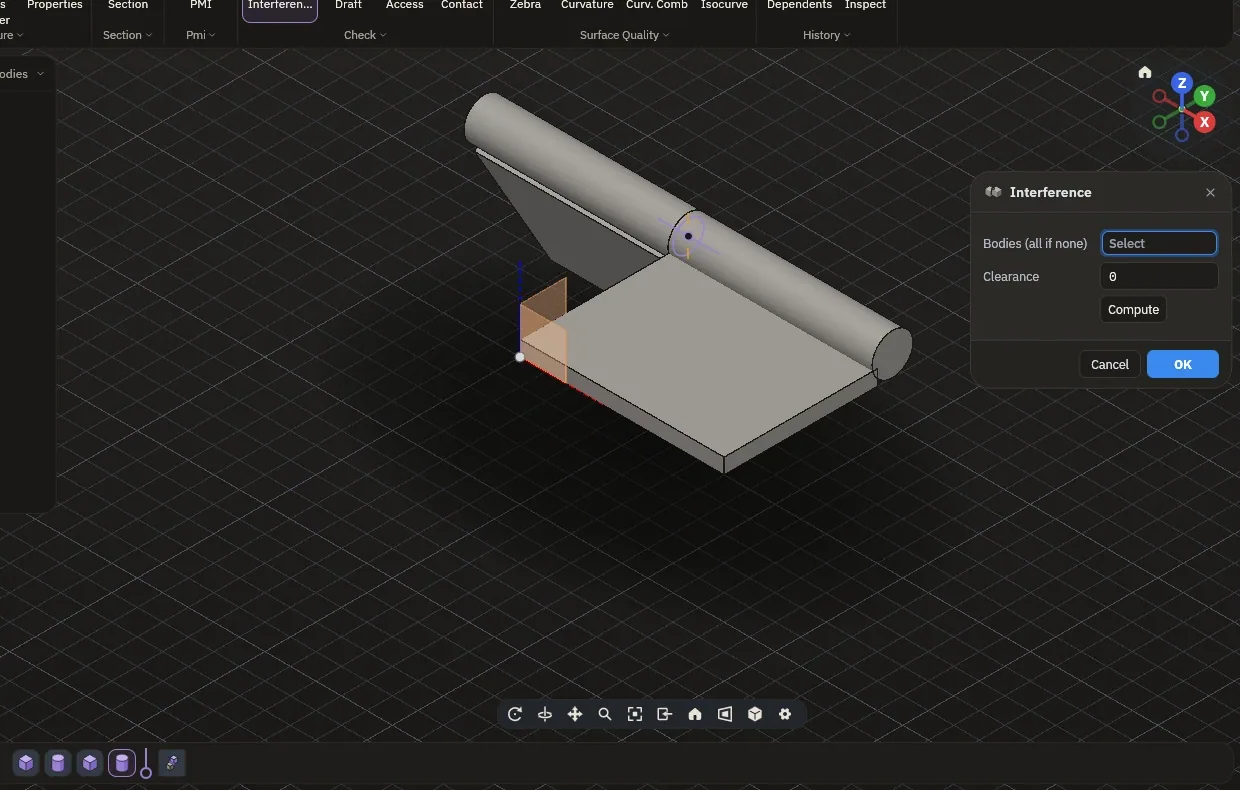
Measure gives exact lengths, diameters, angles, slot sizes and distances. A section cuts the part open without touching it. Interference finds the parts that overlap and how much they share. The same checks are commands your connected AI can run on any design.
Opens what the other tools save.
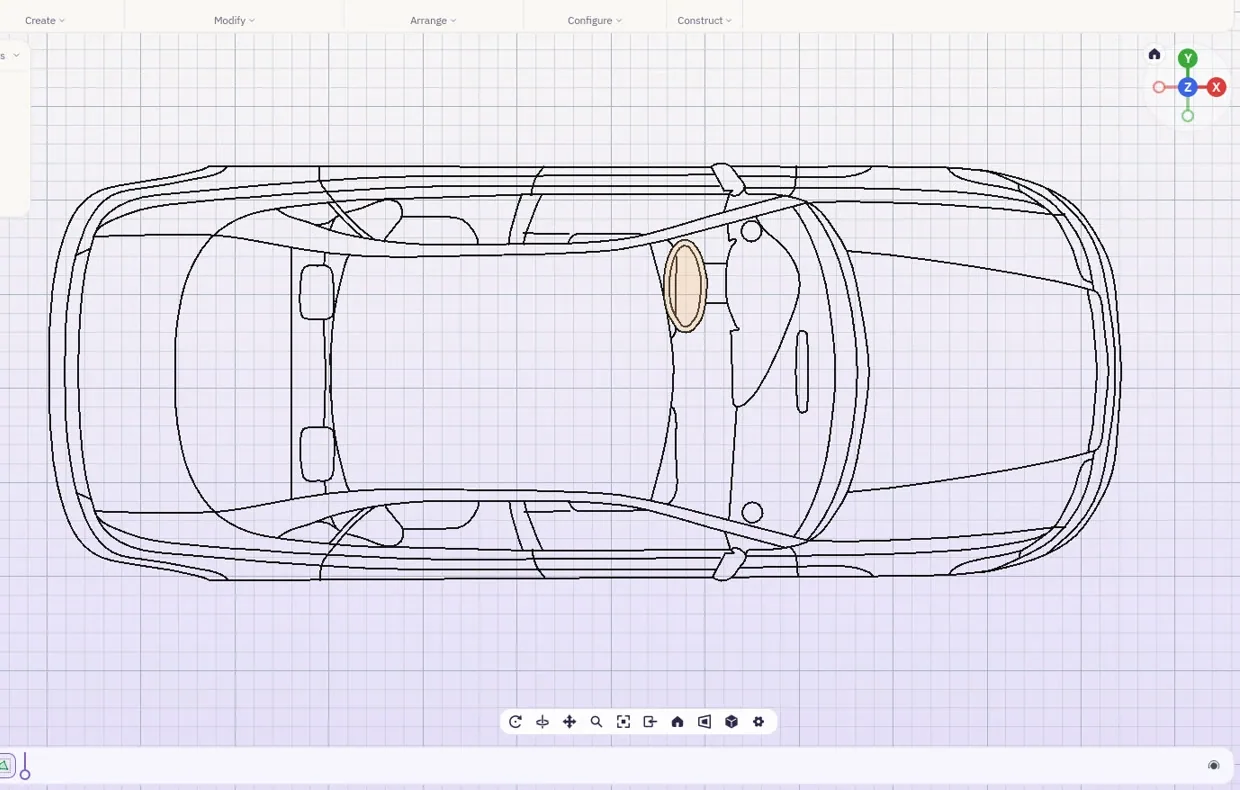
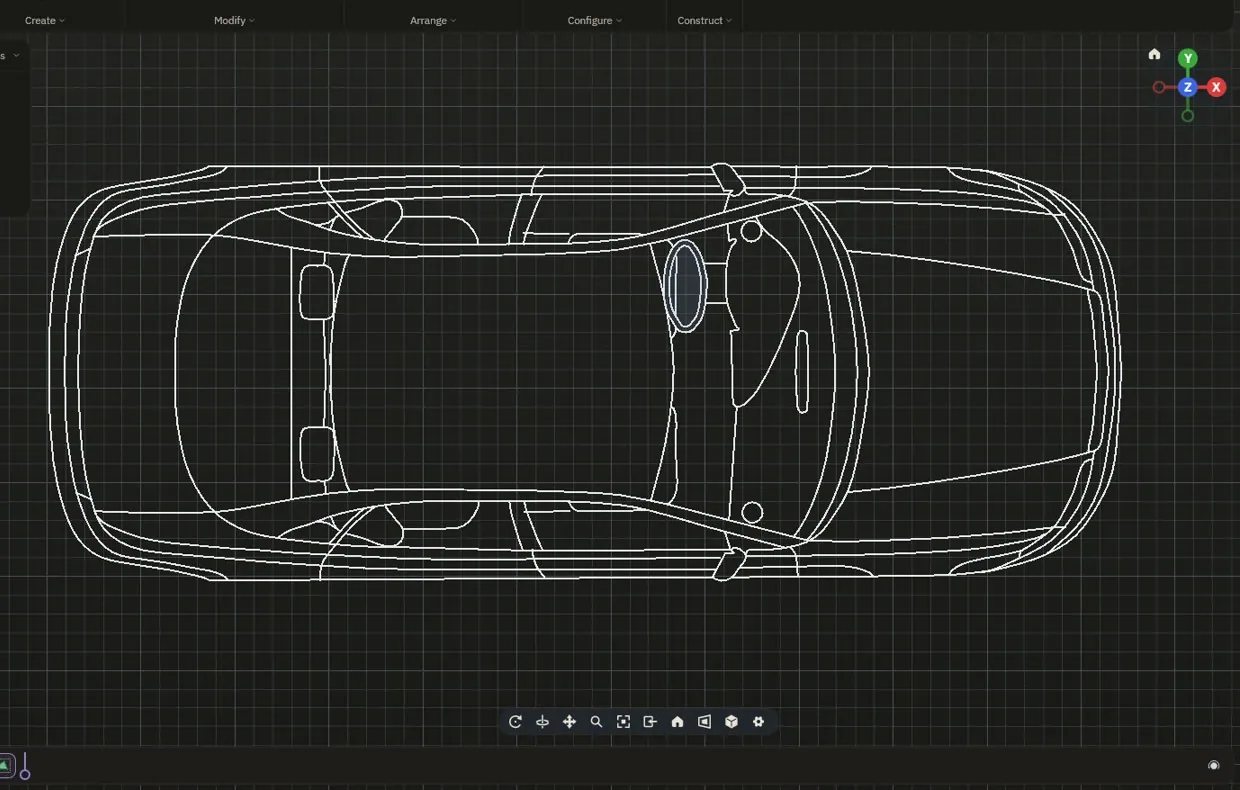
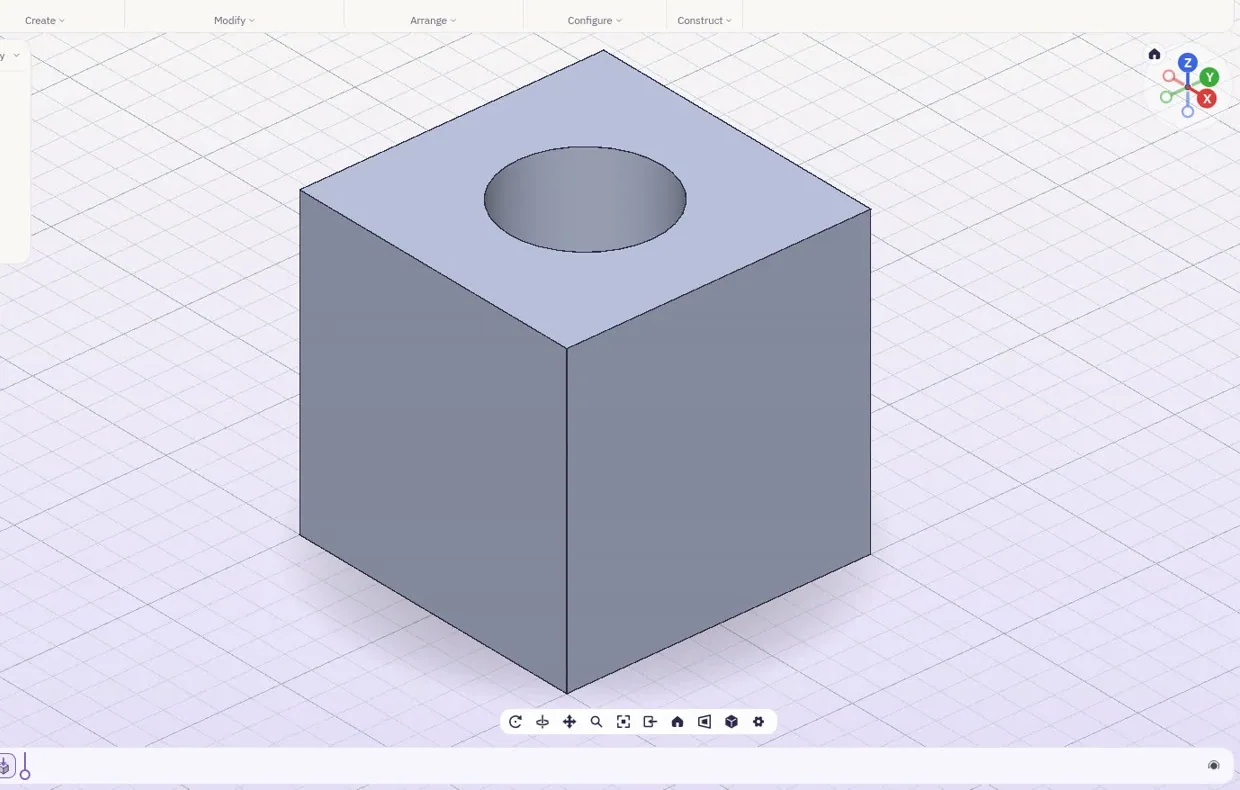
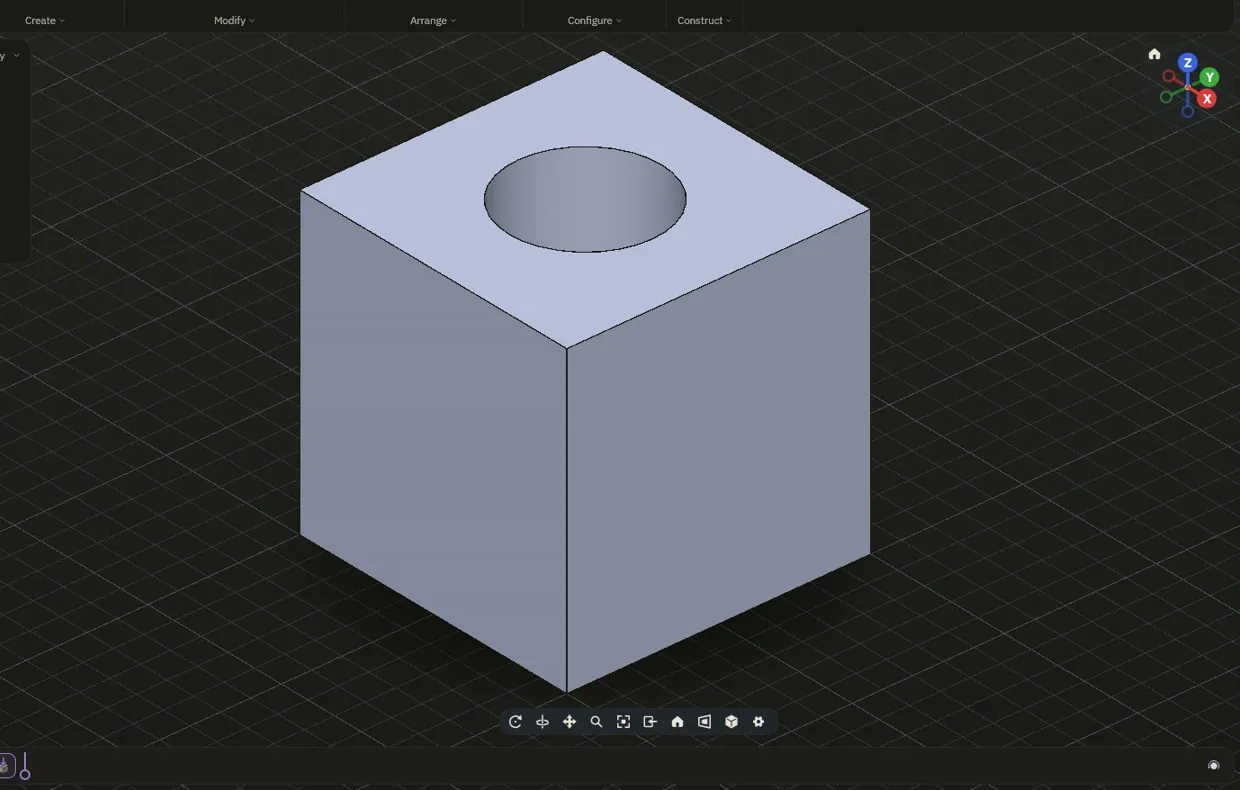
| File | Opens as |
|---|---|
| STEP, IGES | Solids and assemblies from any solid modeller; a STEP that holds only a mesh opens as that mesh |
| DWG, DXF | AutoCAD and any drafting tool, as sketches you can build on |
| SLDPRT | SolidWorks parts, as solids |
| 3DM | Rhino, with its layers |
| IFC | Revit and ArchiCAD, storeys and spaces kept |
| FCSTD, SAT | FreeCAD and ACIS |
| STL, OBJ, 3MF | Meshes and printers |
Hard parts, rebuilt.
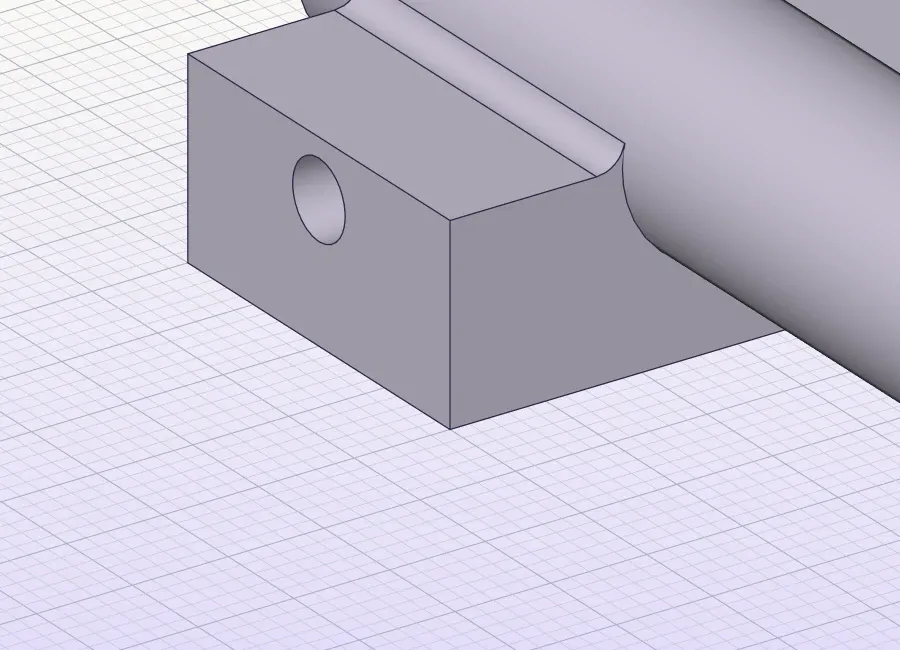
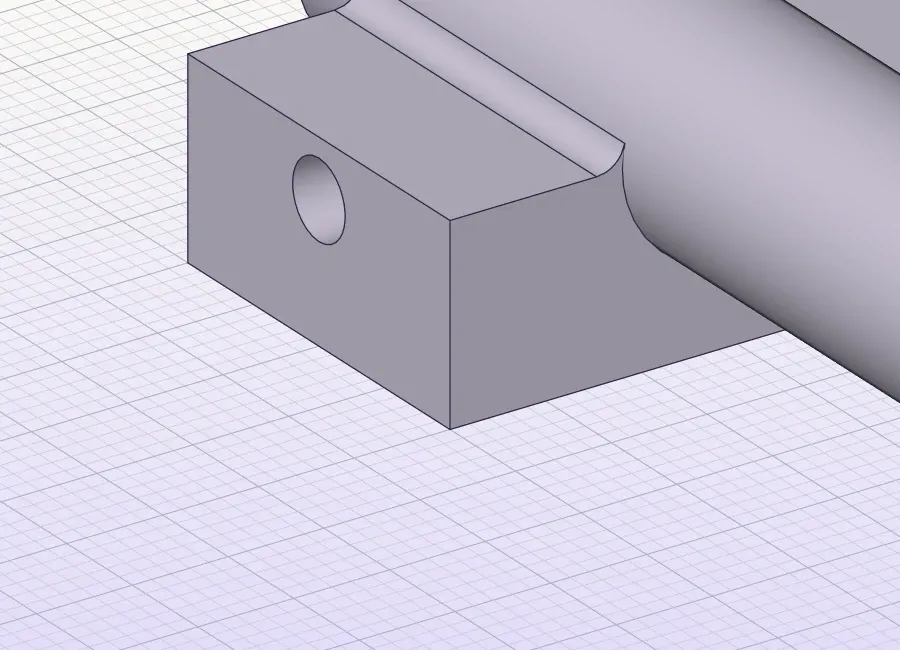
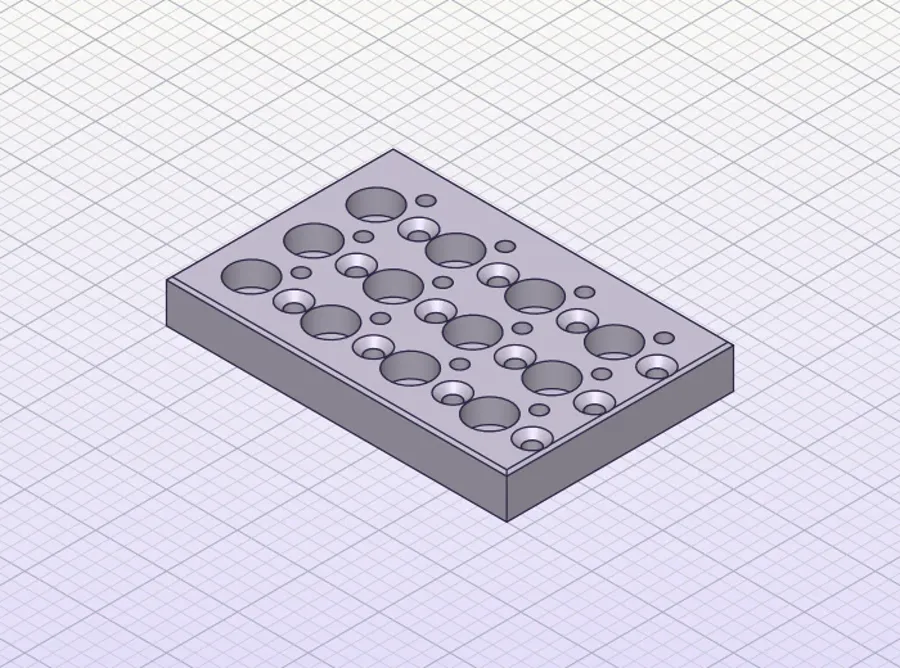
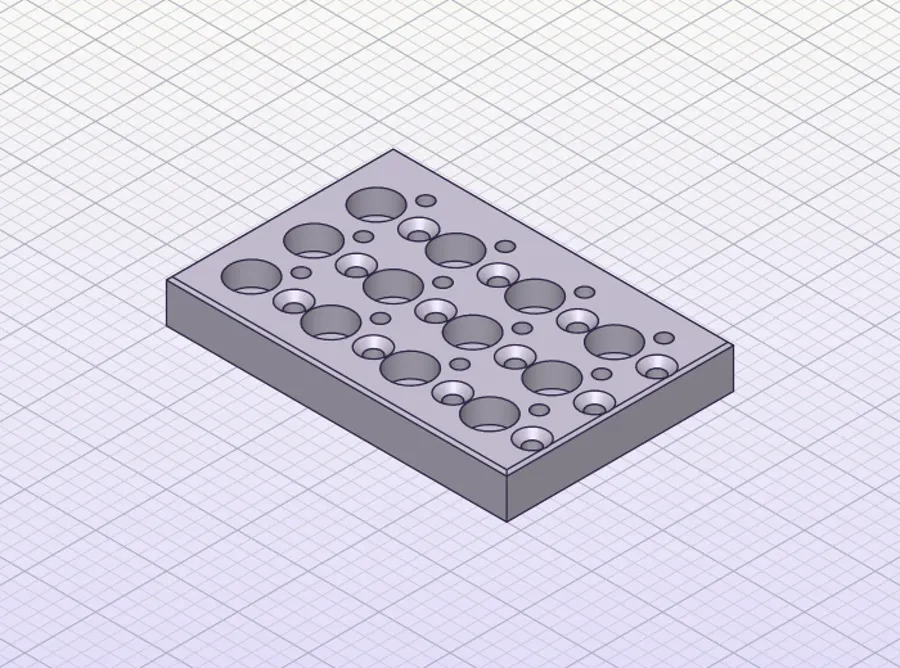
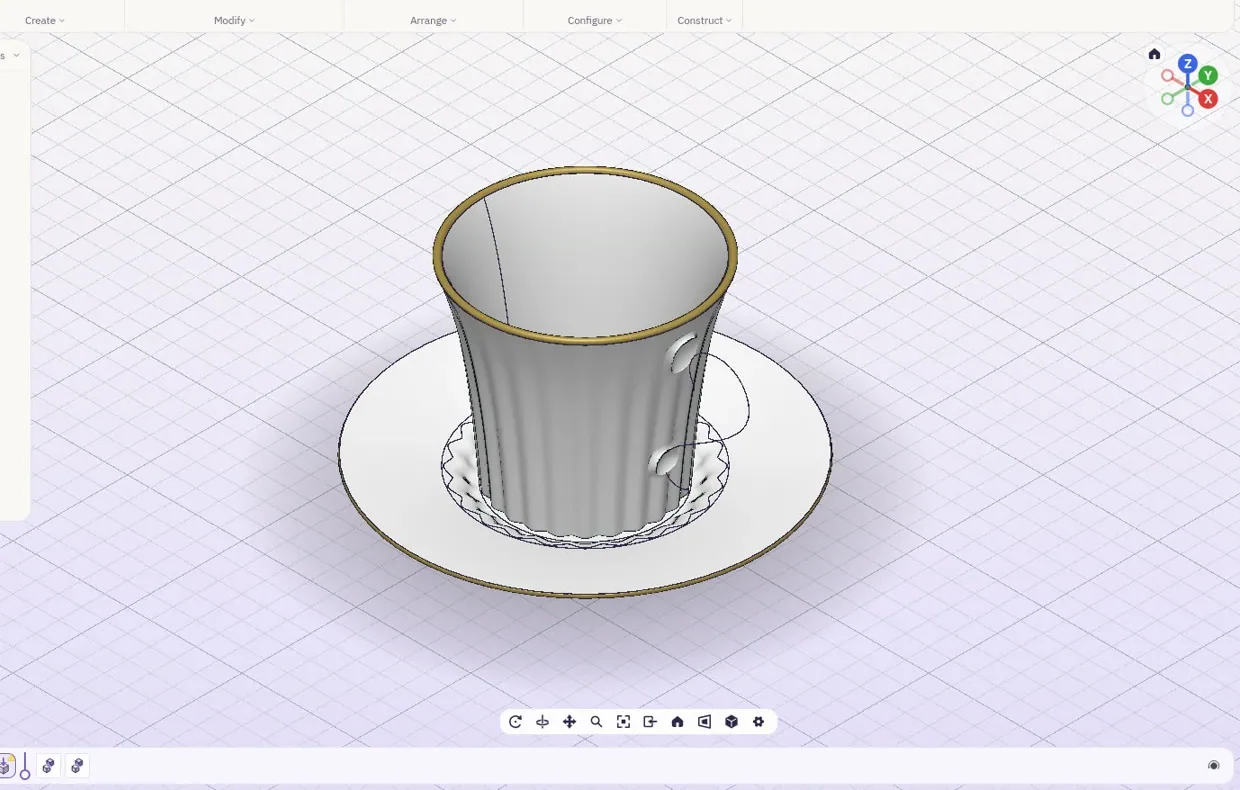
Fillets that meet at a corner, rounds along curved edges, lofts, twisted sweeps, shells and patterns of every kind of hole. Damaged files get a clear message or a model, never a crash. And the part stays yours: files never leave your device.
List of drawings.
| Pages |
|---|
| The lab |
| Modelling |
| Drawings |
| Simulation |
| Make |
| Medical |
| Accuracyyou are here |
| Bring your own AI |