Simulation: turn the dial, run the study.
Stress, heat, vibration, fatigue, buckling, shock and a wind tunnel, run on the part you drew, in the same tab. Every click-stop on this dial is a real study of the turbofan sample. Turn it and the screen tunes in.
The tunnel answers the dial.
Natural frequencies and the shape of each mode
The cell follows the dial: the fan spins up for wind, the manometer climbs, the reader traces the tubes and the readings are logged. Hover or tap the tunnel to take it apart.
Checked against the textbook.
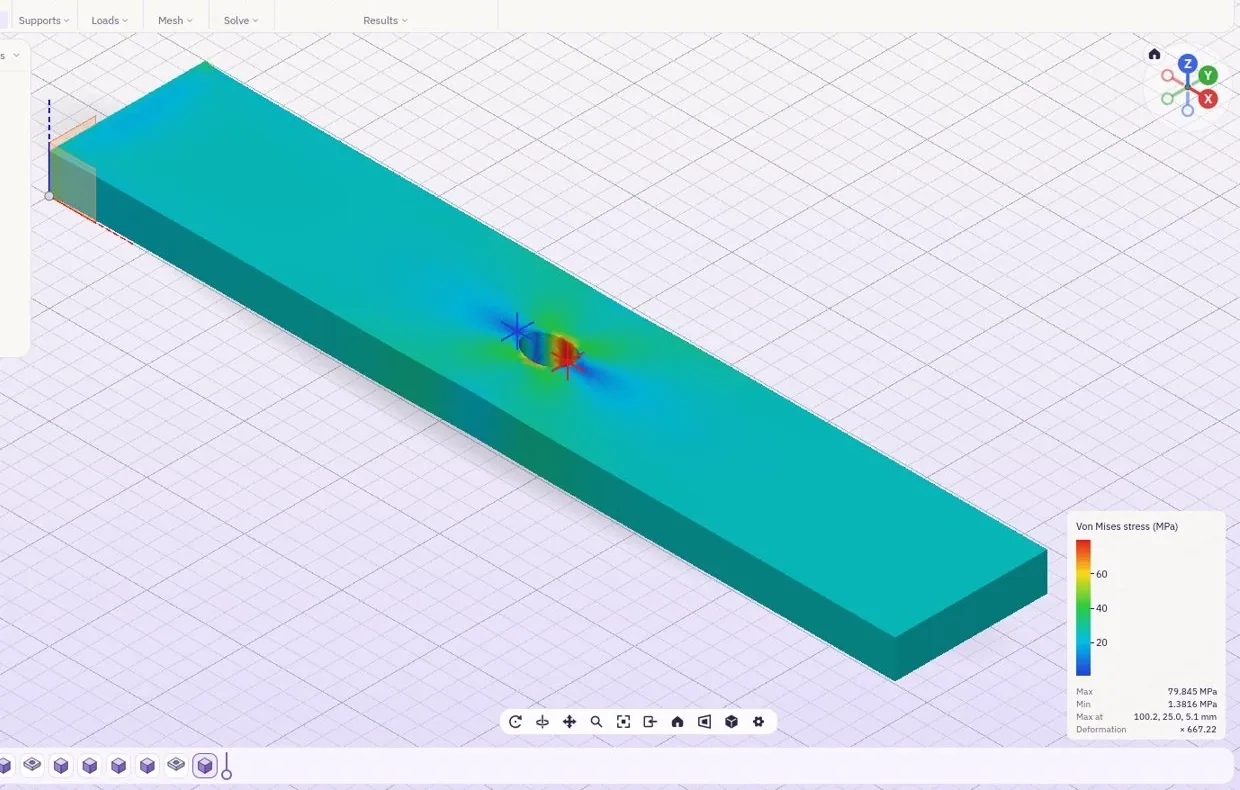
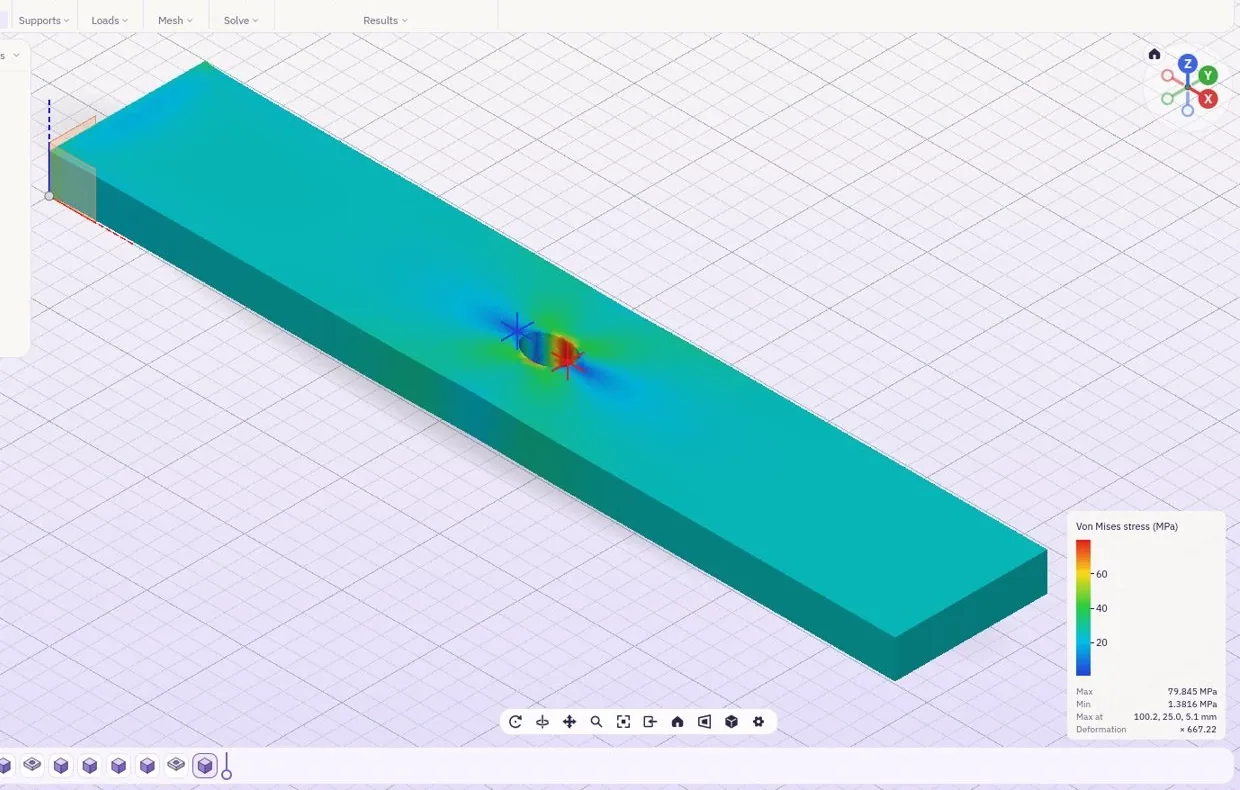
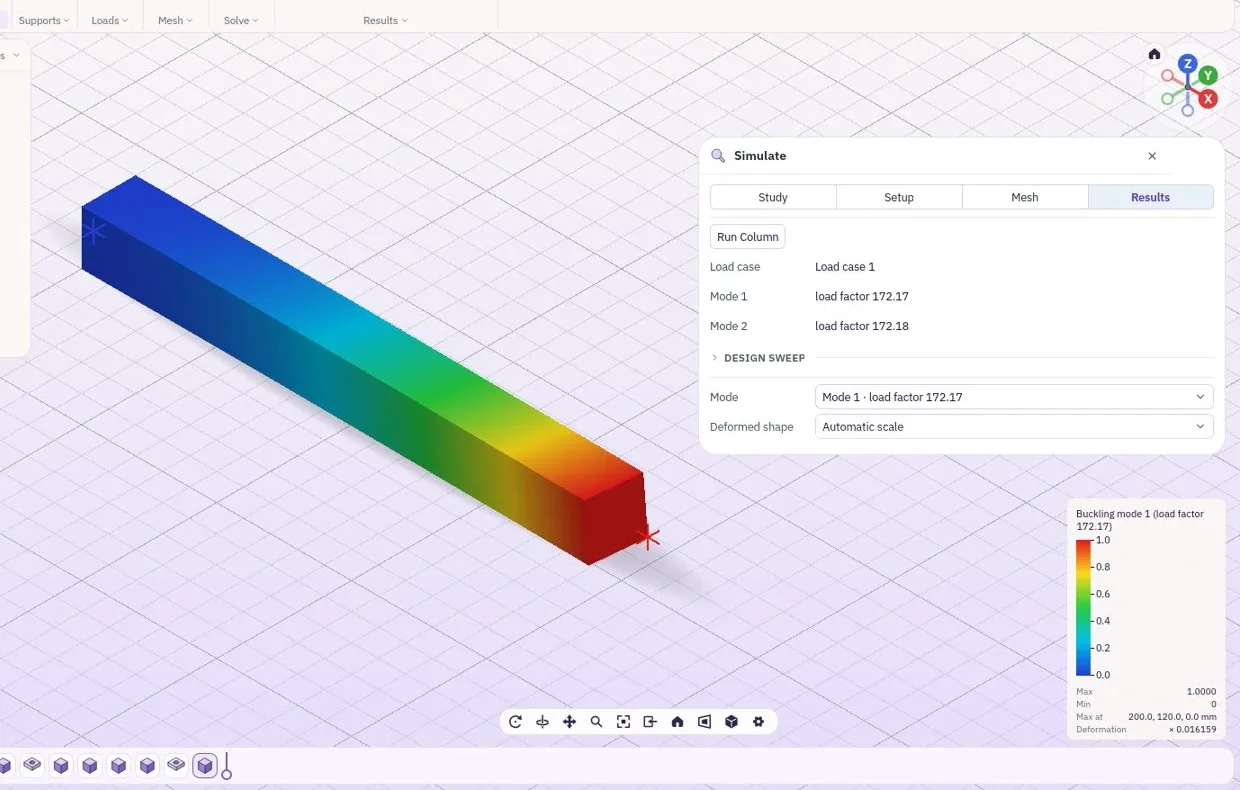
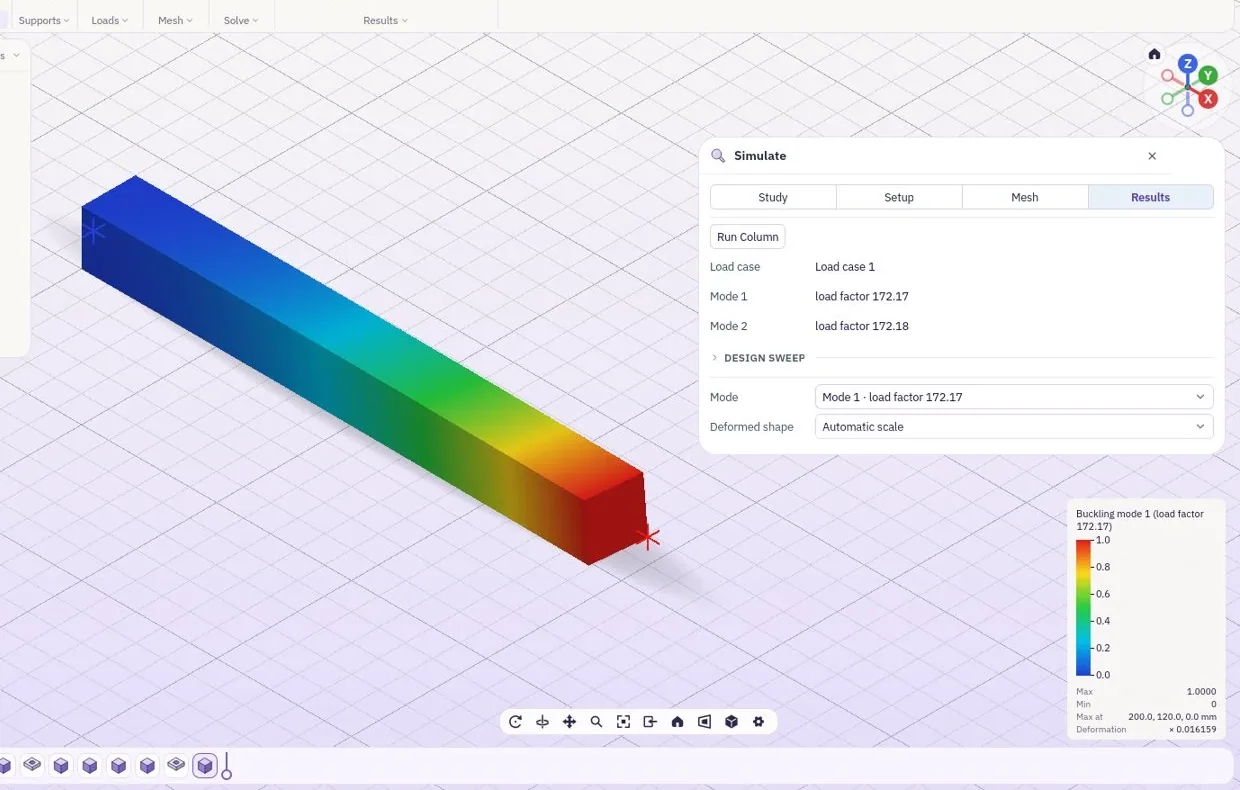
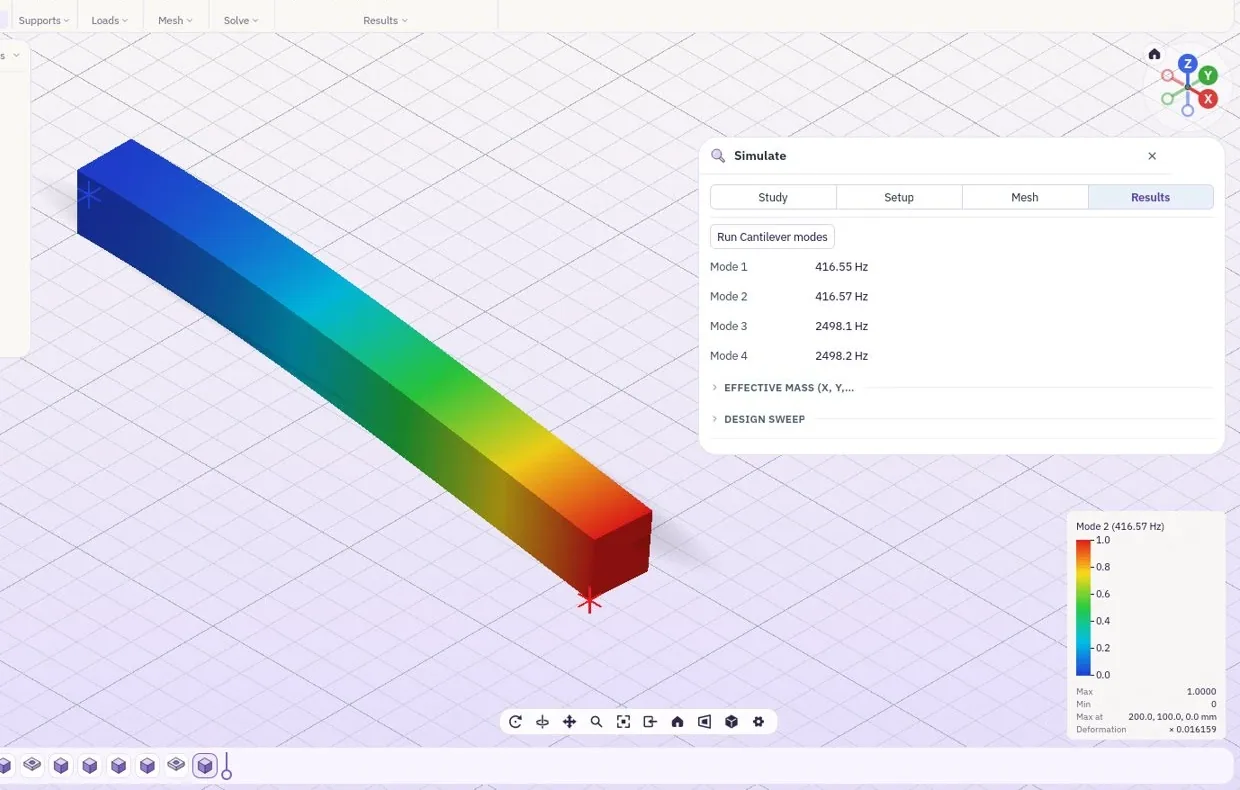
Every kind of study is run on a simple part whose answer is in the textbook, and the result is held up against it: the stress round a hole, the load a column buckles at, the modes of a cantilever, a frequency sweep peaking at resonance.
Bolts first, then the loads, in order.
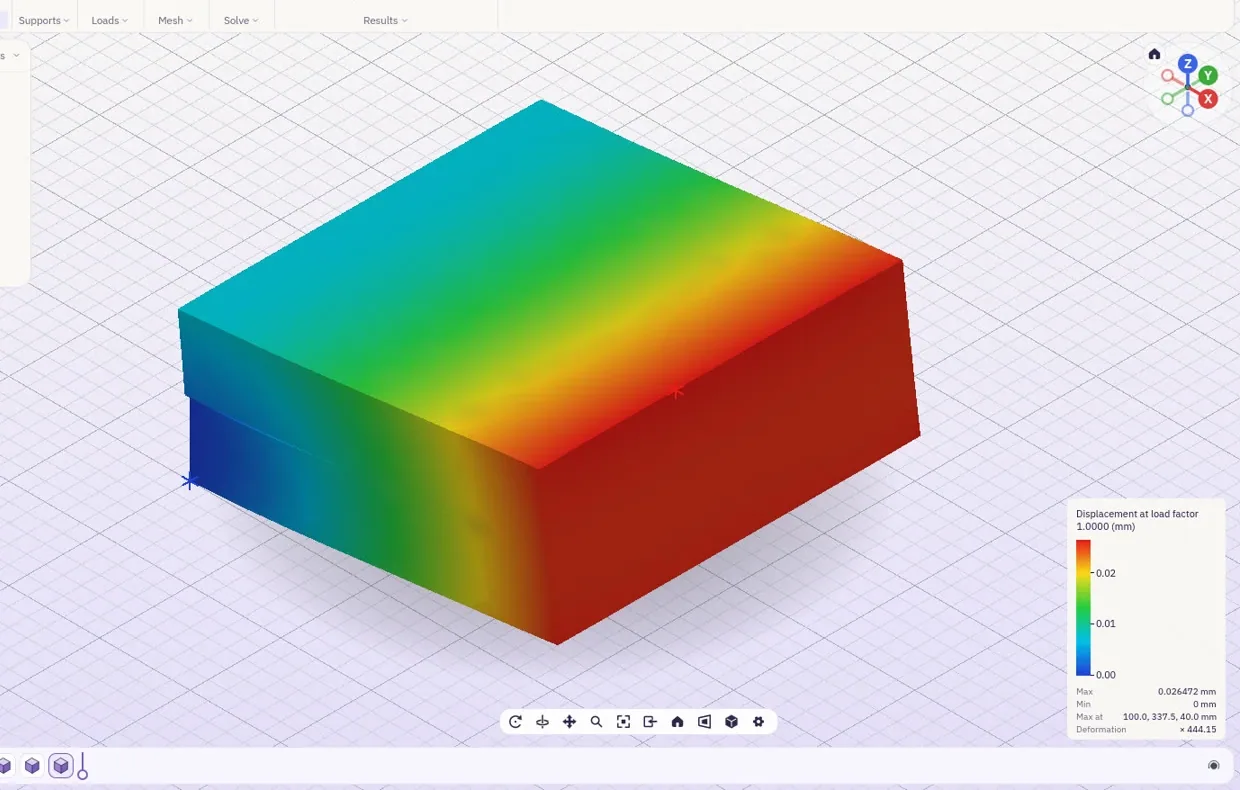
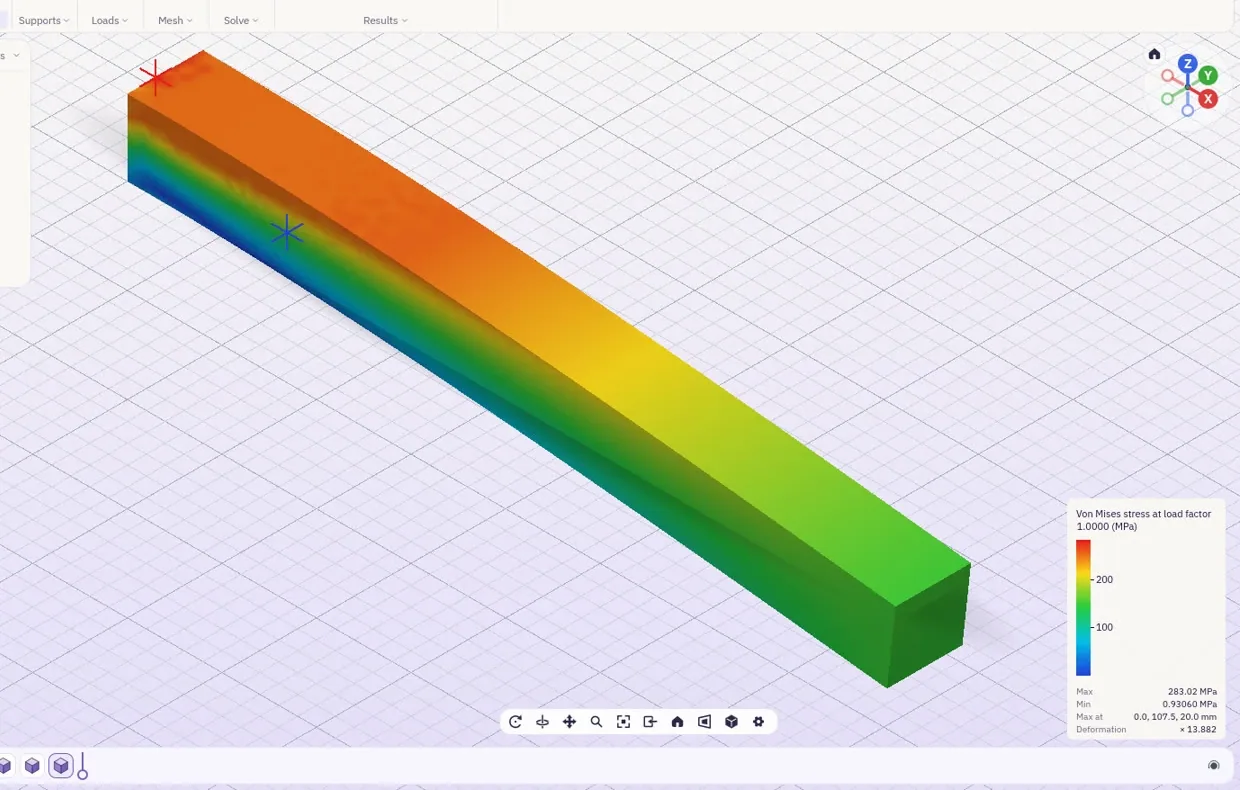
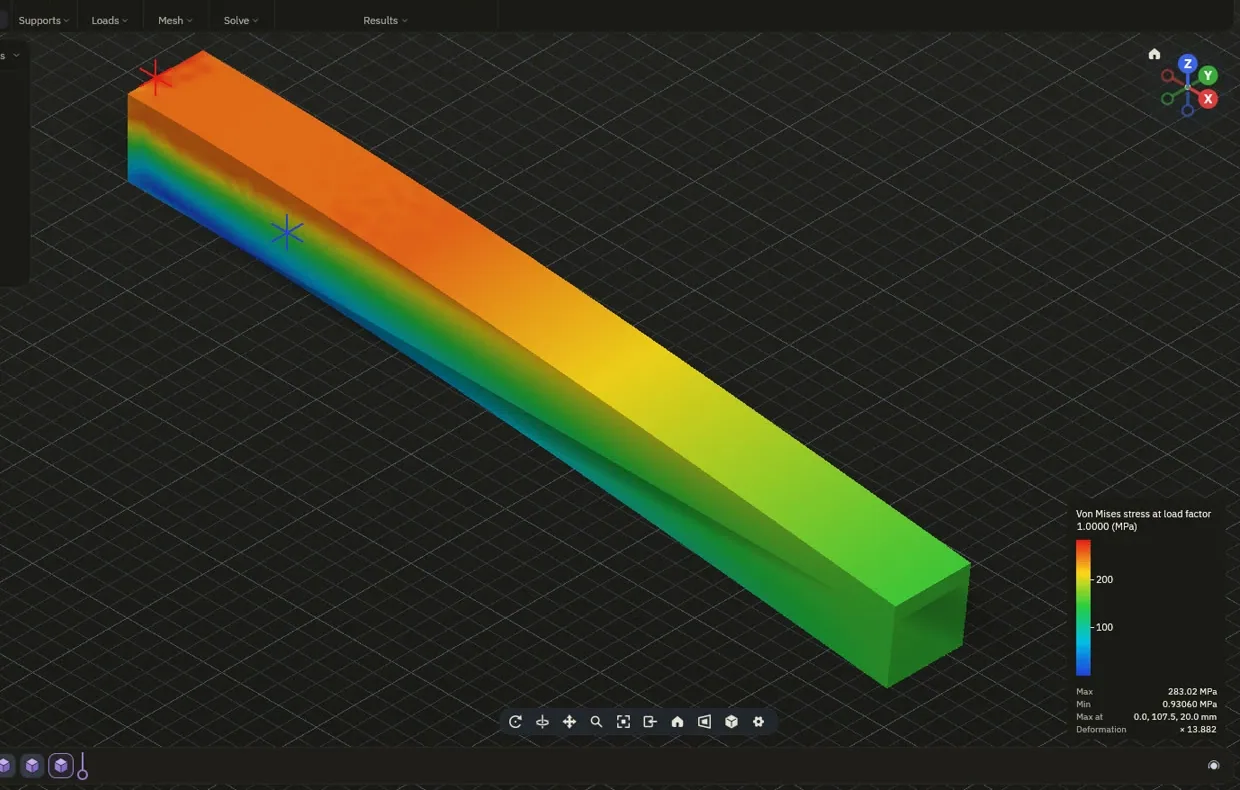
Tighten the bolts, then put the loads on one stage at a time, so a joint is checked the way it is put together and used. Contacts touch, slide or open as they would.
- BoltsPreload, then the working loads
- StagesLoads in the order they happen
- ContactBonded, sliding or free to open
- OutColour plots, probes, charts and a PDF report
Air over it, air through it.
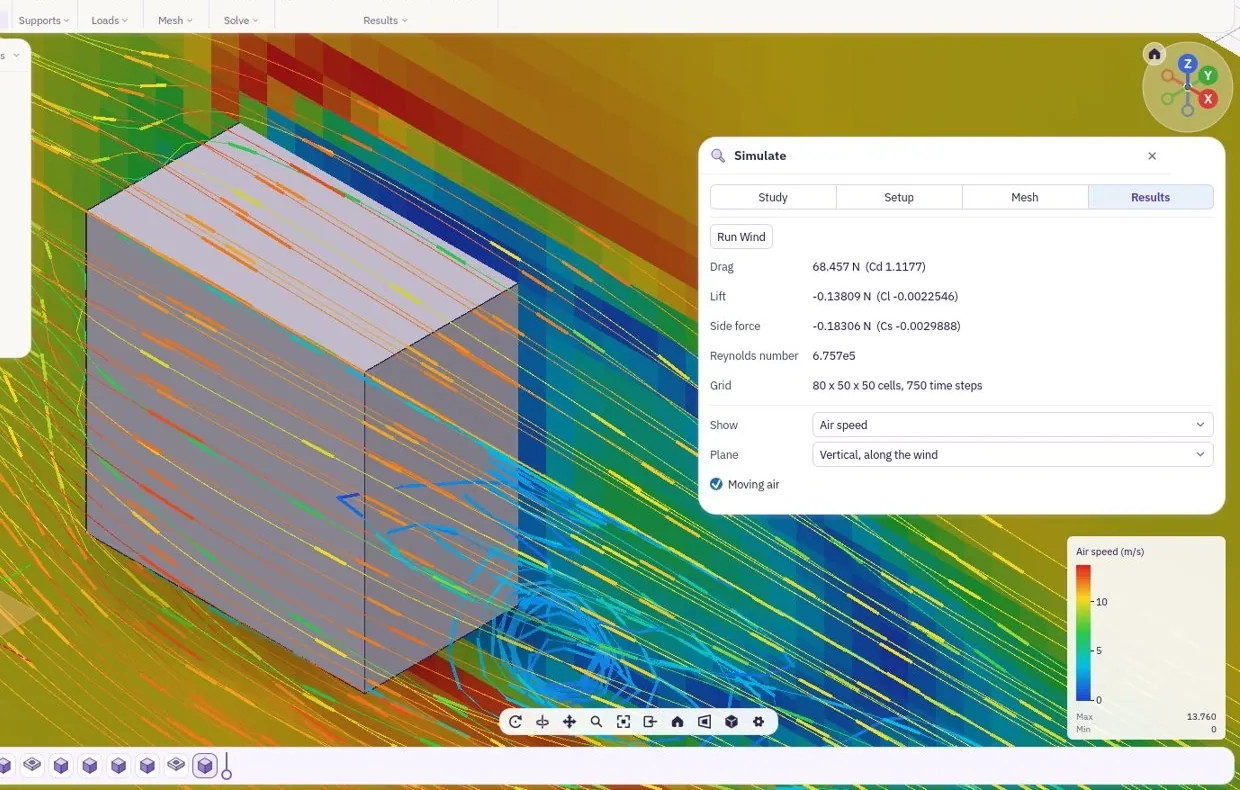
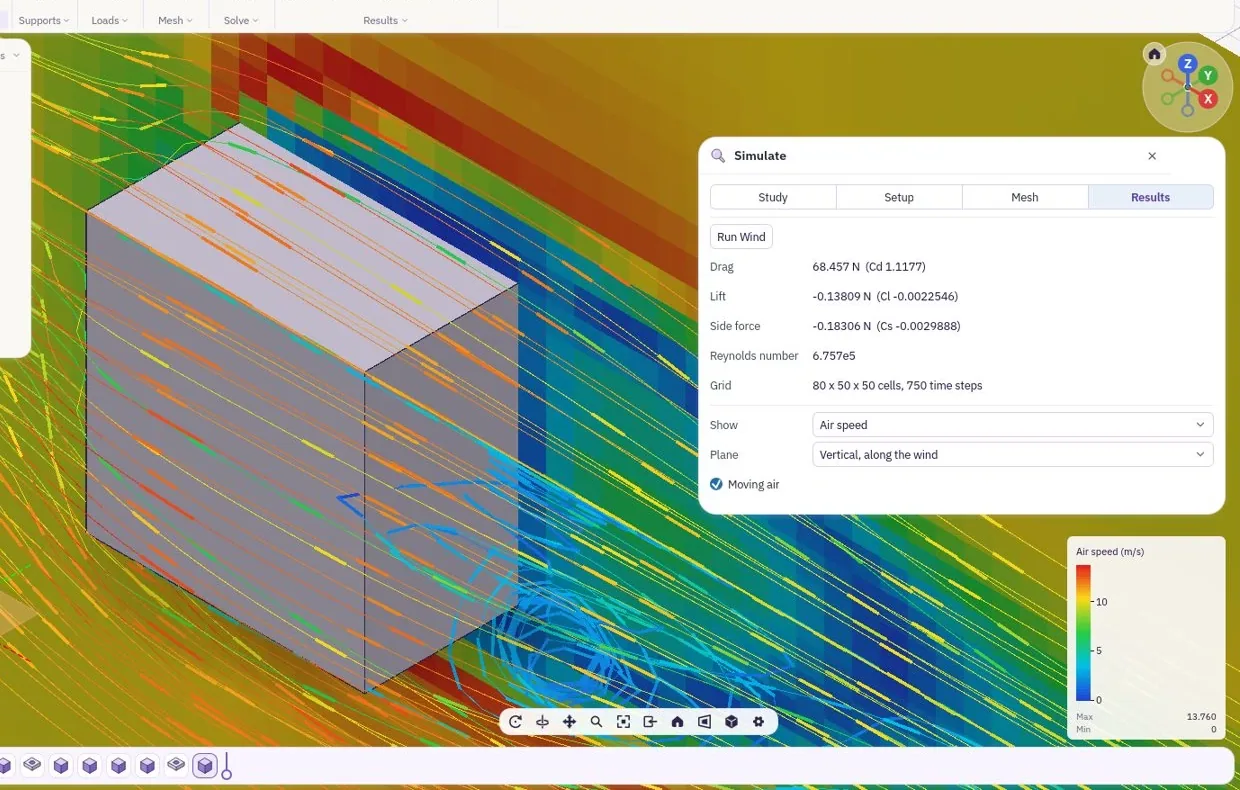
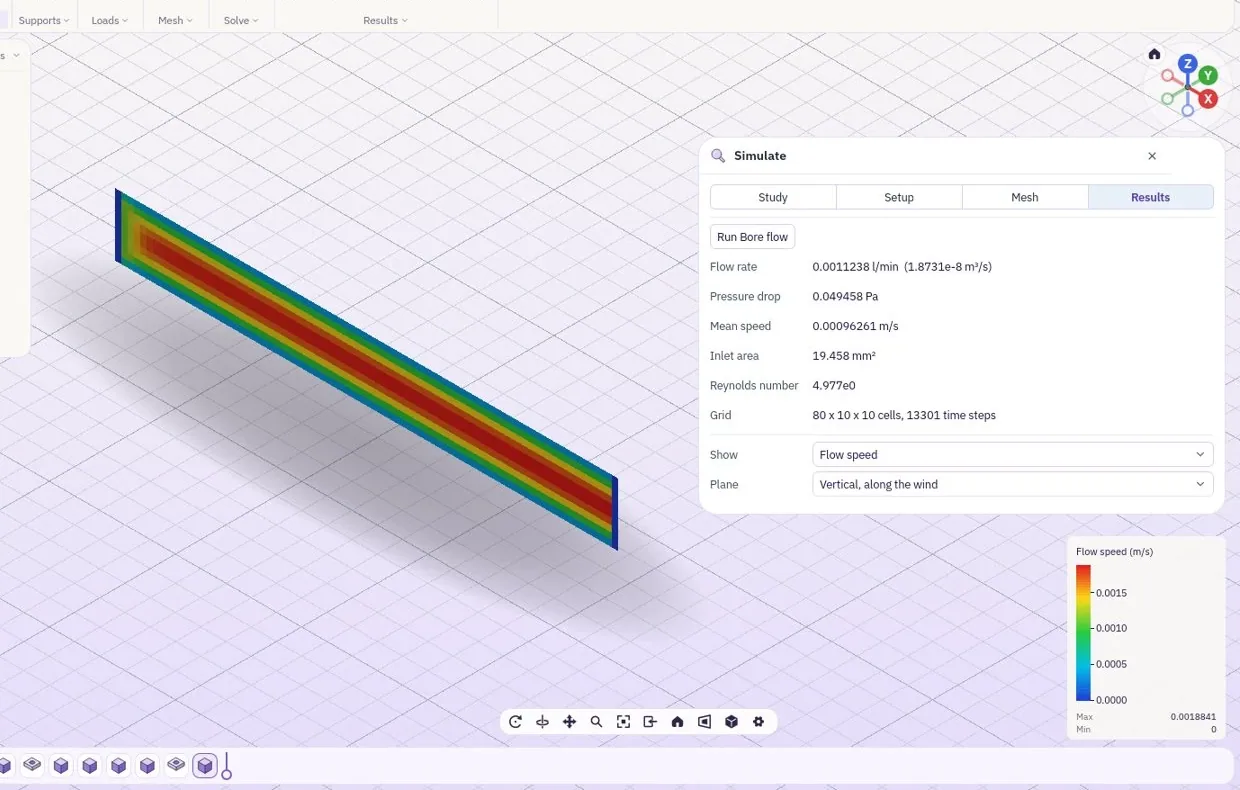
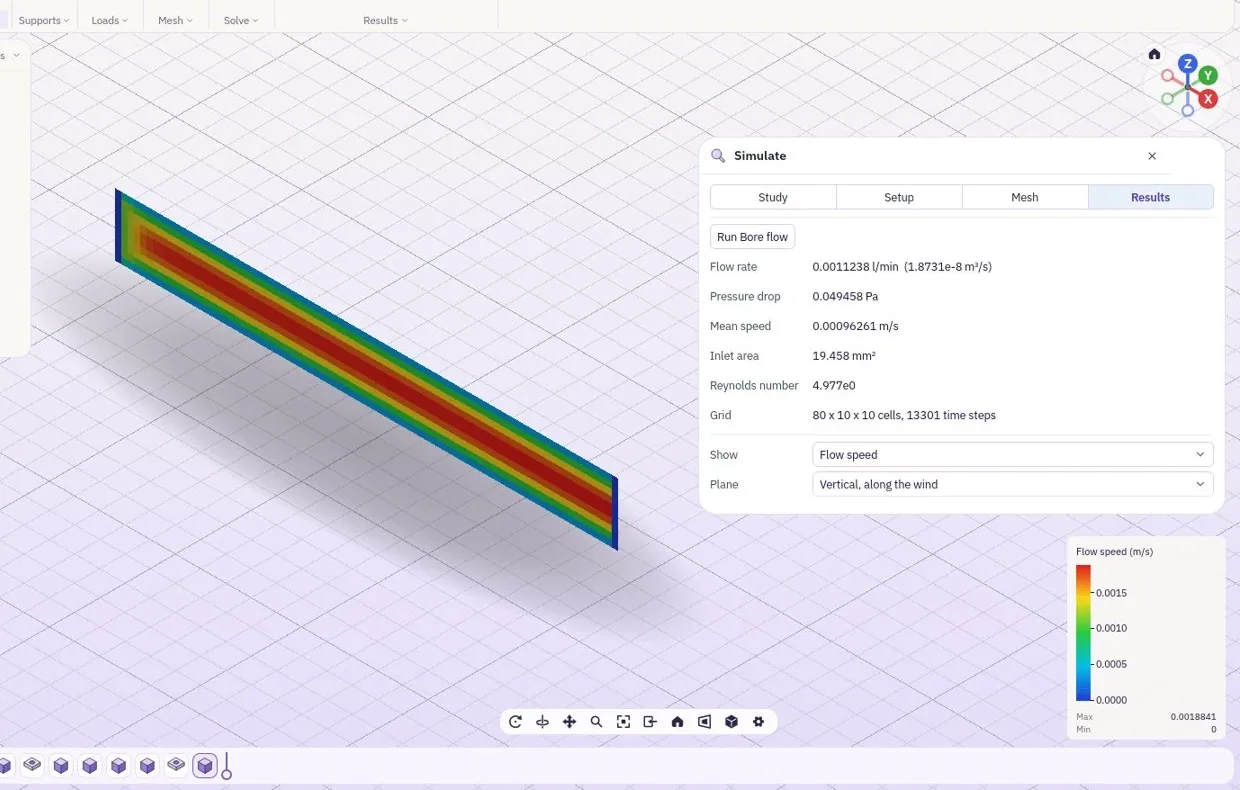
Put a part in the wind tunnel and read the pressure on every face, or send air through a bore and read its speed. The moving air carries heat away, so a part can be cooled by the air you set.
- Wind tunnelPressure over a body, streamlines round it
- FlowSpeed and pressure inside a part
- Air coolingHeat carried away by the moving air
Buildings, to the code you work to.
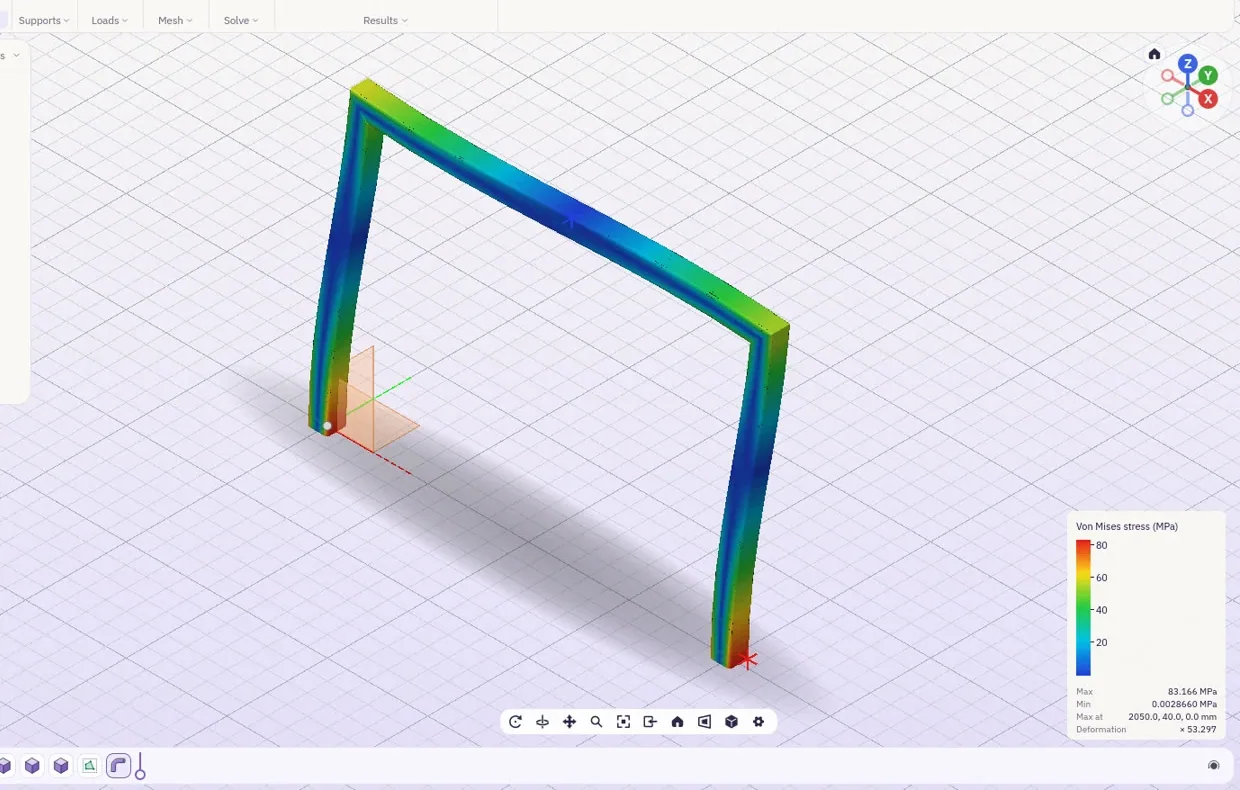
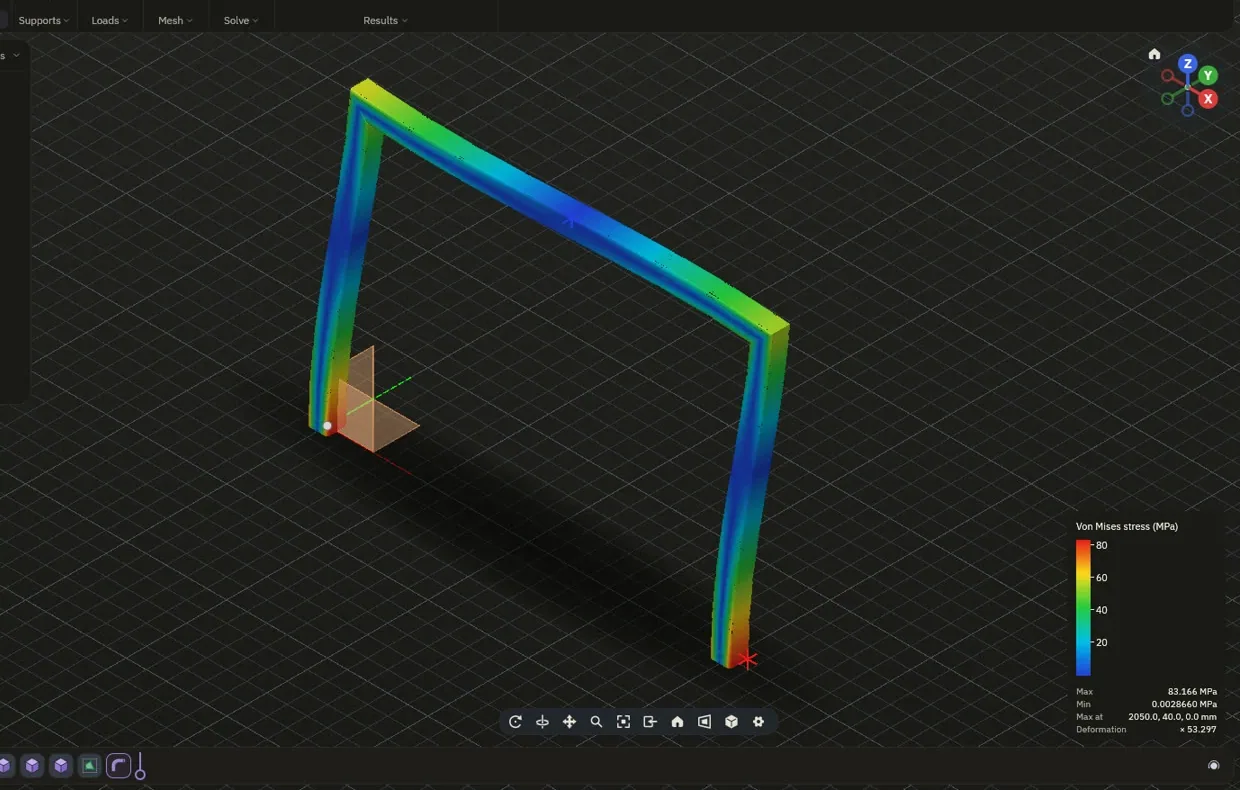
Frames and buildings take their loads from the code you work to, for example IS 1893 and IS 875 in India, Eurocode in Europe or ASCE 7 in the US. Wind, earthquake and floor loads go on together, the way the code combines them.
- LoadsDead, live, wind and earthquake
- CombineThe combinations your code asks for
- SteelFrames from steel sections, checked member by member
List of drawings.
| Pages |
|---|
| The lab |
| Modelling |
| Drawings |
| Simulationyou are here |
| Make |
| Medical |
| Accuracy |
| Bring your own AI |