Bring your own AI.
Connect Claude, Cursor or VS Code and it drives the open tab: it writes the spec, models the part, checks every line and exports the file, on your own AI subscription.
Watch it build, command by command.
Your AI writes the spec first: sizes, fits such as 25 H7, a mass. Then it builds, one command at a time, and Clairvyn measures every line of the spec on the exact geometry. A line that fails says what to change, so your AI fixes it and checks again.
Your AI sends commands. The tab does the work.
You talk to your AI app as usual. It sends commands to the open Clairvyn CAD tab, the tab runs each one on your part and sends back what it did. Files never leave your device.
- Your AIClaude, Cursor or VS Code, on your own subscription
- Your chatIn your AI app
- The tabReceives commands and sends back the results
- Your filesNever leave your device
- DisconnectOne click revokes the link for every AI
One click to connect.
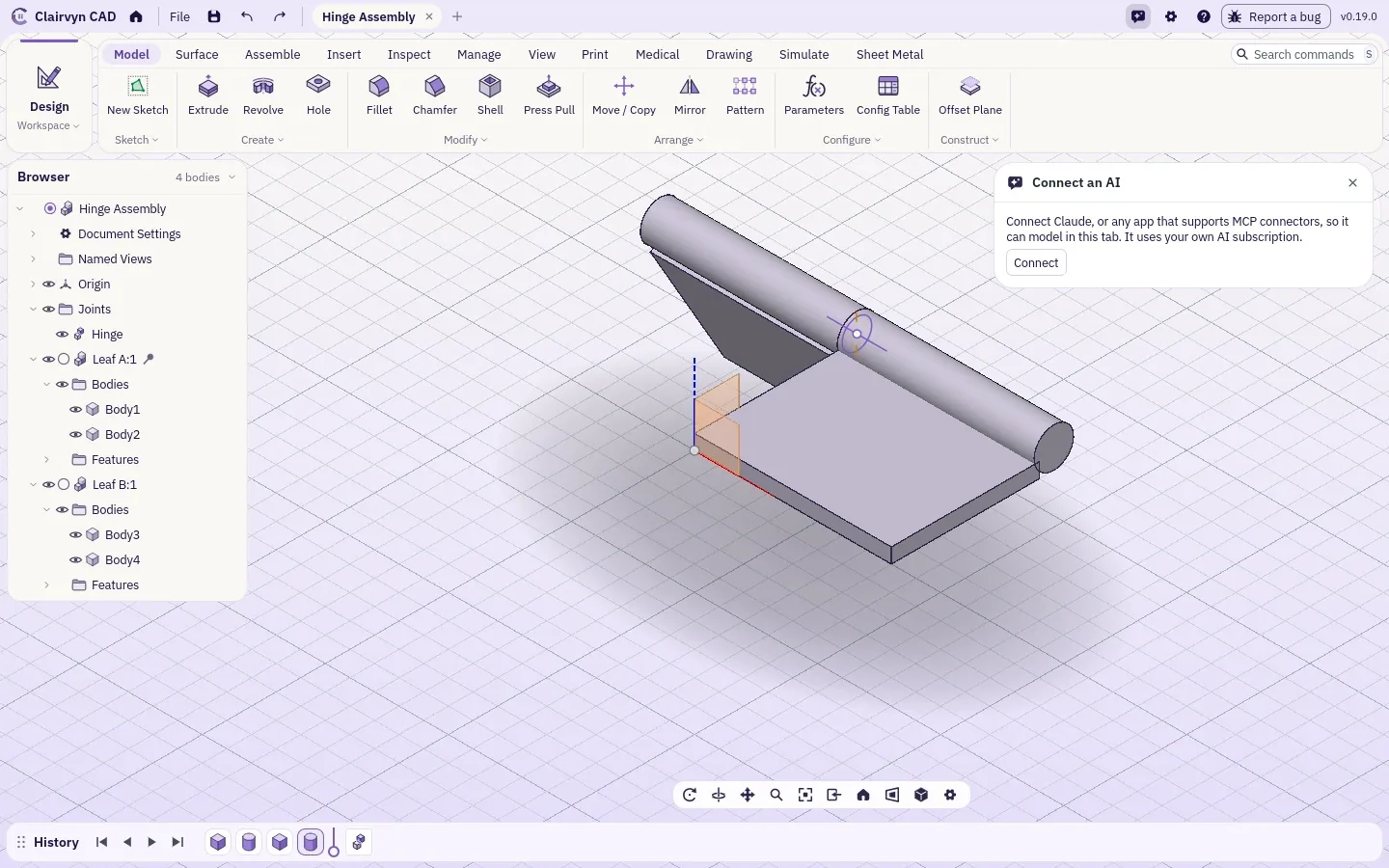
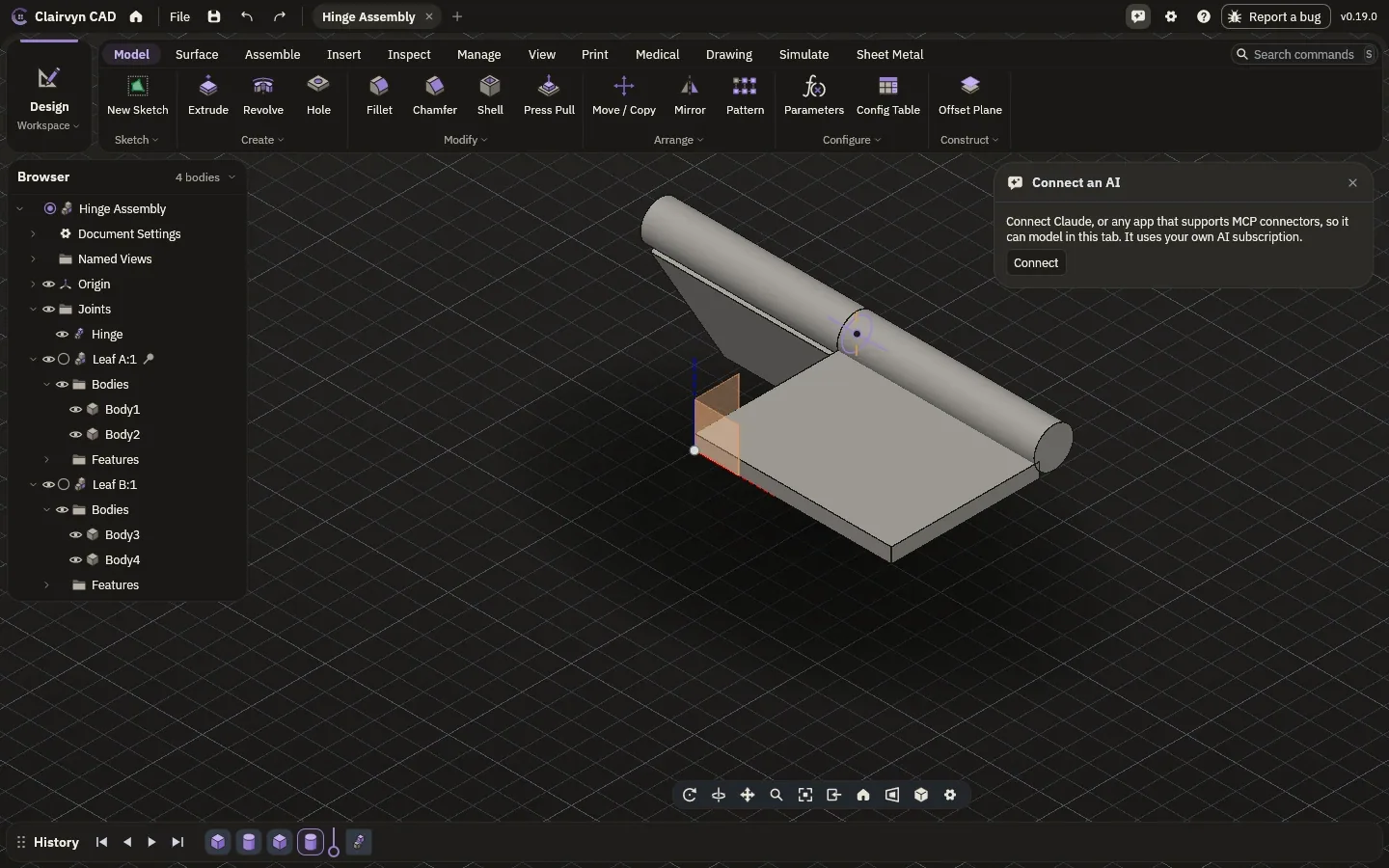
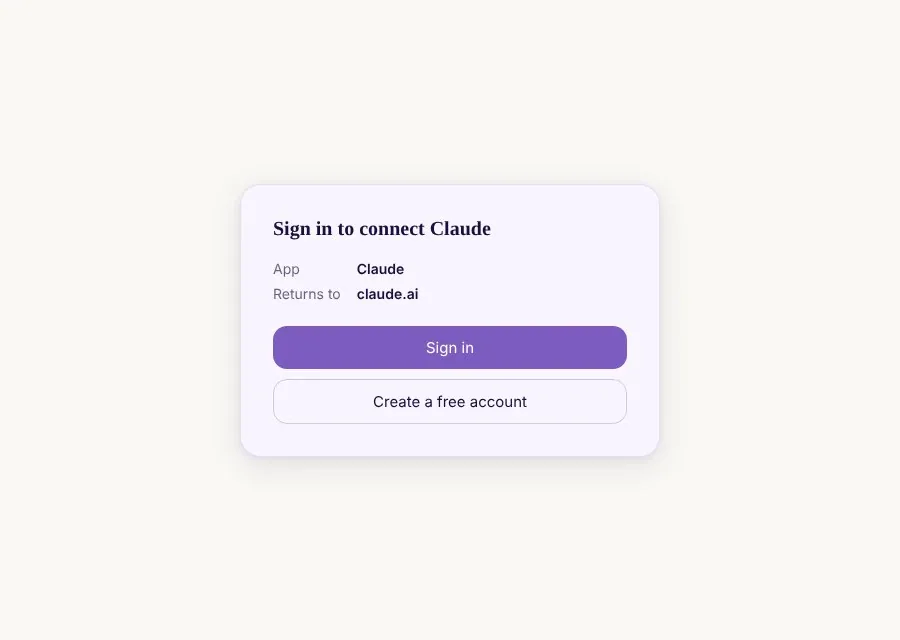
Click Connect an AI in the app bar. Claude, VS Code and Cursor connect in one click; any other app that takes a remote connector gets your private link. Every command in every workspace is there for it: model, assemble, check, print, simulate, draw and export.
List of drawings.
| Pages |
|---|
| The lab |
| Modelling |
| Drawings |
| Simulation |
| Make |
| Medical |
| Accuracy |
| Bring your own AIyou are here |