Make: one part, every machine.
Pick a machine. The same part rides the line to it and comes off made its way: printed in layers, grown out of resin, milled from a block, or cut from a sheet by a wire, a laser or a waterjet. One tab sets up every one of them.
Every machine draws its own path.
The window plays the path the slicer wrote for the Sample Plate on the machine you picked: layers for the printers, roughing loops for the mill, the outline and the moves between cuts for the wire, the laser and the waterjet. When the head finishes, the real slicer view shows through.
Check it before the printer does.
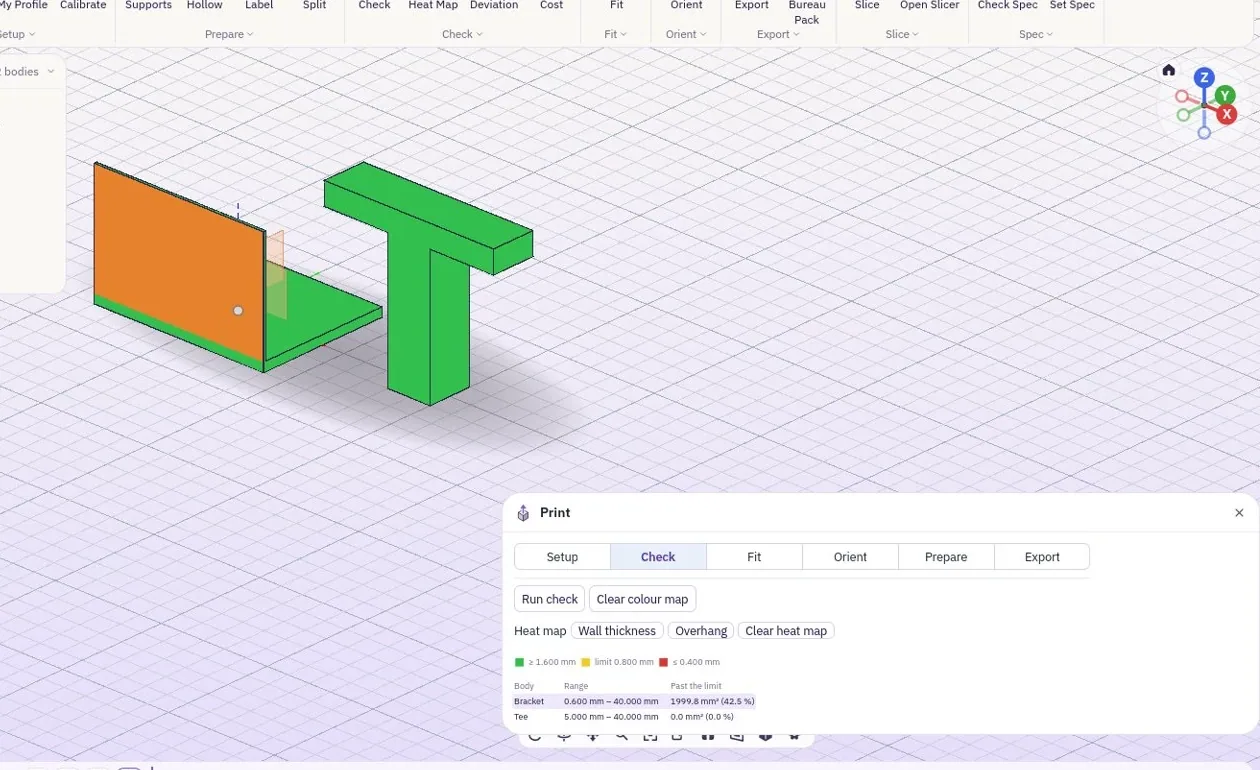
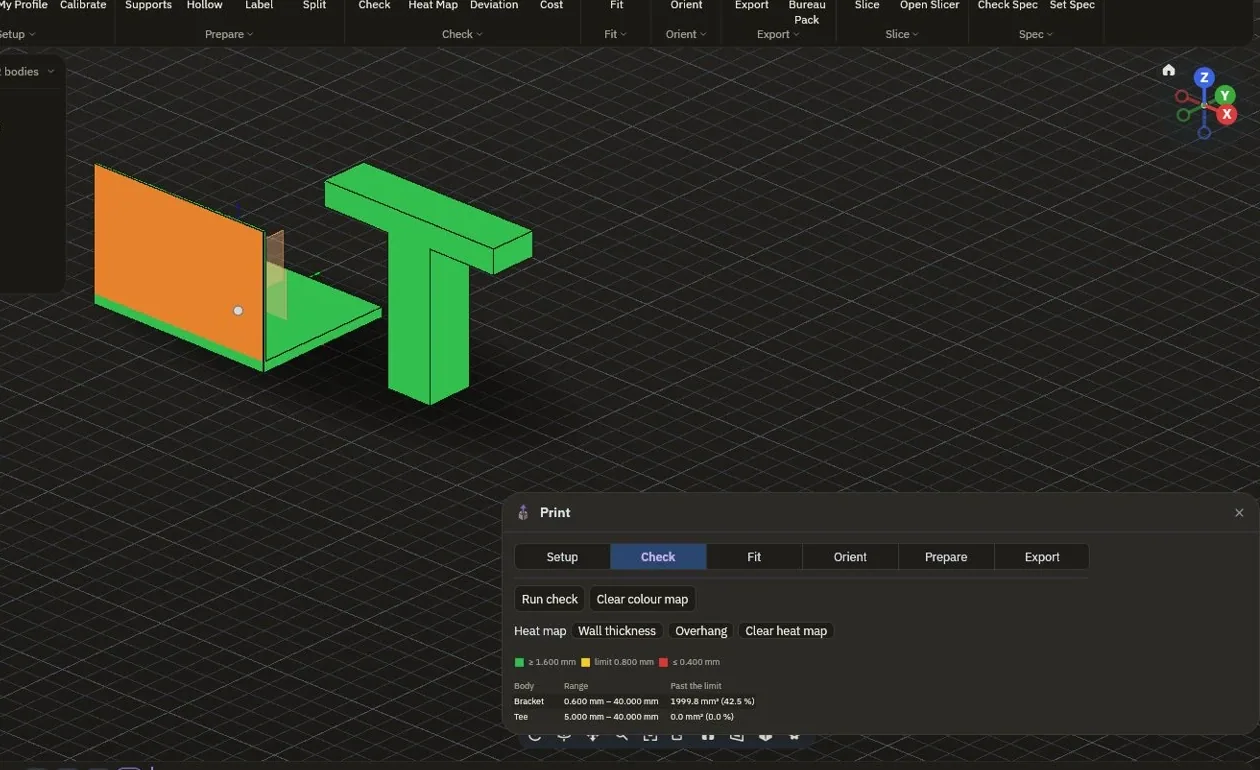
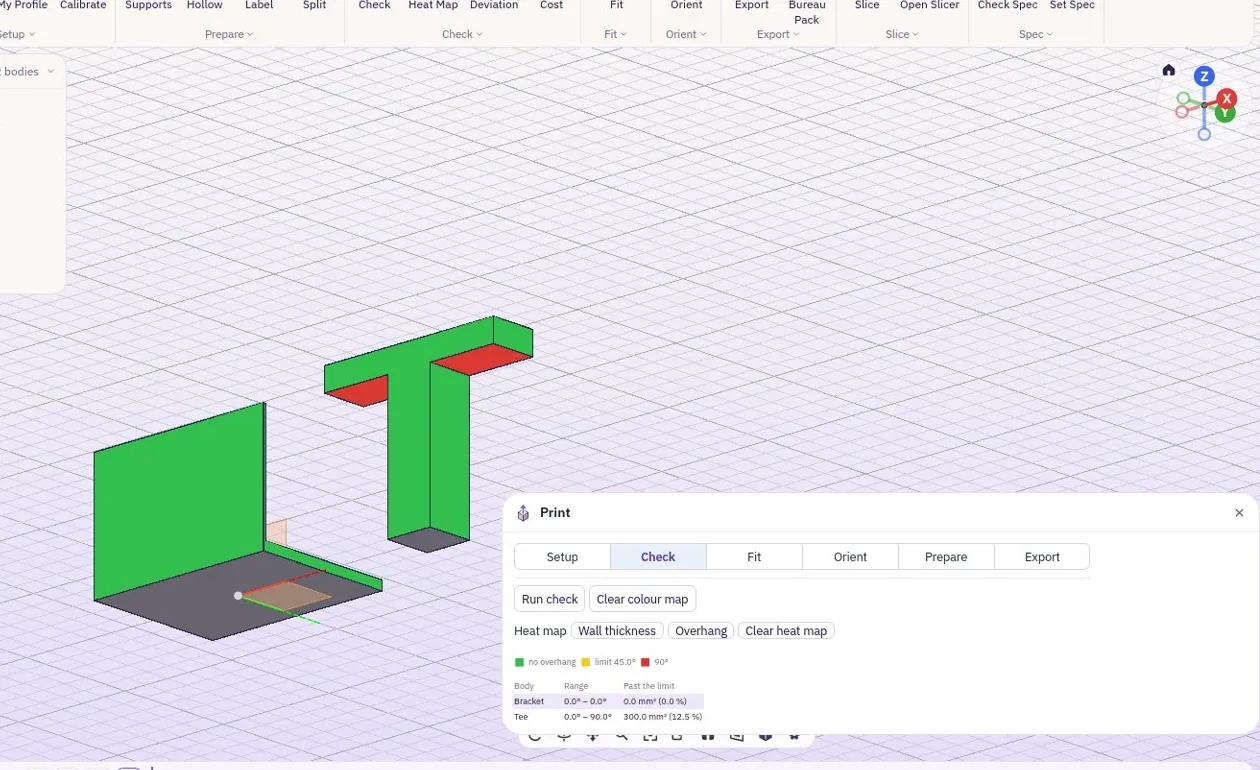
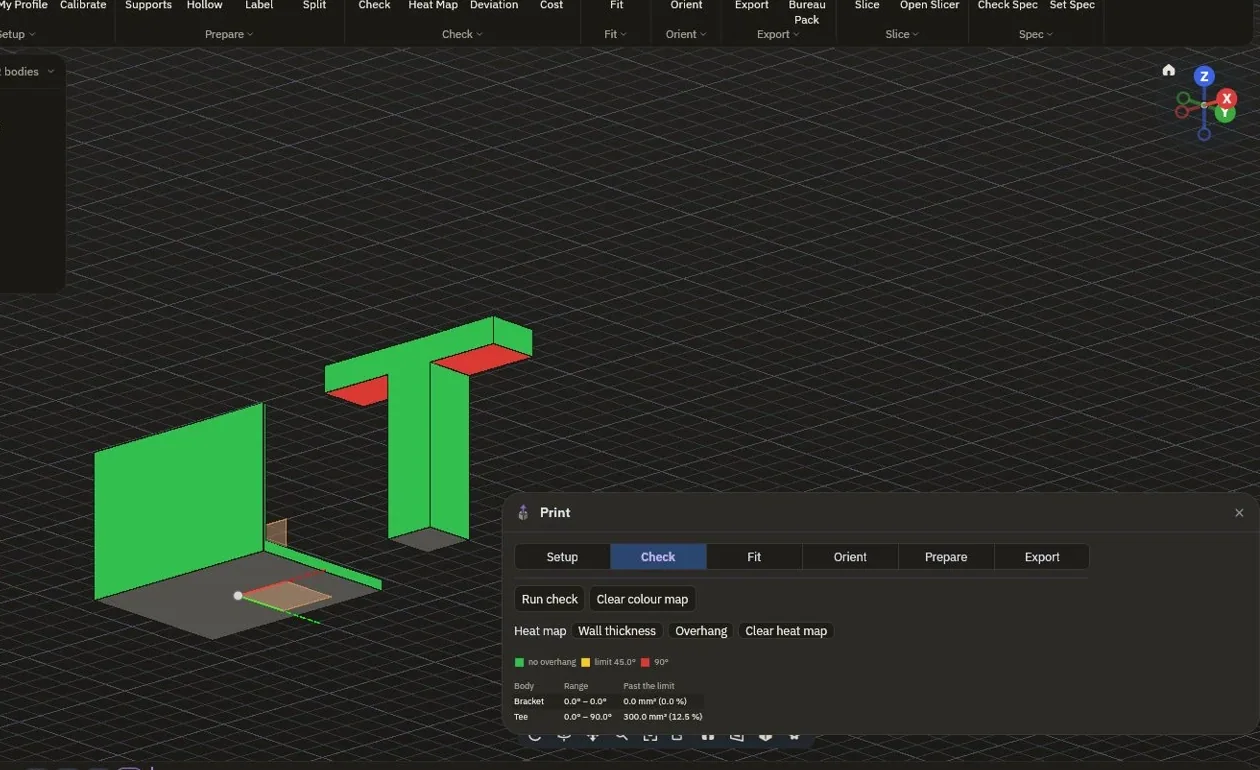
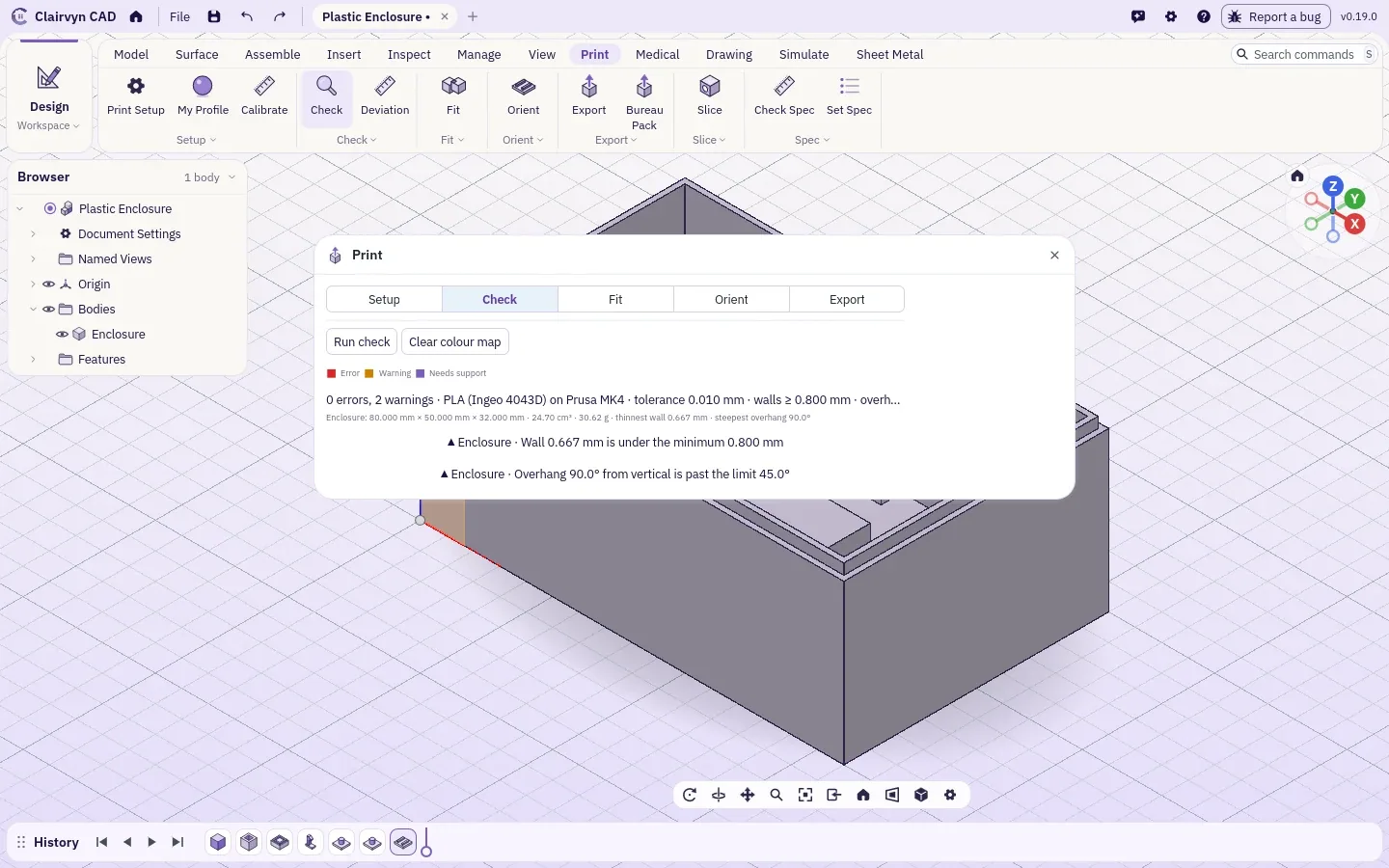
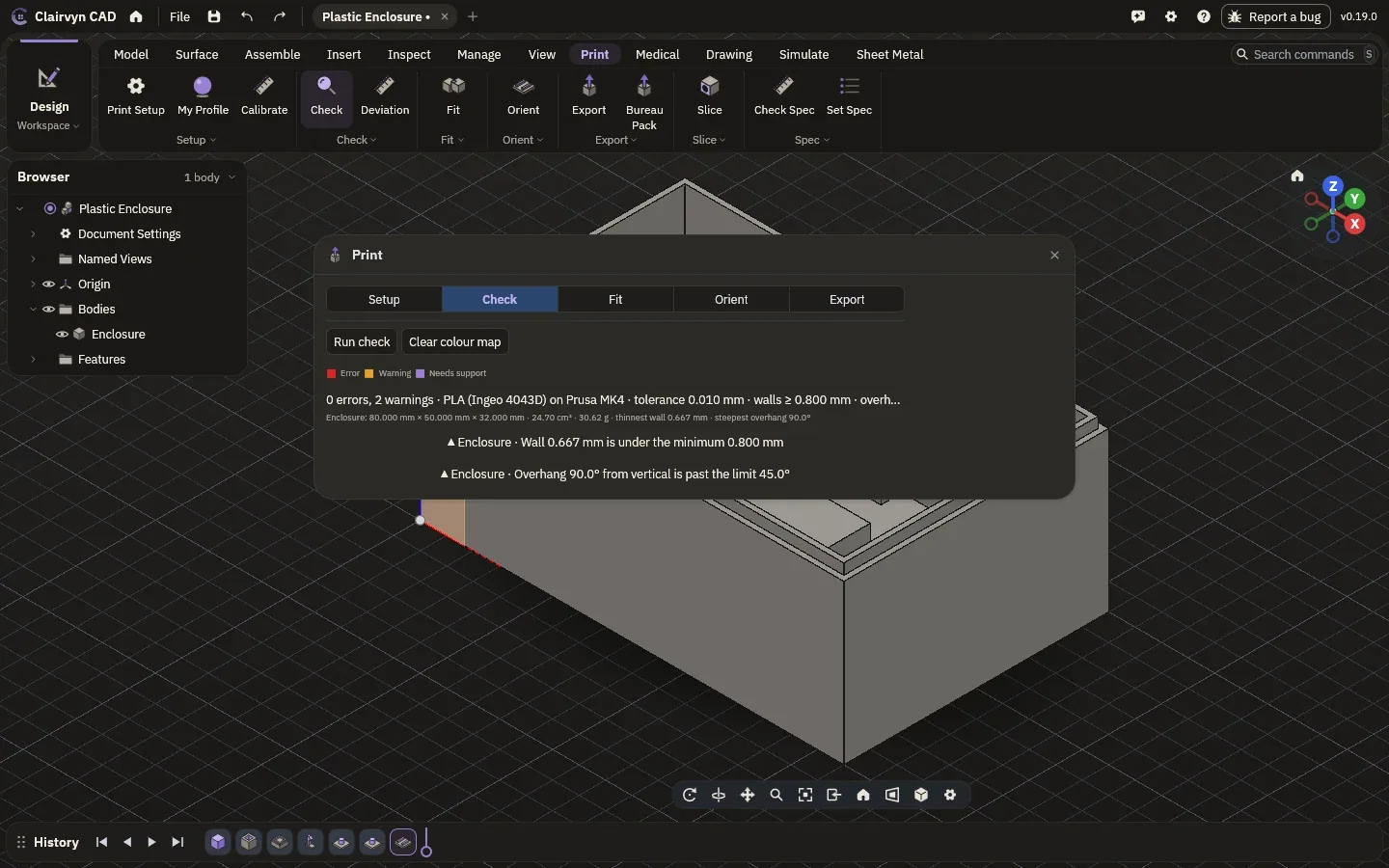
The printability check reads the part the way your printer will: walls too thin for the nozzle, gaps it cannot resolve, overhangs past the limit for the process, open surfaces, sealed pockets that would trap resin or powder, and parts too big for the bed. Click a problem to select its faces.
Stand it up, then hold it up.
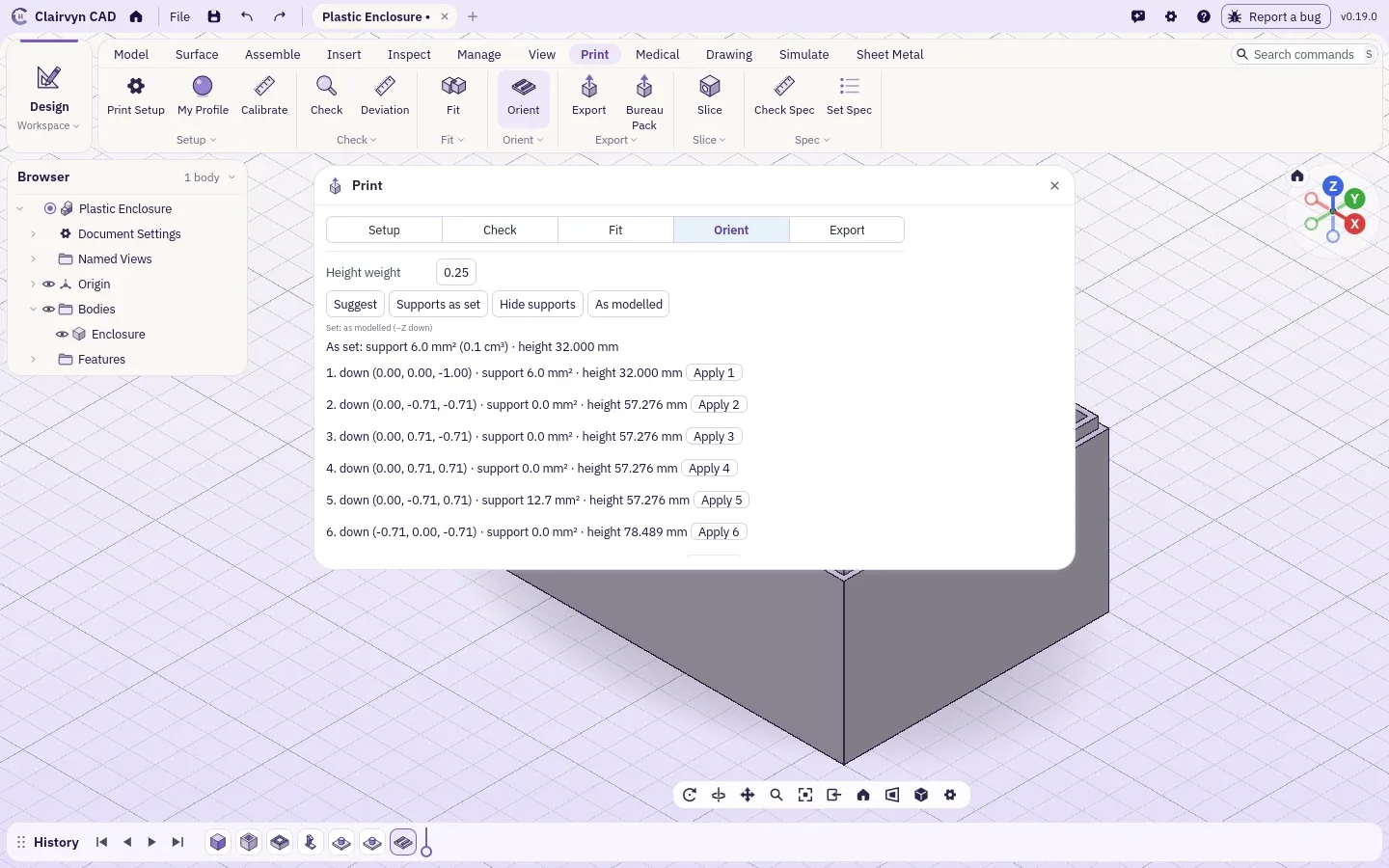
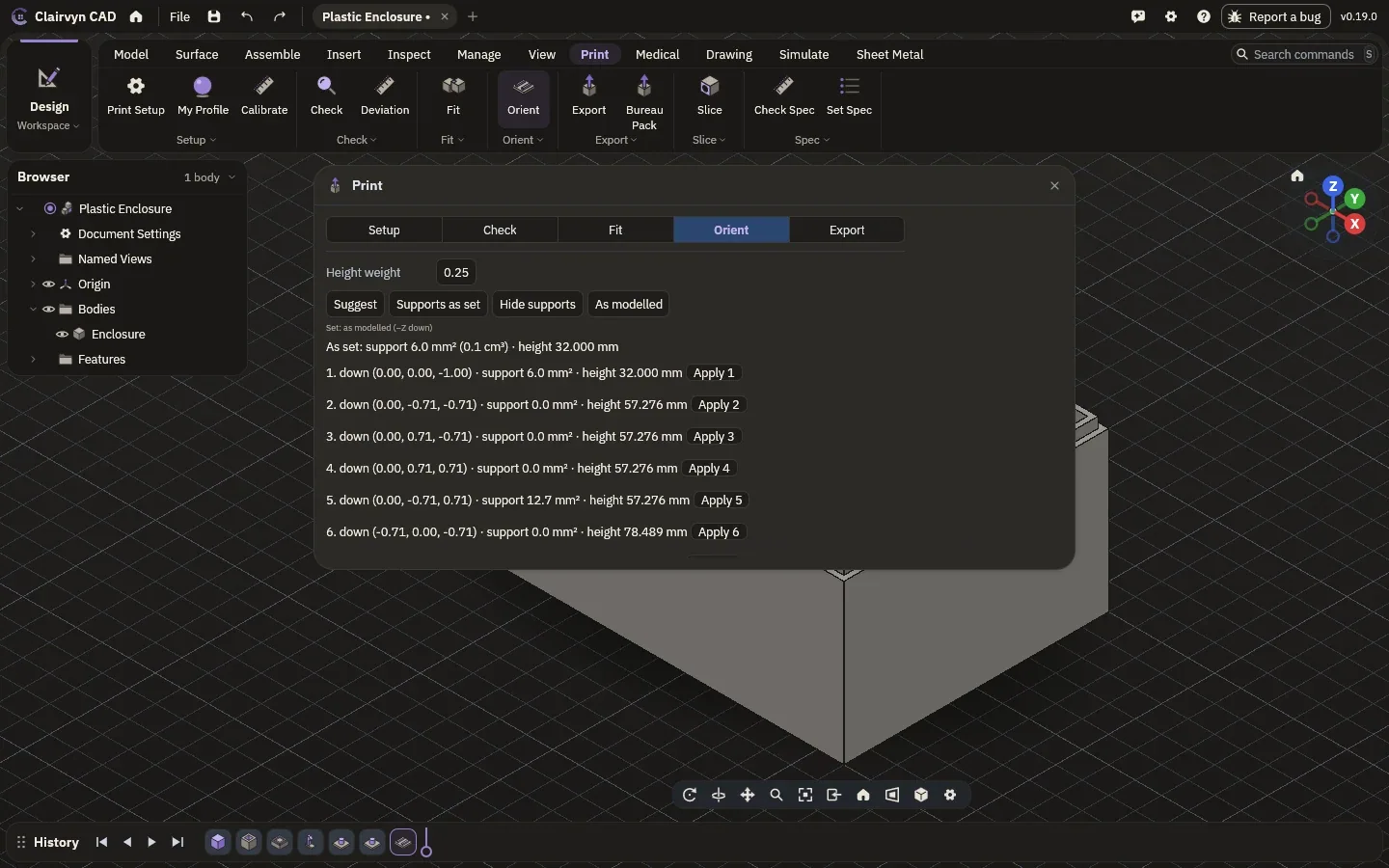
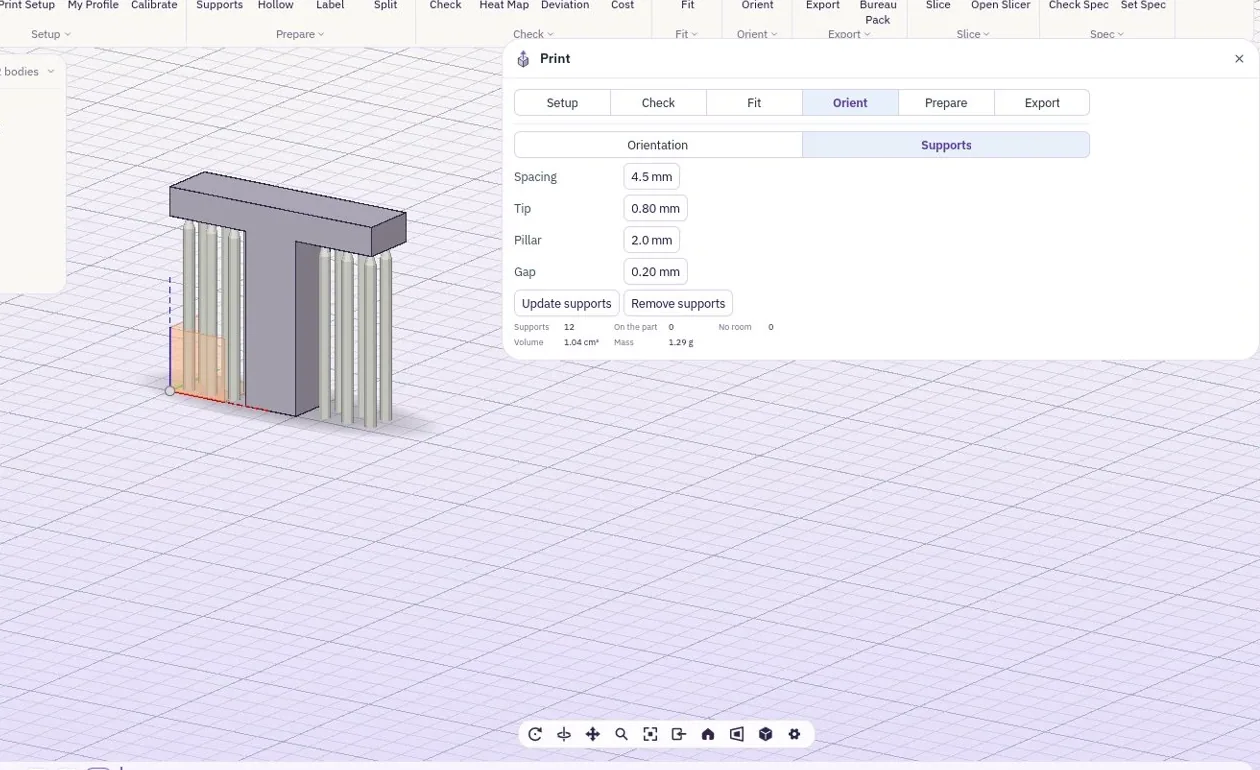
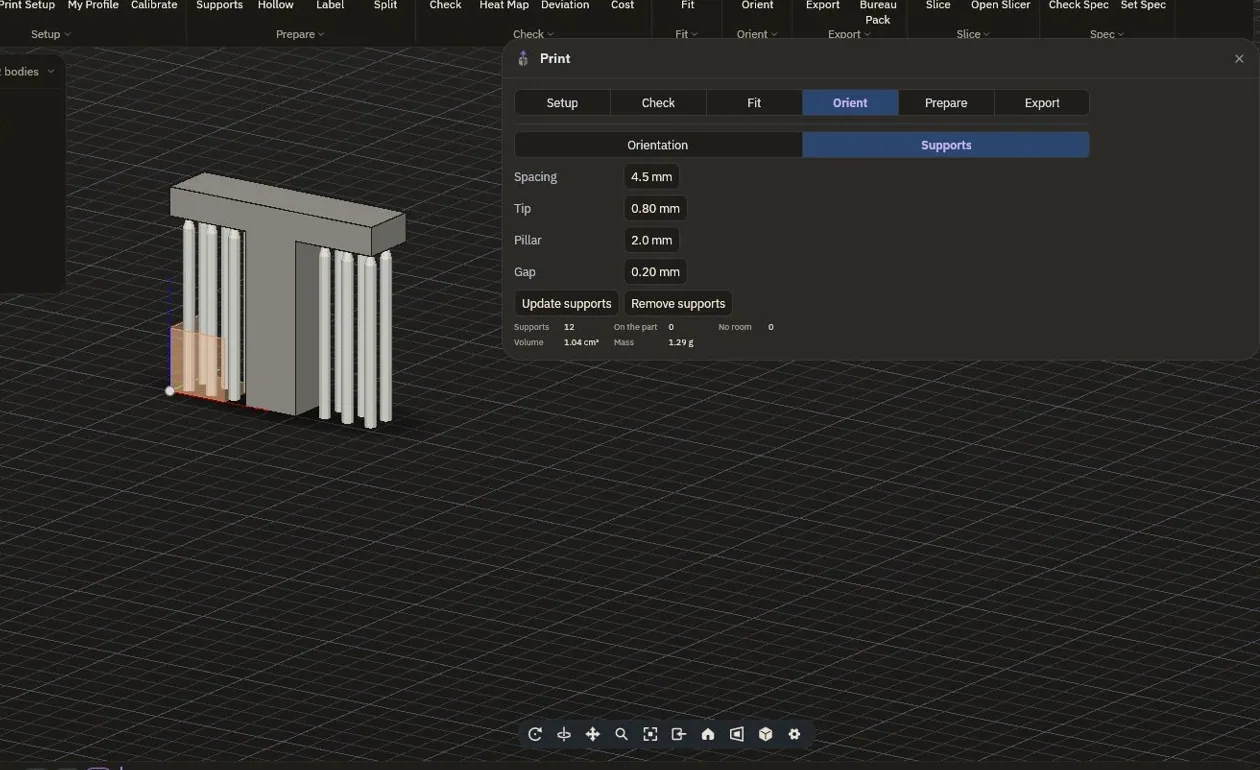
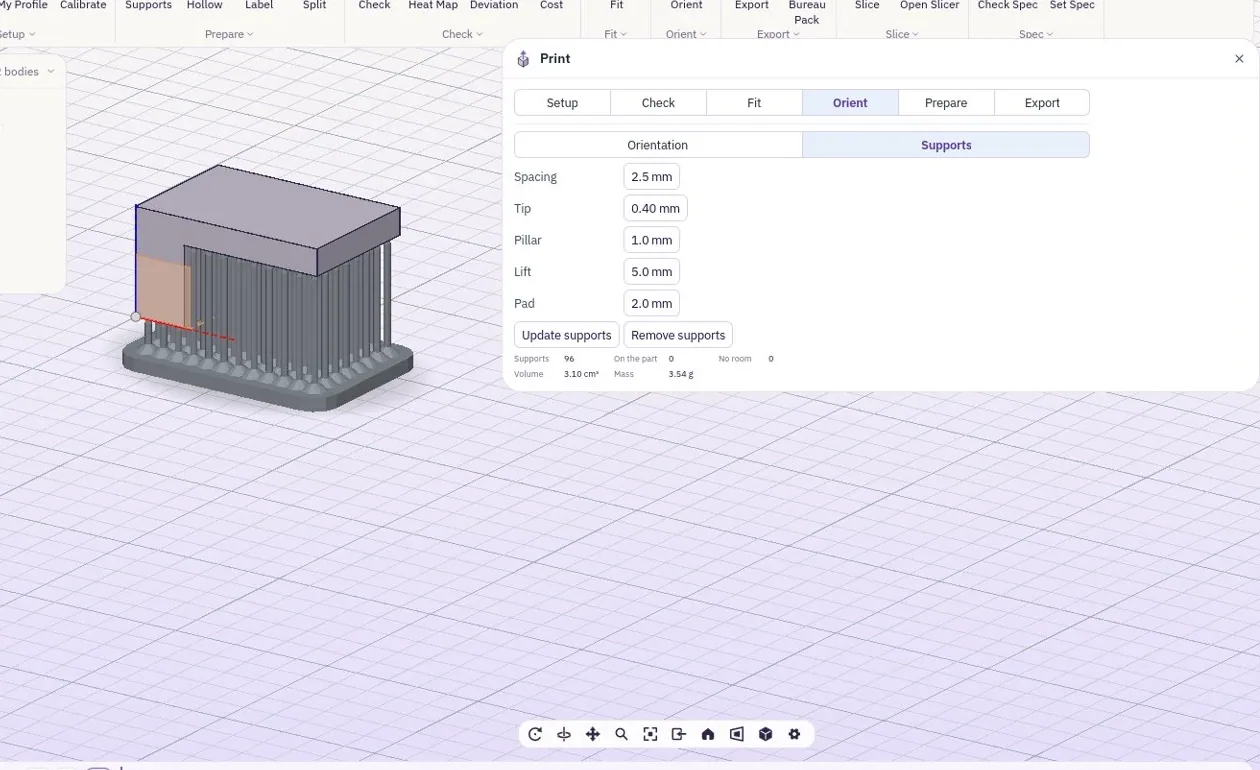
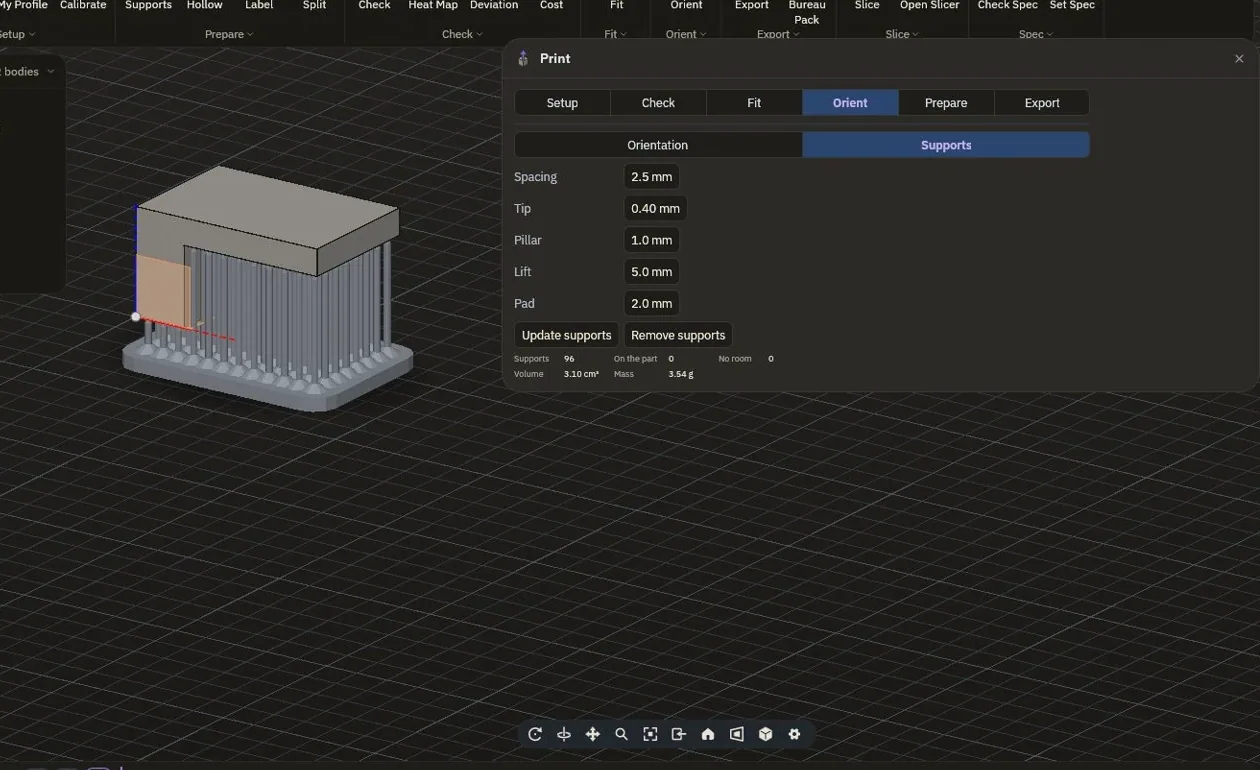
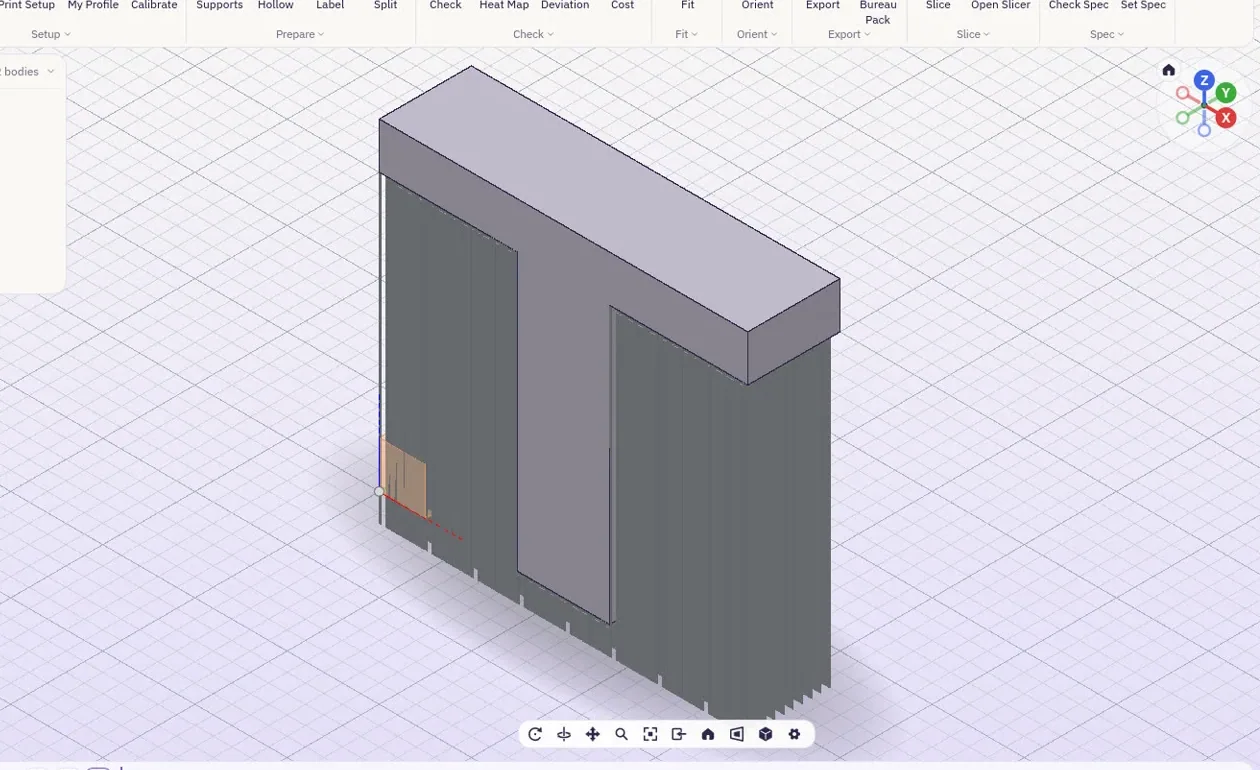
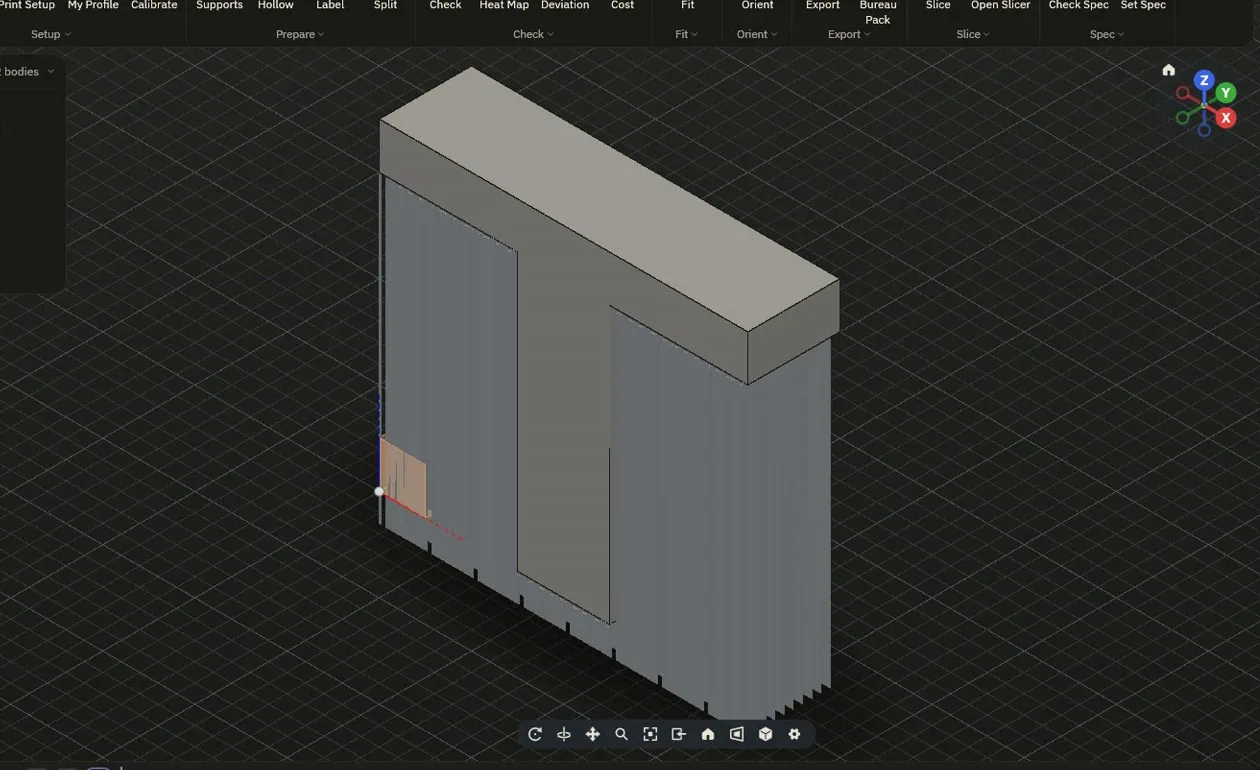
Clairvyn ranks the ways a part can stand by support area, support volume and height, and previews the supports for each. Apply the one you like. Supports follow the process: posts for plastic, a tree of tips for resin, toothed walls that lift a metal part off the plate.
Make it lighter.
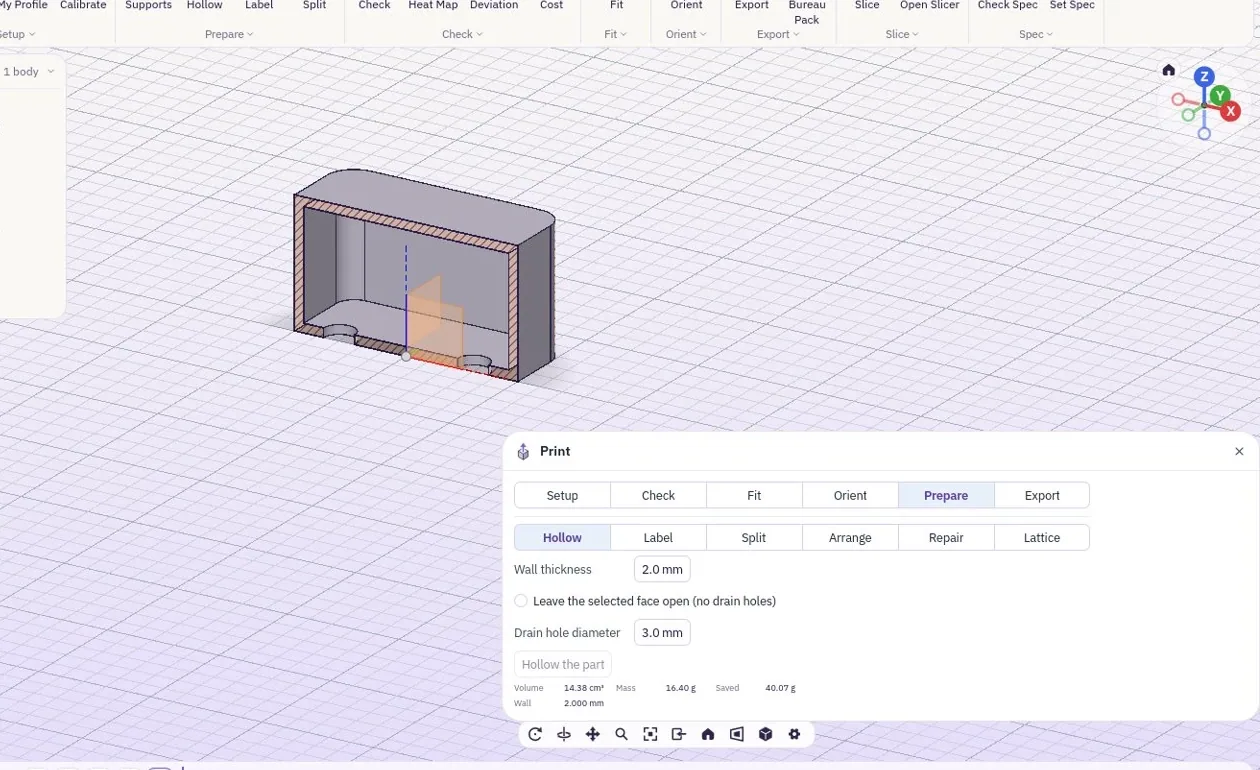
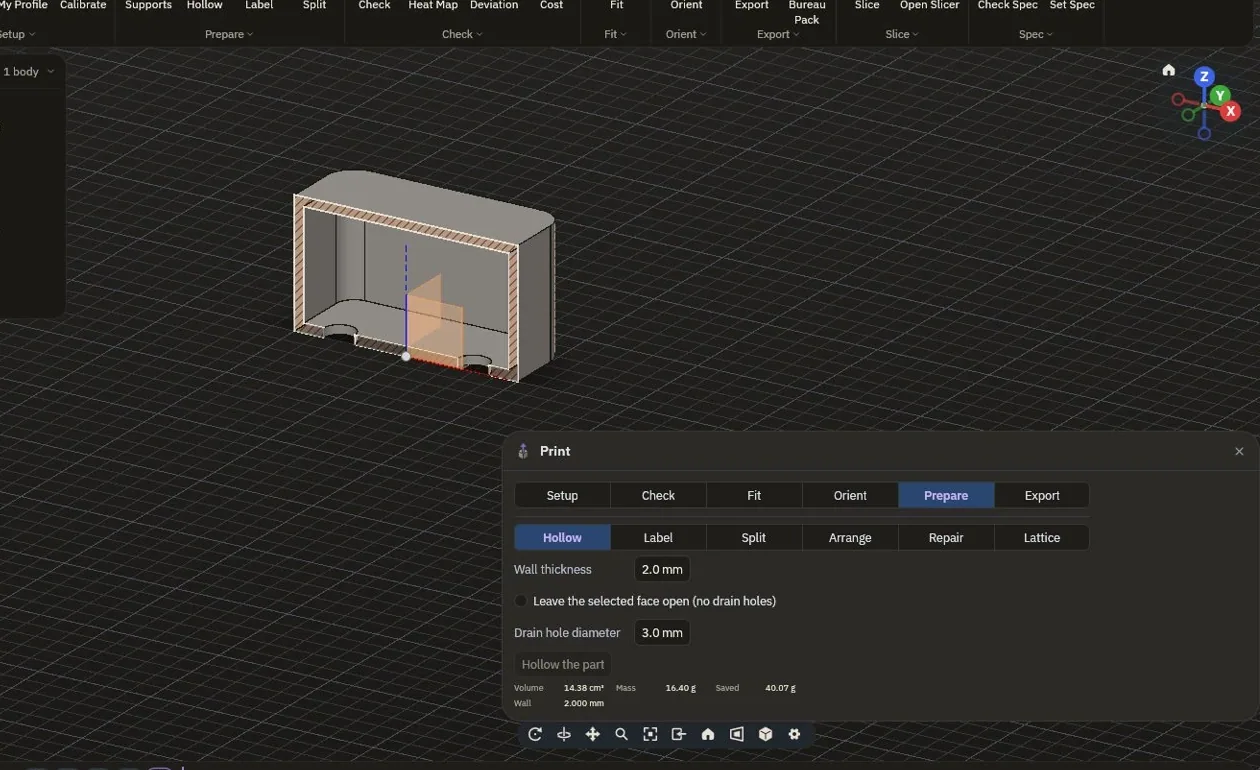
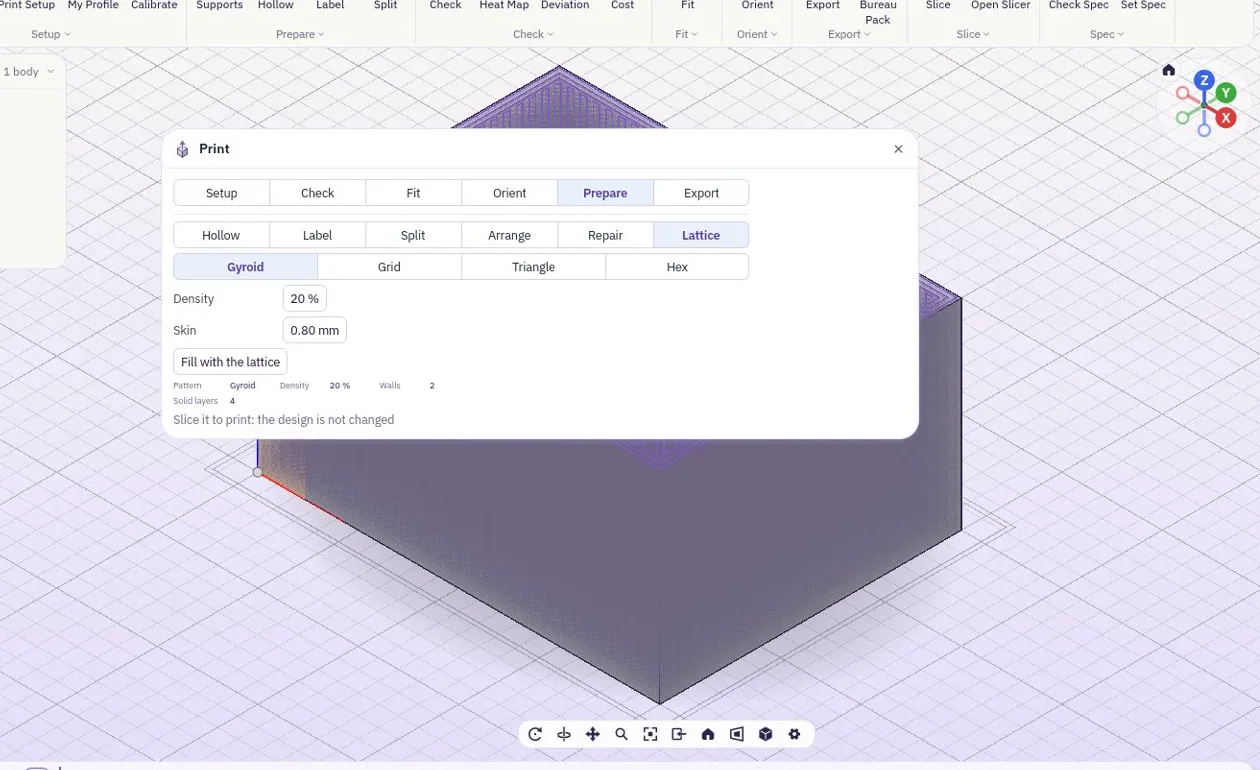
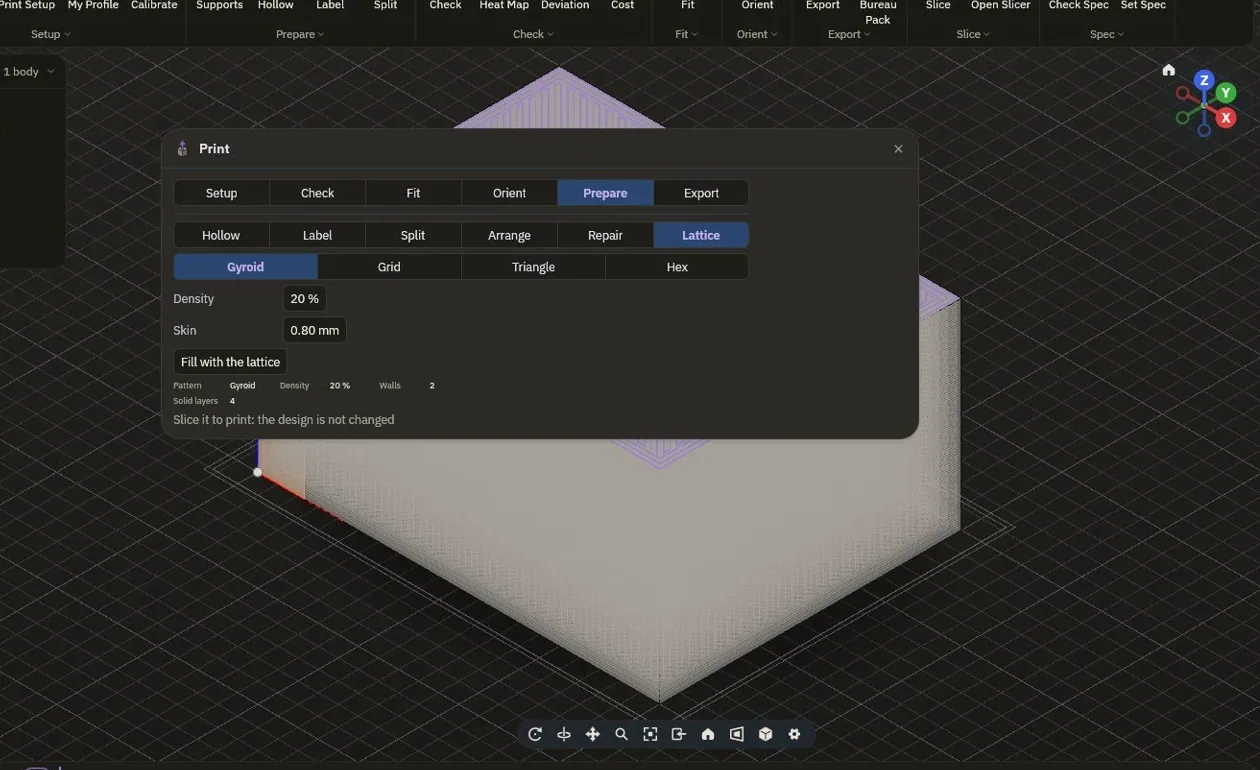
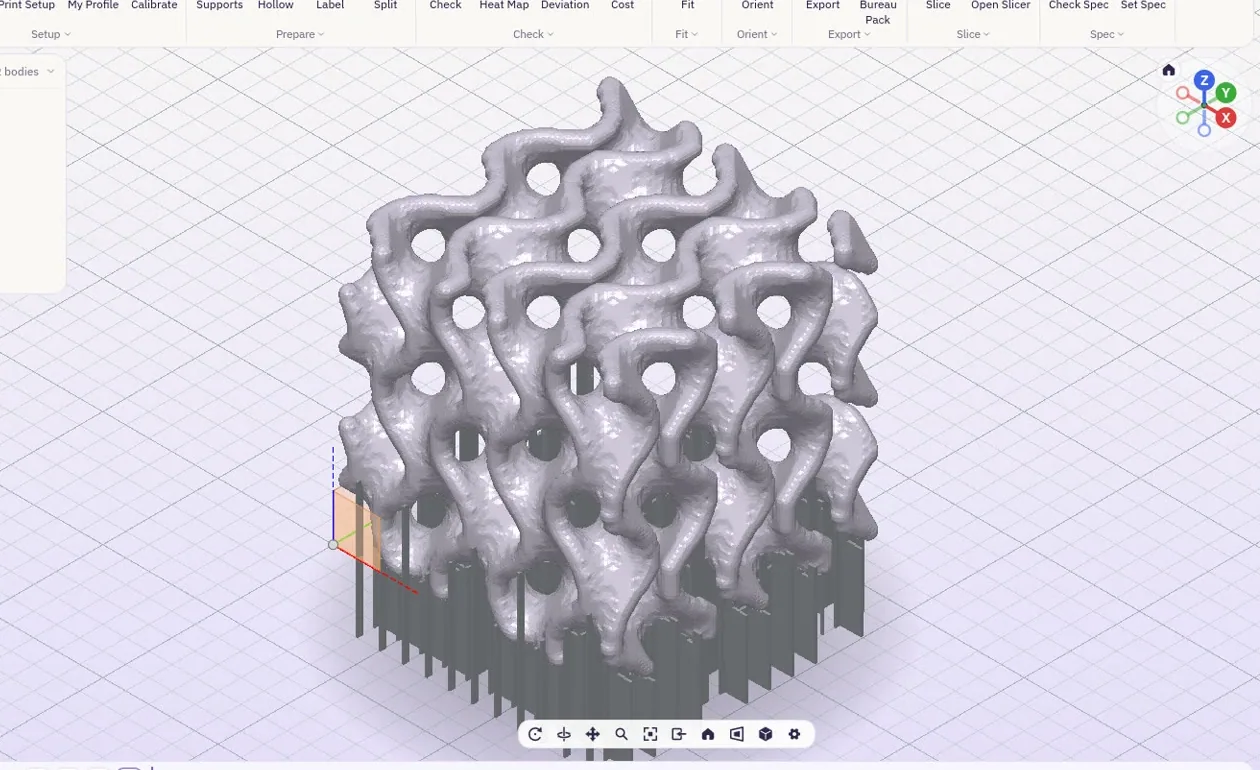
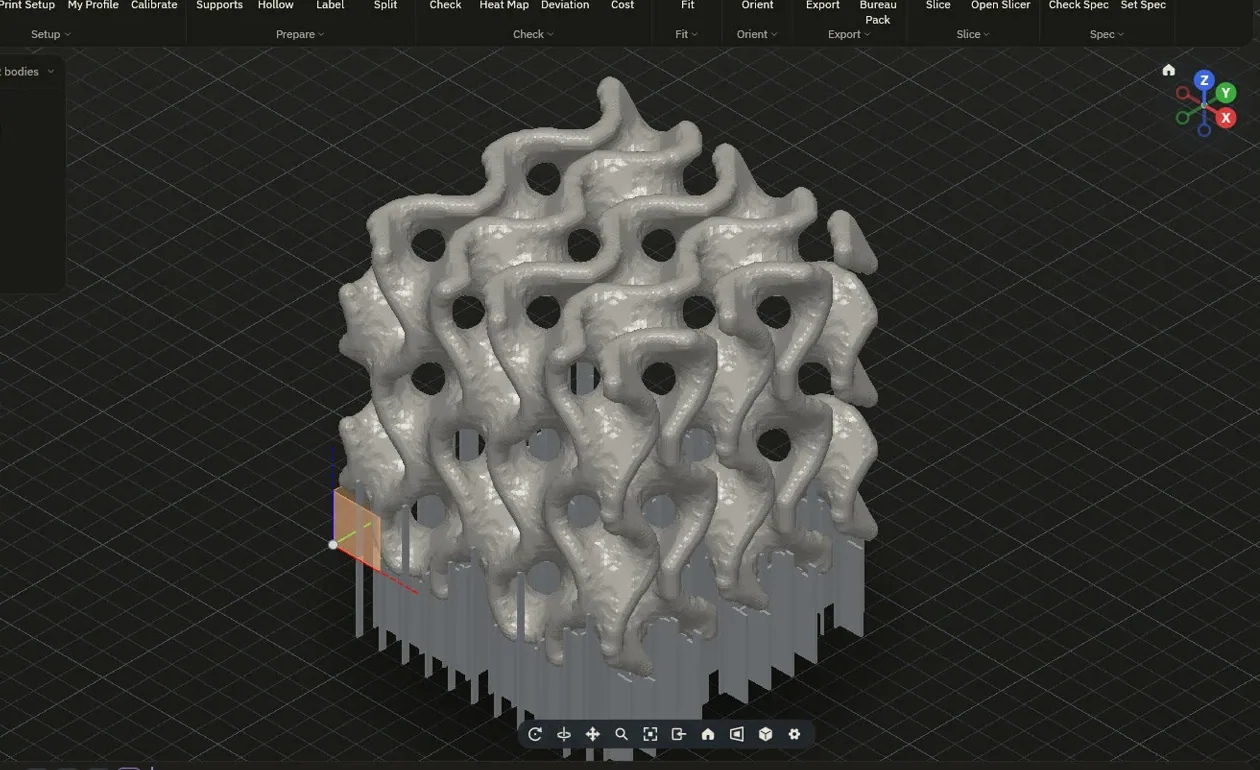
Hollow a part to a wall you set, with drain holes or an open face, or fill it with a lattice sized to the wall and cell you choose. The design itself is not changed: the lattice is made for the print.
Holes that fit, first time.
Pick a hole and a shaft and choose a fit. Clairvyn opens the hole by the clearance that process needs when it exports: a 6 mm (0.236 in) hole with a slip fit on a 3D printer comes out at 6.3 mm (0.248 in), while the design still says 6 mm.
- PressNo clearance: it goes in with a push
- Snug0.15 mm (0.006 in) on a 3D printer
- Slip0.30 mm (0.012 in) on a 3D printer
- Clearance0.50 mm (0.020 in) on a 3D printer
- CalibratePrint a small coupon, measure it with calipers, type the readings: Clairvyn works out your printer's own compensation
Your printer, your material.
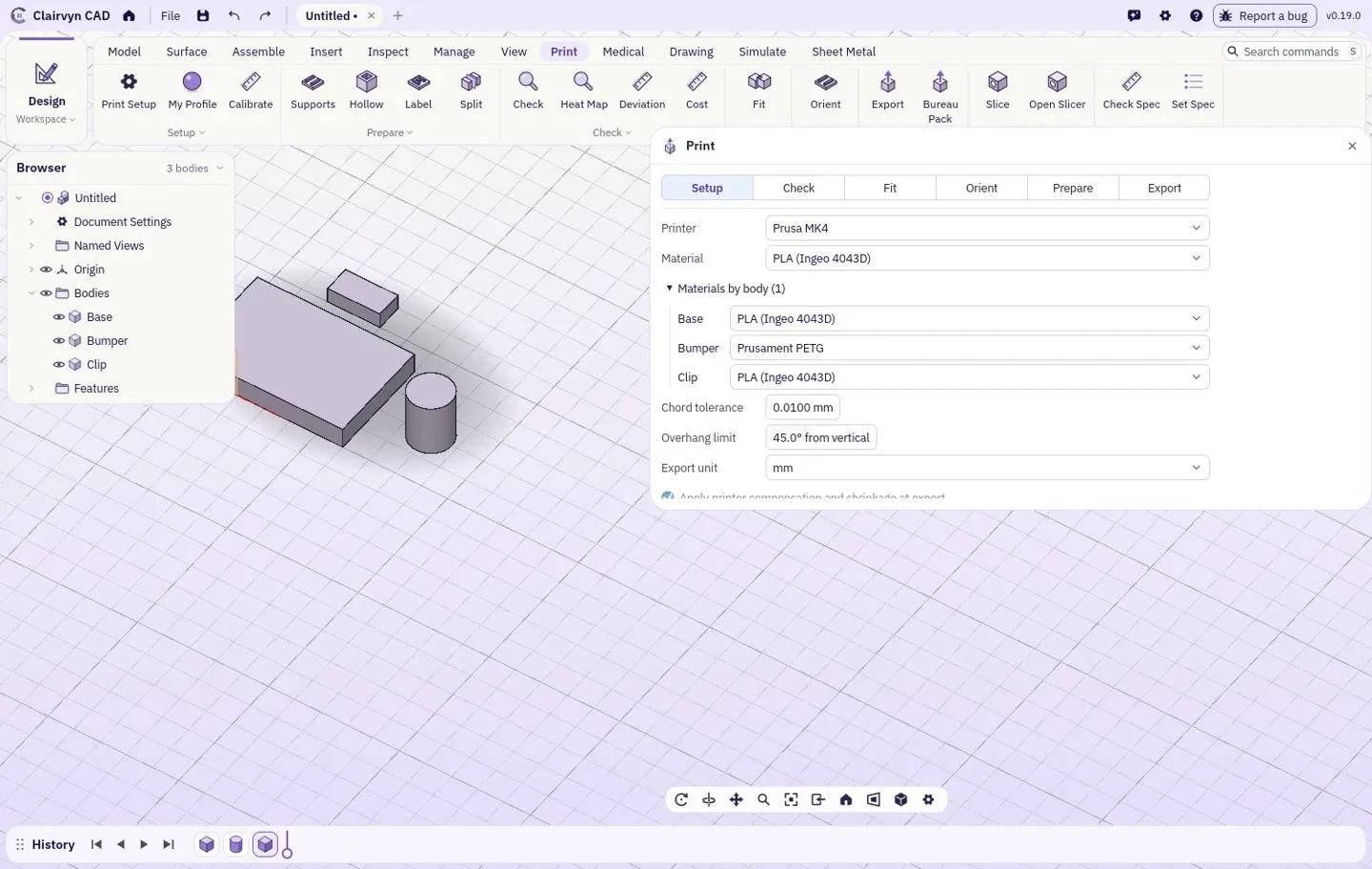
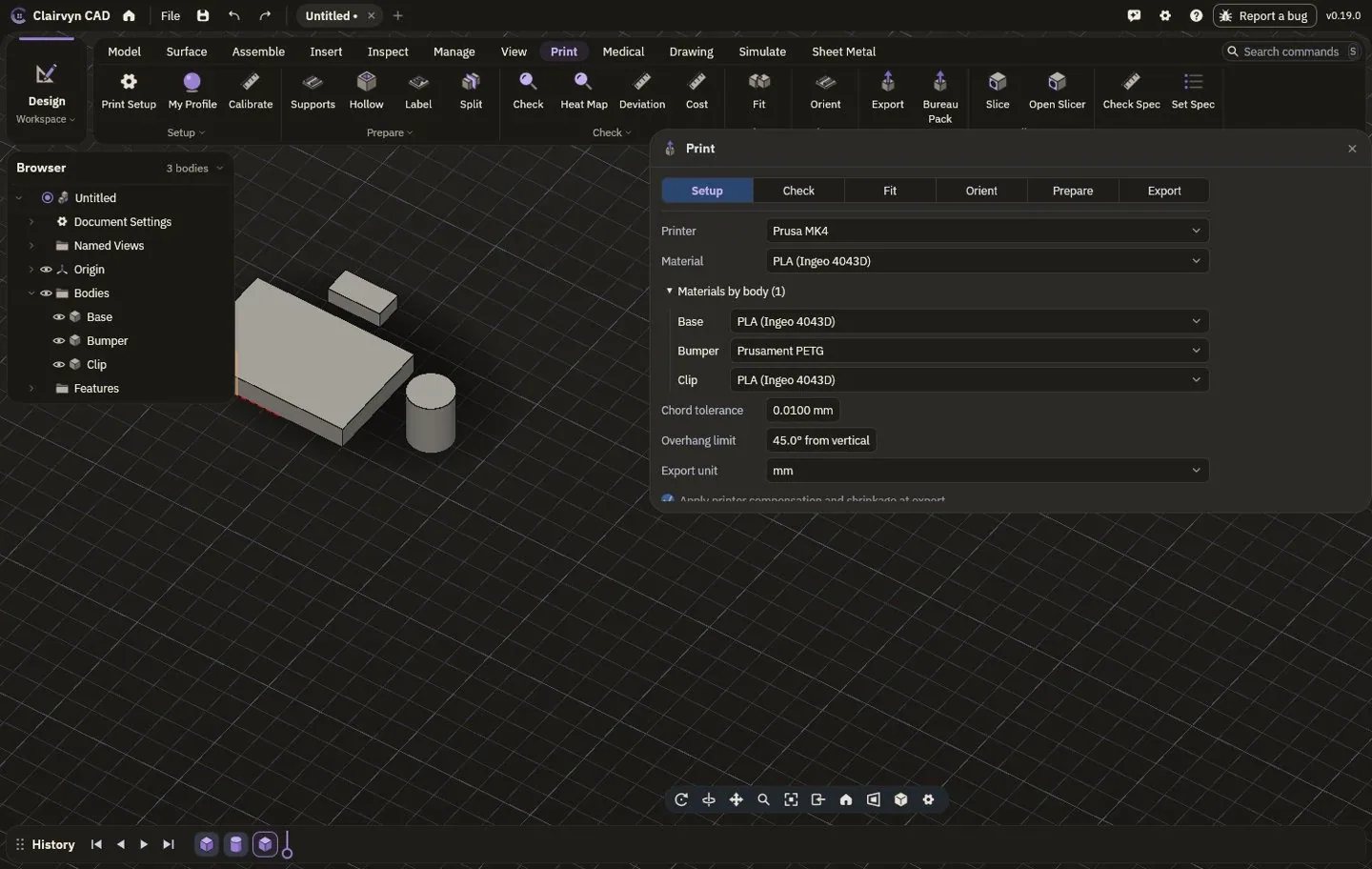
Pick a printer and a material, or save your own. Values come from the makers' data sheets; anything a maker does not publish is left out, never guessed. Each body of the part can get its own material.
| Printer | Build volume |
|---|---|
| Prusa MK4 | Plastic, 250 x 210 x 220 mm (9.8 x 8.3 x 8.7 in) |
| UltiMaker S5 | Plastic, 330 x 240 x 300 mm (13.0 x 9.4 x 11.8 in) |
| Formlabs Form 4 | Resin, 200 x 125 x 210 mm (7.9 x 4.9 x 8.3 in) |
| Formlabs Fuse 1+ | Nylon powder, 165 x 165 x 300 mm (6.5 x 6.5 x 11.8 in) |
| EOS M 290 | Metal powder, 250 x 250 x 325 mm (9.8 x 9.8 x 12.8 in) |
Slice it here. Send it there.
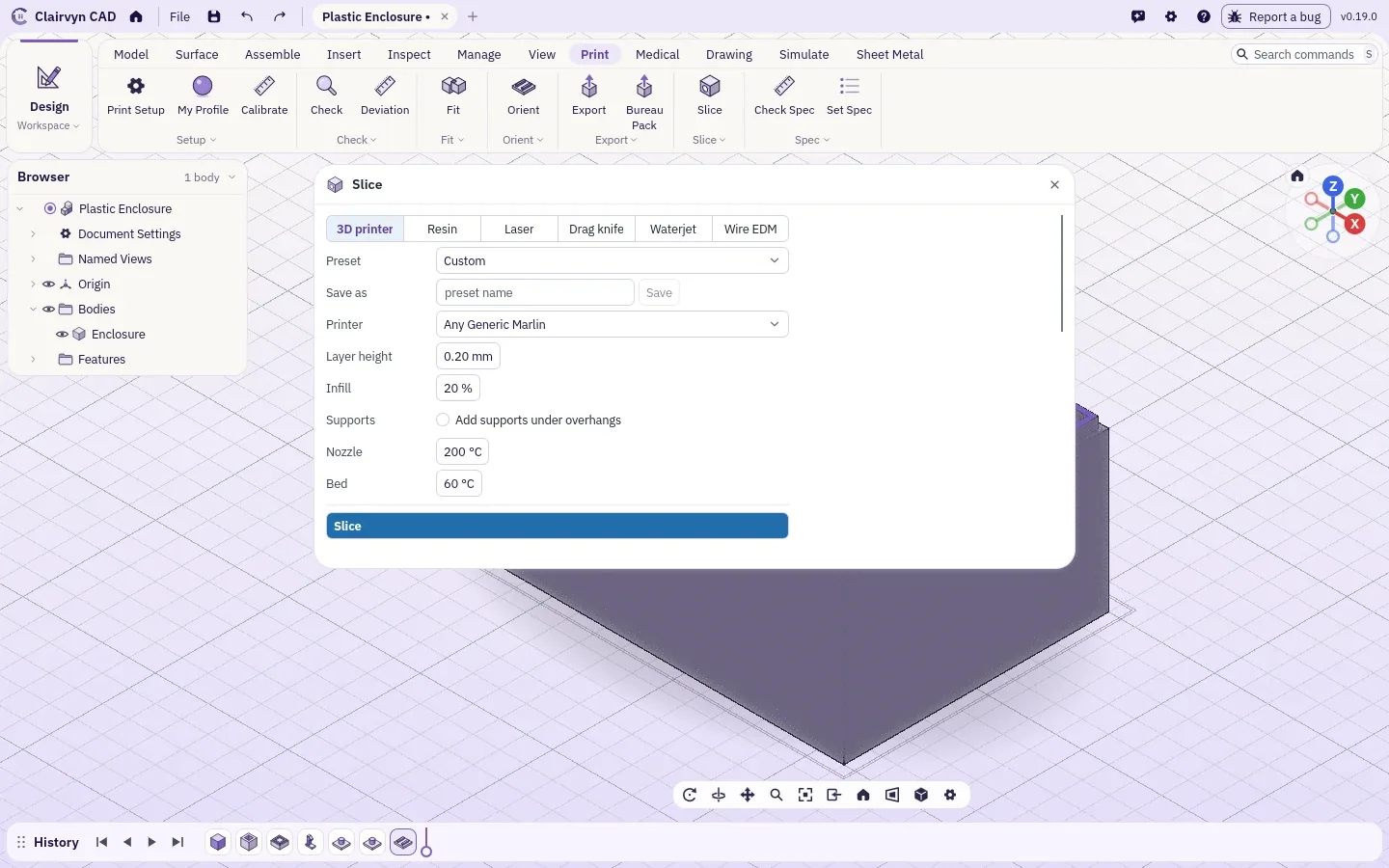
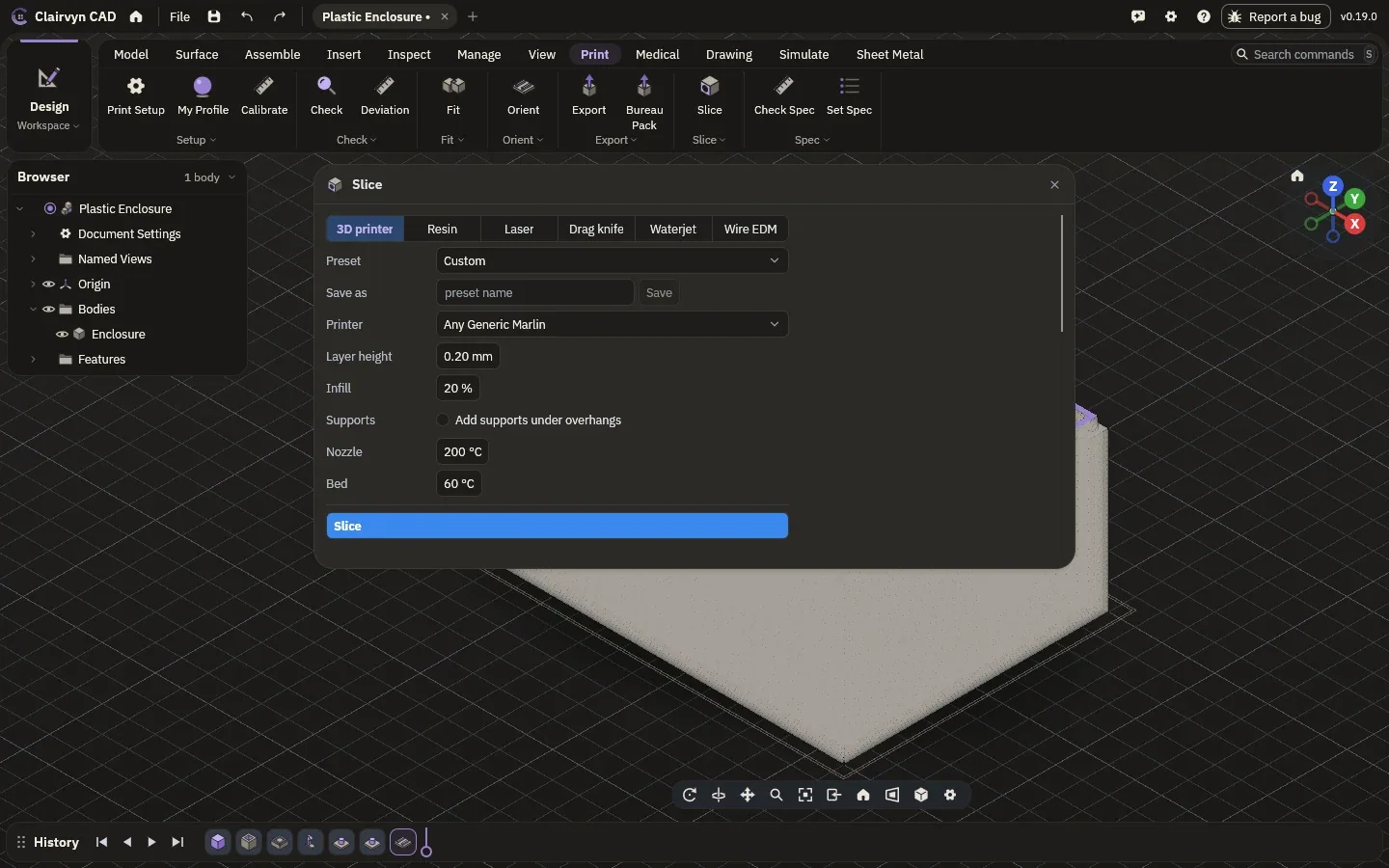
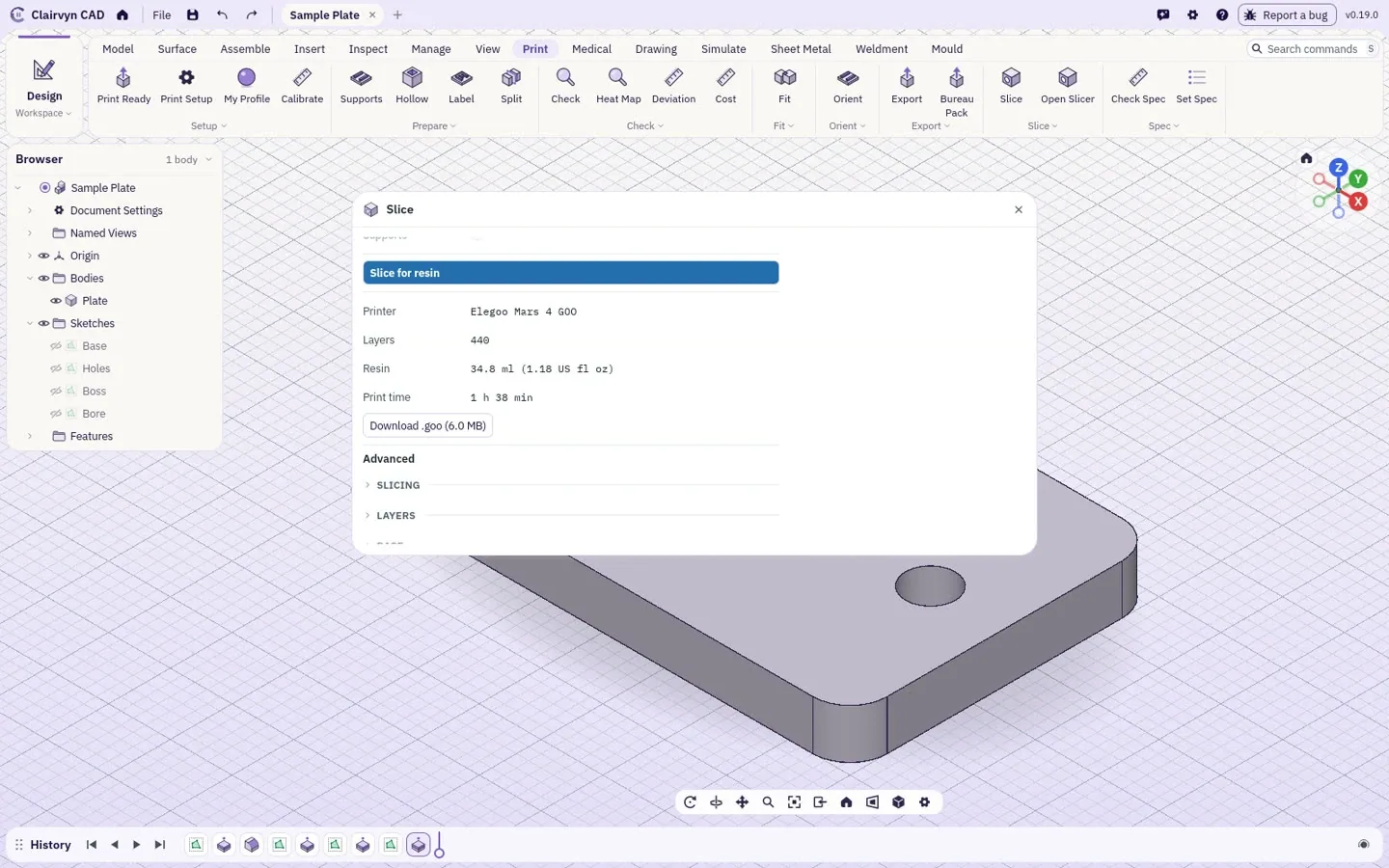
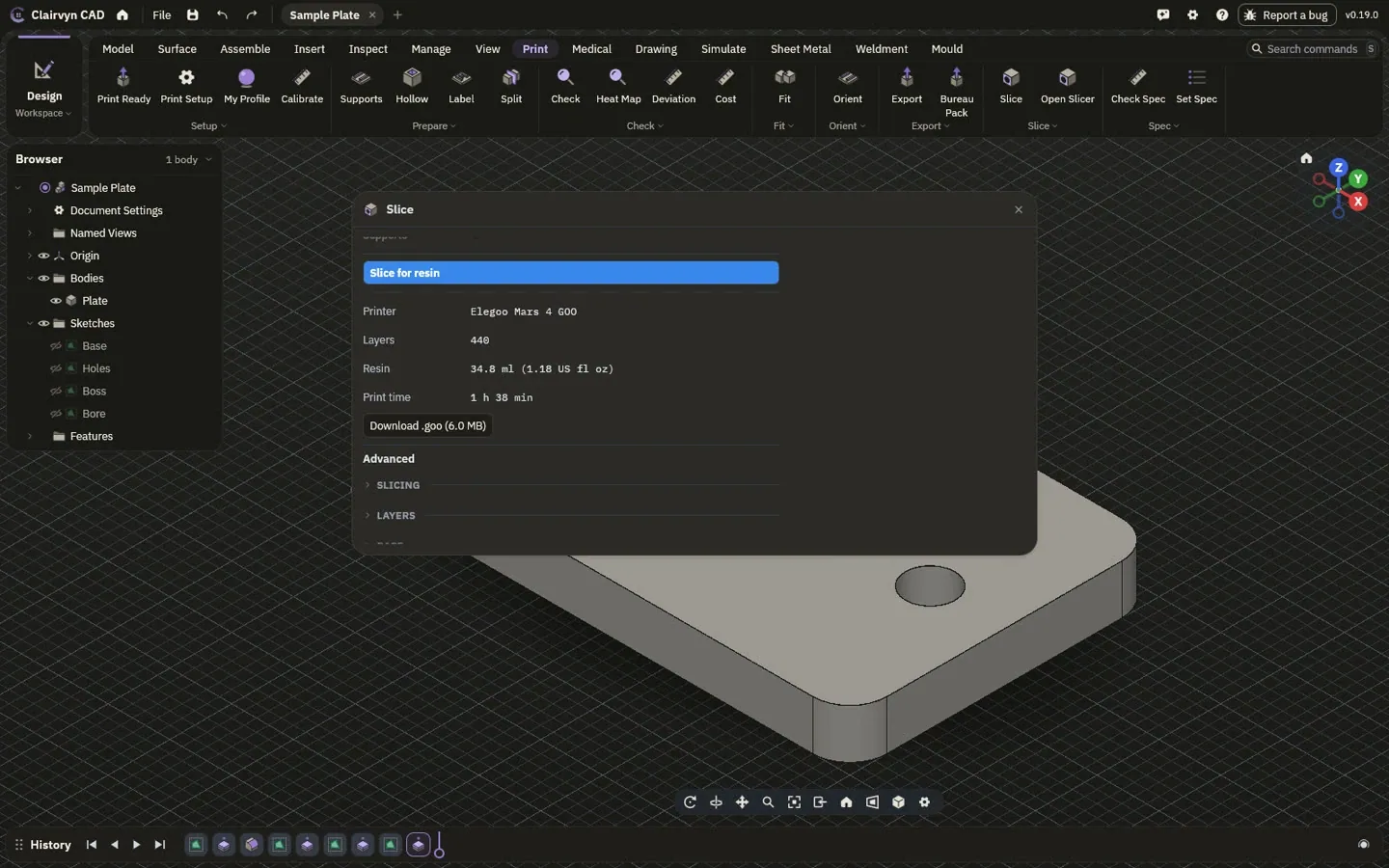
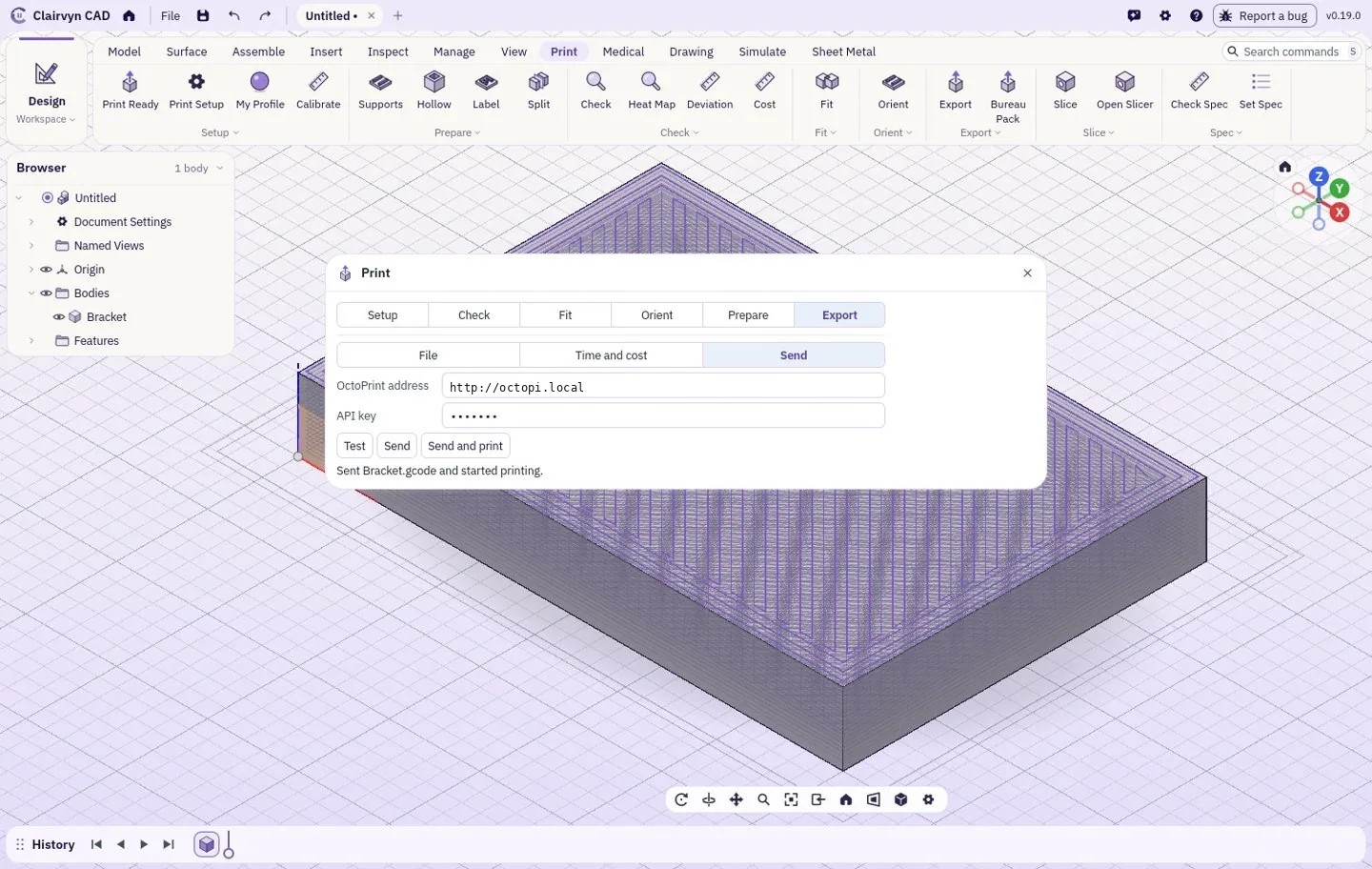
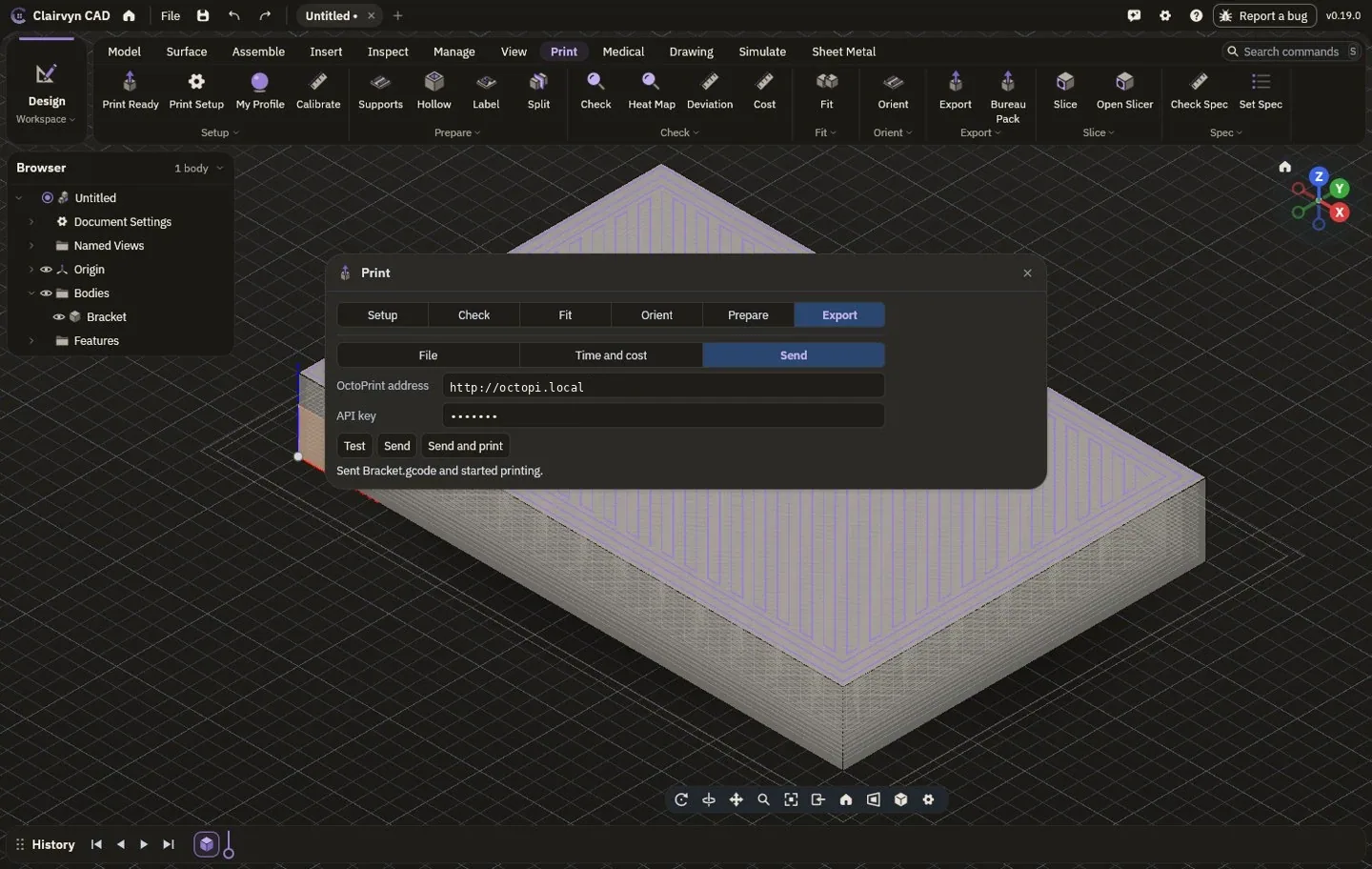
Slice in the tab exactly as Export would write the part, with fits, orientation and compensation applied, and download G-code, a cutting file or the resin printer's own format. Or export a precise 3MF or STL, pack the part for a print service, or send the G-code straight to your printer through OctoPrint.
List of drawings.
| Pages |
|---|
| The lab |
| Modelling |
| Drawings |
| Simulation |
| Makeyou are here |
| Medical |
| Accuracy |
| Bring your own AI |