Medical: from a scan to a model you can print.
Open a CT, cone-beam CT or MR scan in the browser tab, pick out the bone with one threshold and build a closed model, ready for the printer. Then design on it: crowns, splints, surgical guides, orthoses and bone plates.
Set the threshold, get the part.
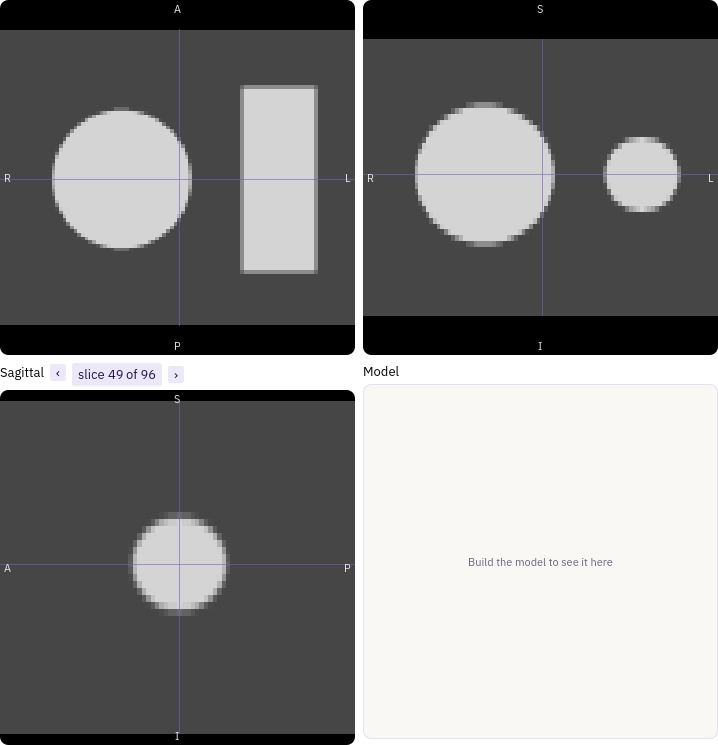
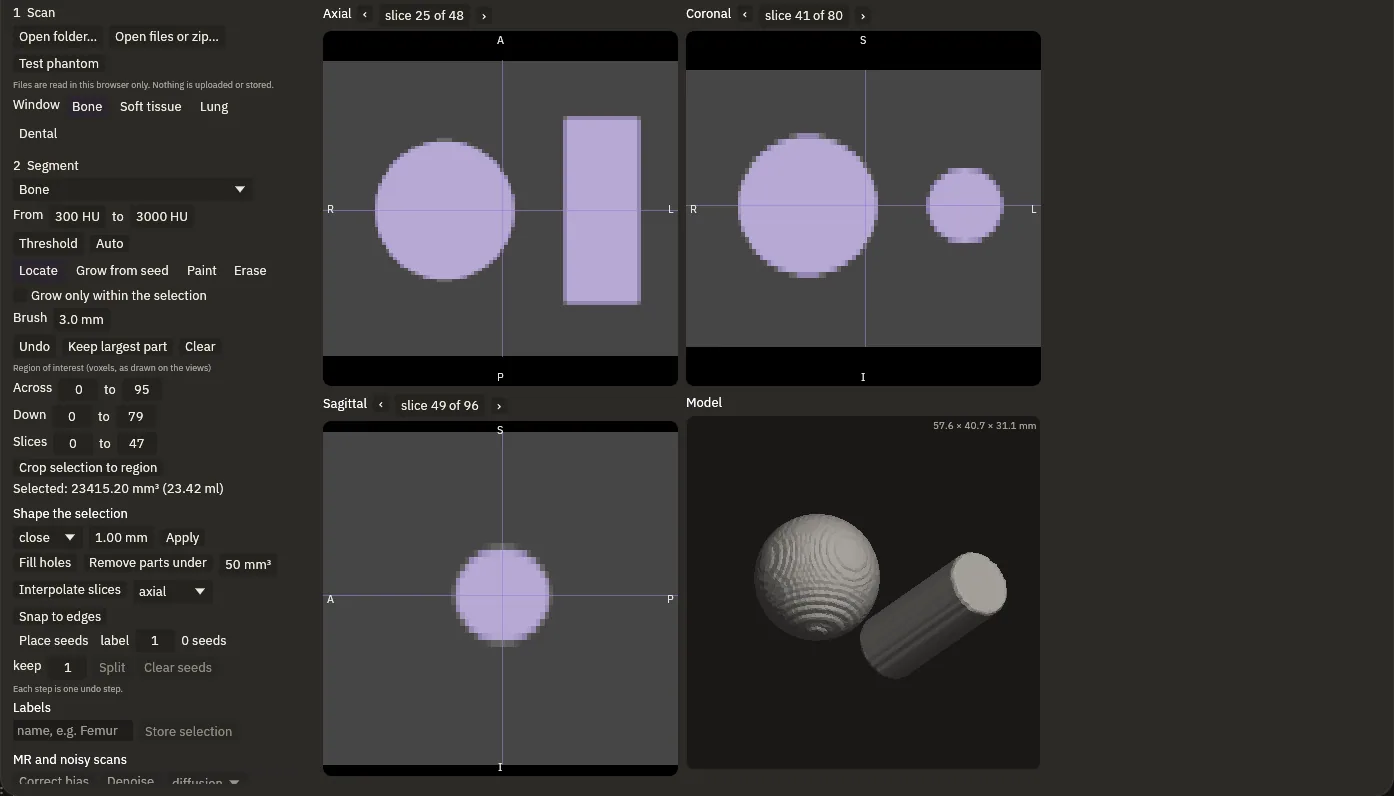
This is the test phantom, a scan of a sphere and a cylinder, slice by slice in type, from its real pixels. Drag the threshold: too low and the water floods in, too high and the parts wear away. In between they come out clean, and the model builds itself.
- ScansCT, cone-beam CT and MR, from a folder, files or a zip
- ThresholdPresets for bone, teeth and soft tissue, or Auto
- RefineGrow from a seed, paint, erase, fill holes
- ModelA closed surface, checked before it can be used
Crowns, on the bench.
A crown from the tooth library, sized to the gap and level with its neighbours. The margin is traced from one click on the tooth; click again to move a point and its neighbours follow. Then the crown is seated on the opposing arch and cut back for clearance.
Splints that know their material.
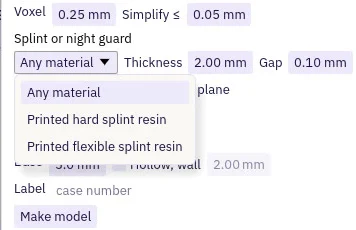
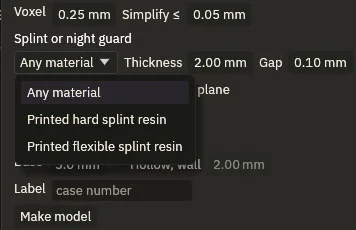
Splints and night guards are built to a thickness and a gap, with an optional flat biting plane. Pick the resin you will print it in, and the wall can go no thinner than that material allows.
- SplintsThickness, gap and a flat biting plane
- ModelsStudy models on a base, solid or hollow
- ImplantsPlaced on the panoramic view, the nerve canal traced
Guides, orthoses and bone plates.
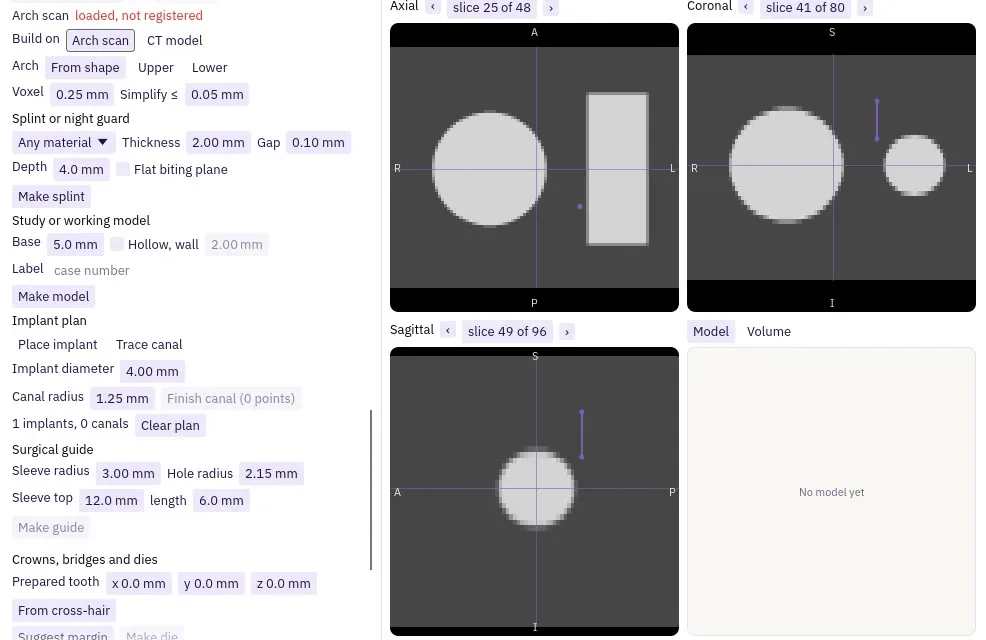
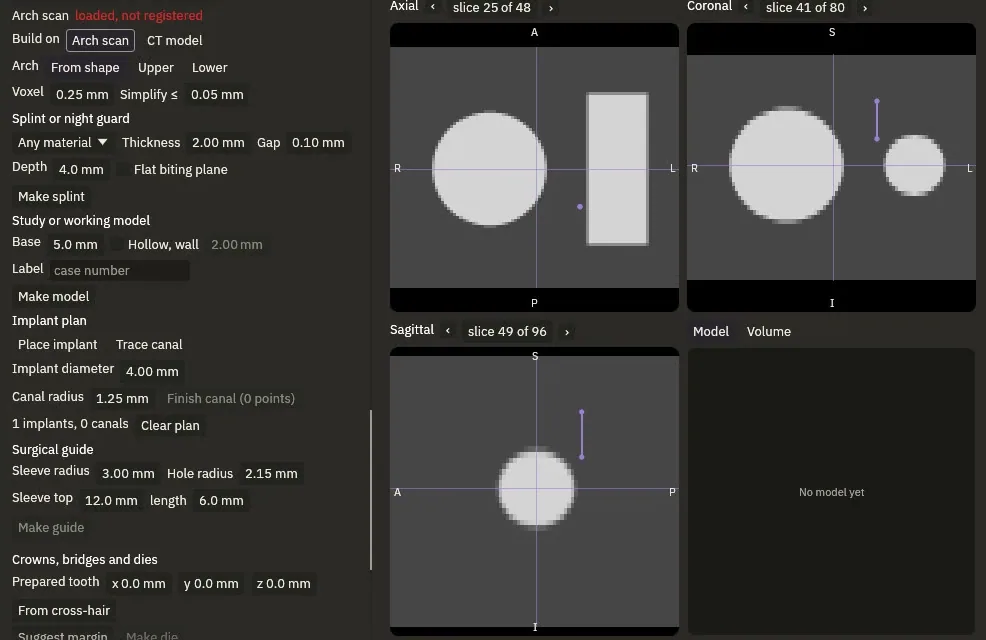
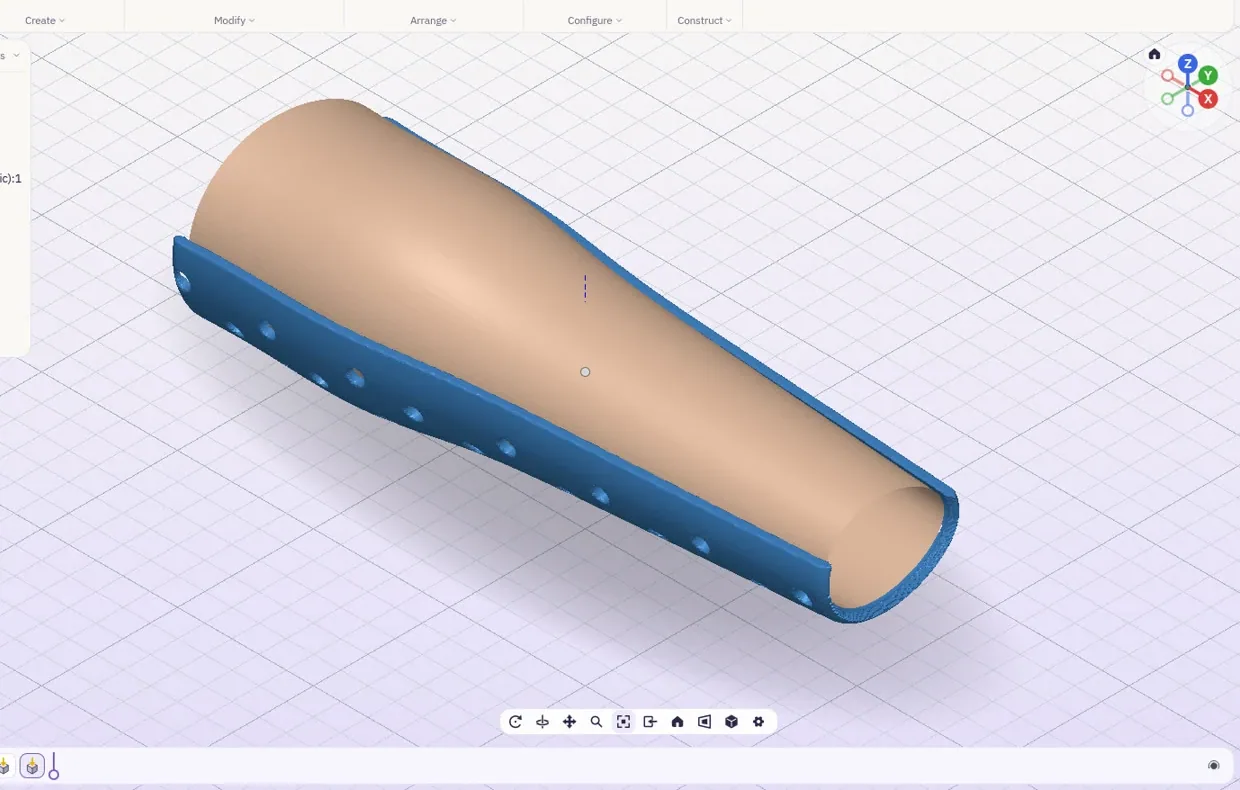
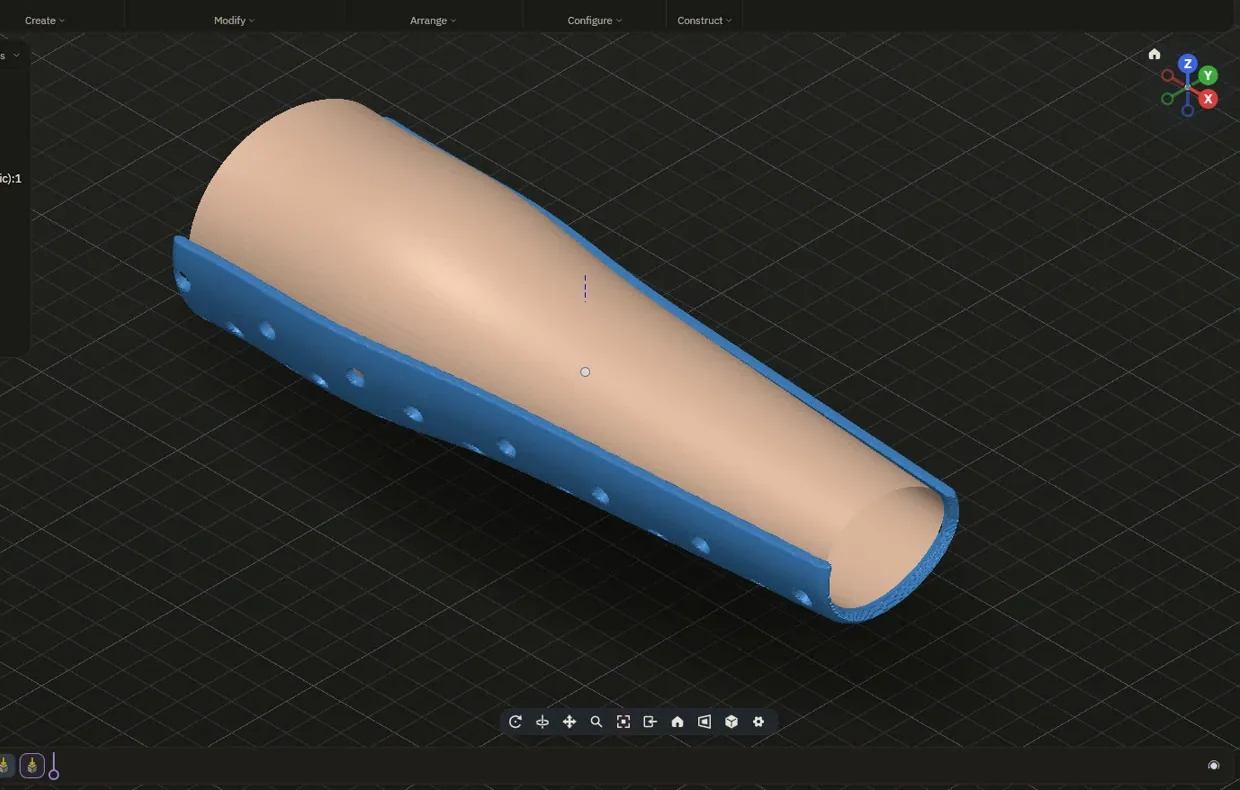
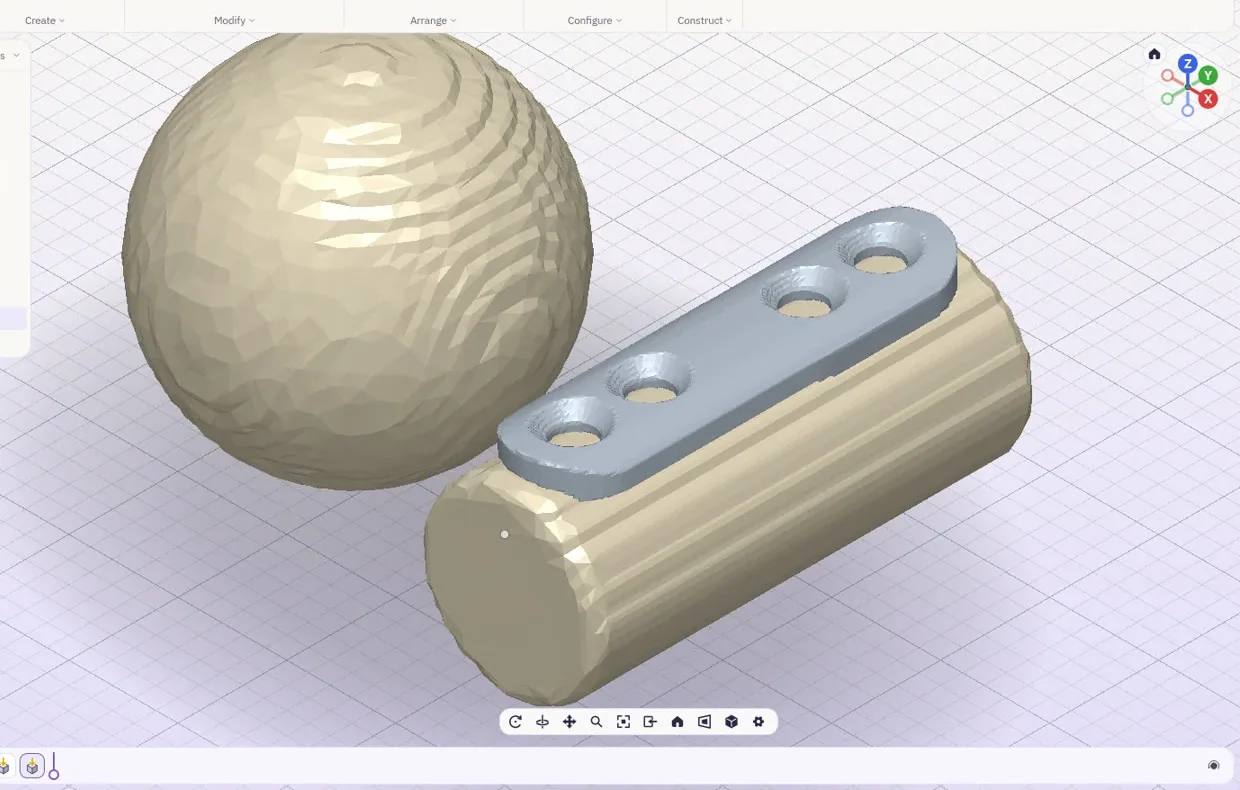
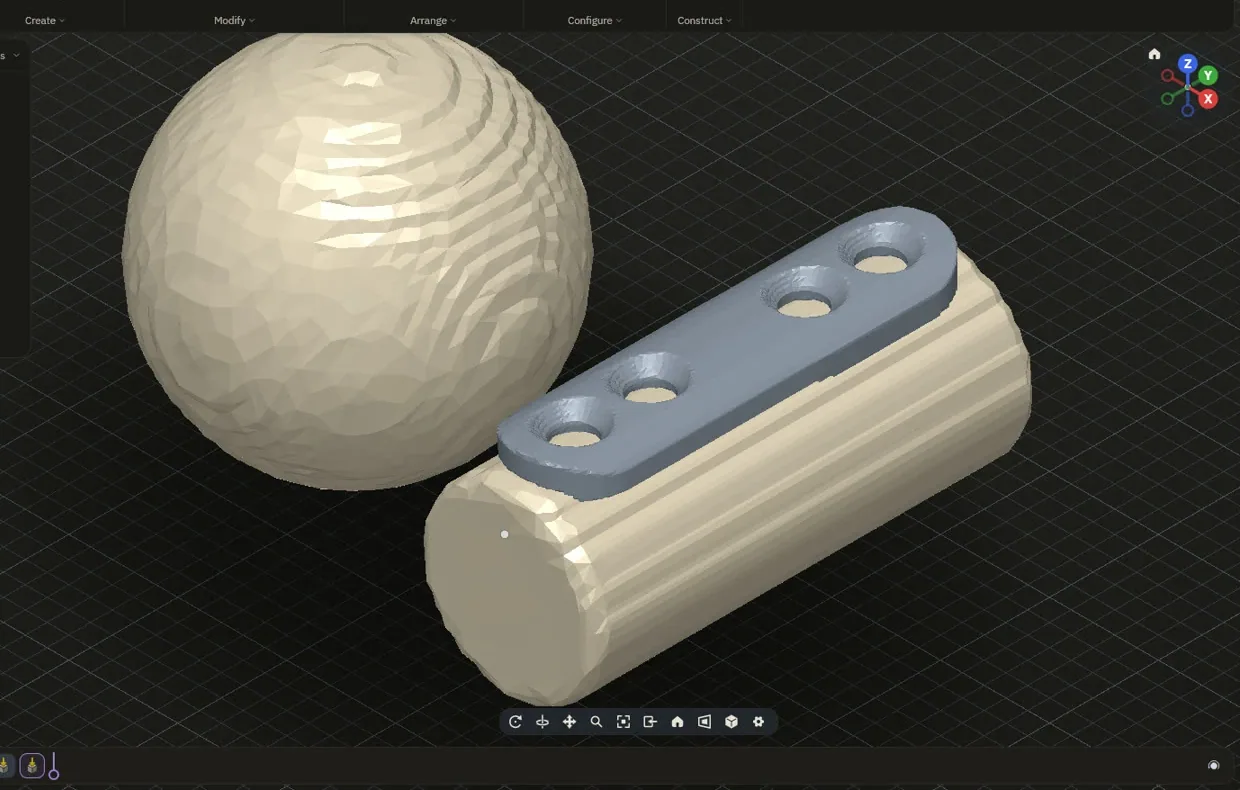
A surgical guide is built from the registered scan, with a sleeve for each planned implant, and it waits until the arch scan lies on the CT. Orthoses wrap a limb scan at a set gap, trimmed and vented clear of the edges. Bone plates follow the bone, every screw checked inside it.
Checked, then out to the printer.
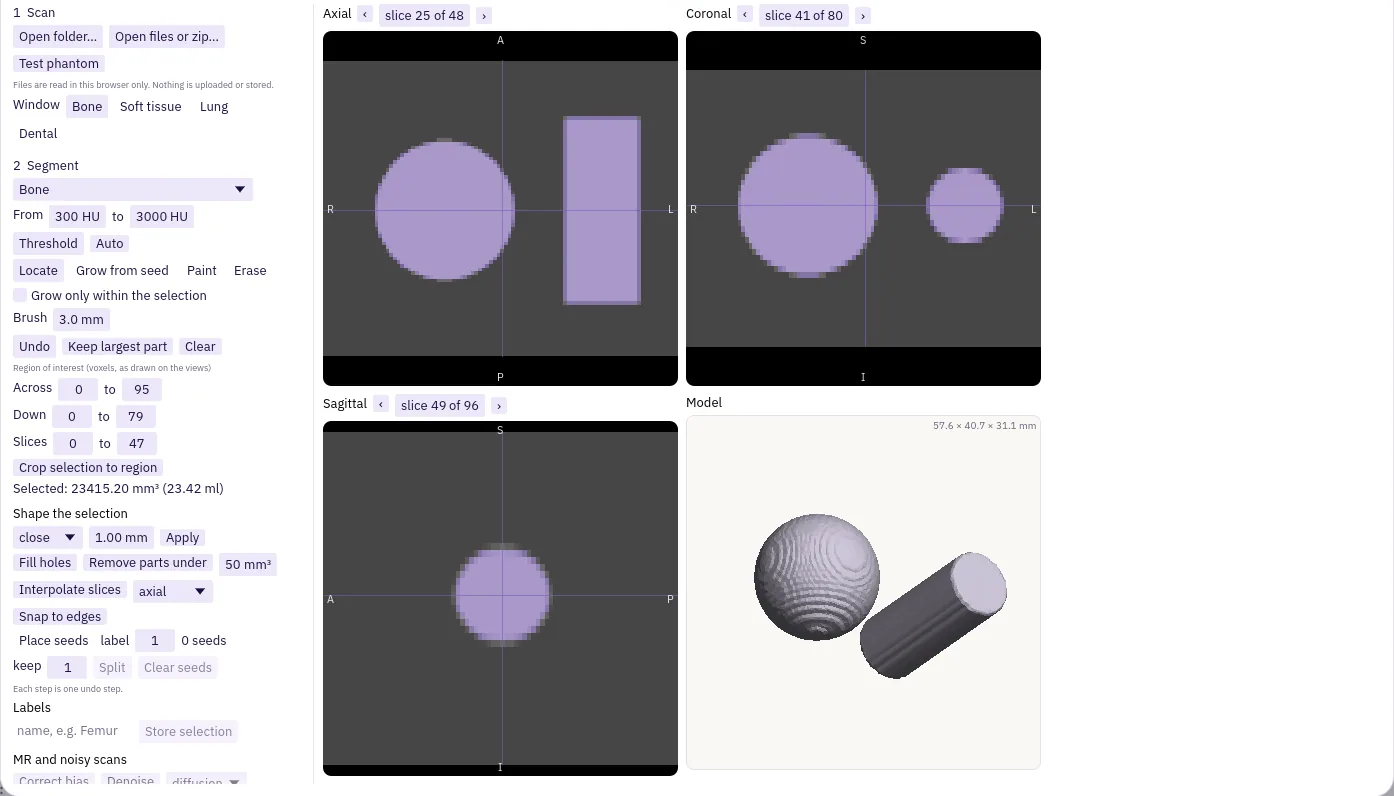
Scans are read in the browser tab, and every model is checked before it can be used. Files never leave your device.
- Your deviceFiles never leave your device
- CheckedA model that is not closed cannot be added
- OutSTL, 3MF and PLY, with a PDF accuracy report
For research, education and lab use.
List of drawings.
| Pages |
|---|
| The lab |
| Modelling |
| Drawings |
| Simulation |
| Make |
| Medicalyou are here |
| Accuracy |
| Bring your own AI |