Modelling: sketch it, build it, change your mind.
Sketches with constraints, solids, surfaces, assemblies, sheet metal, plastic parts, weldments and moulds, in a browser tab. Every step is a feature on the timeline: drag the marker back and the part rebuilds from there.
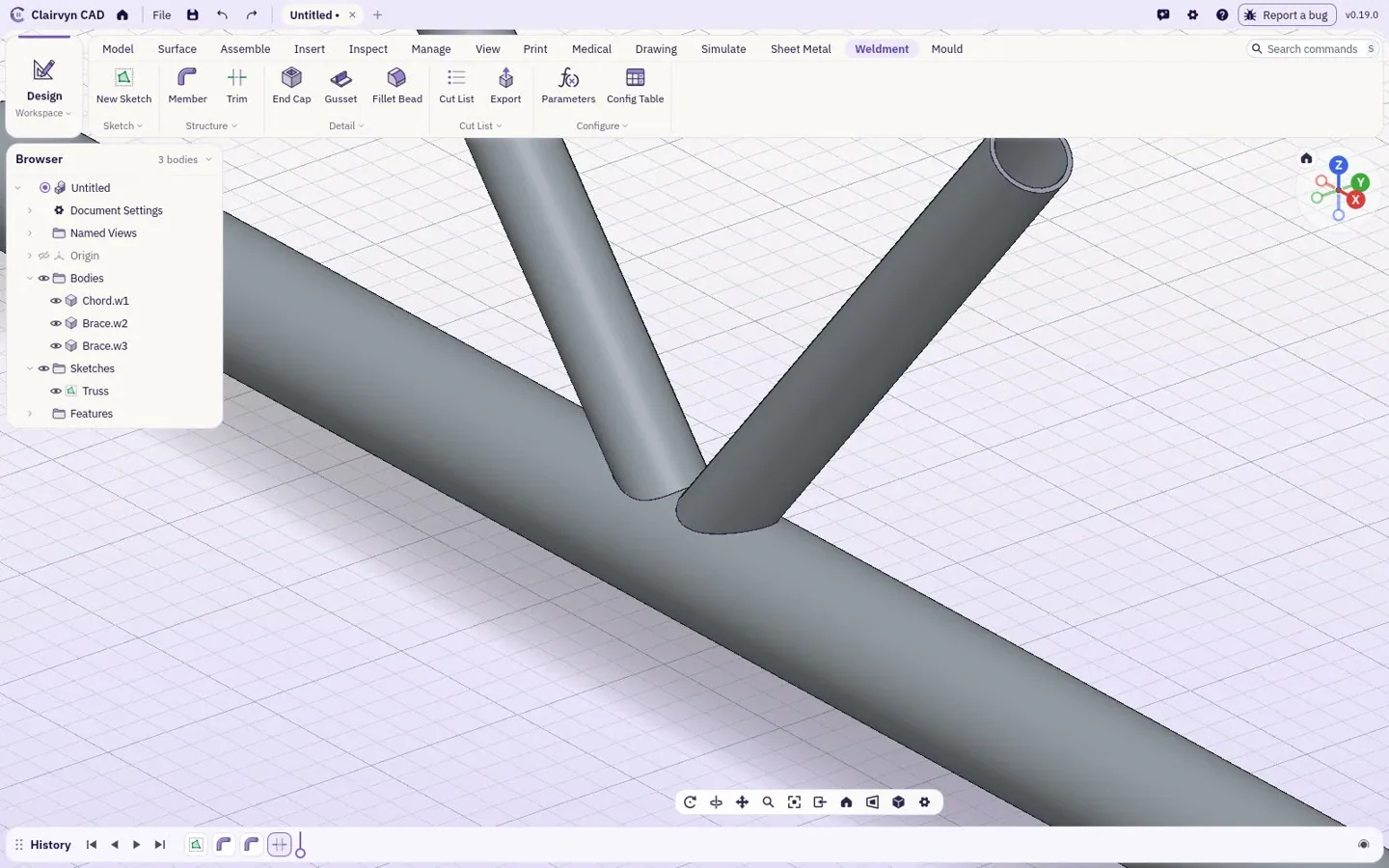
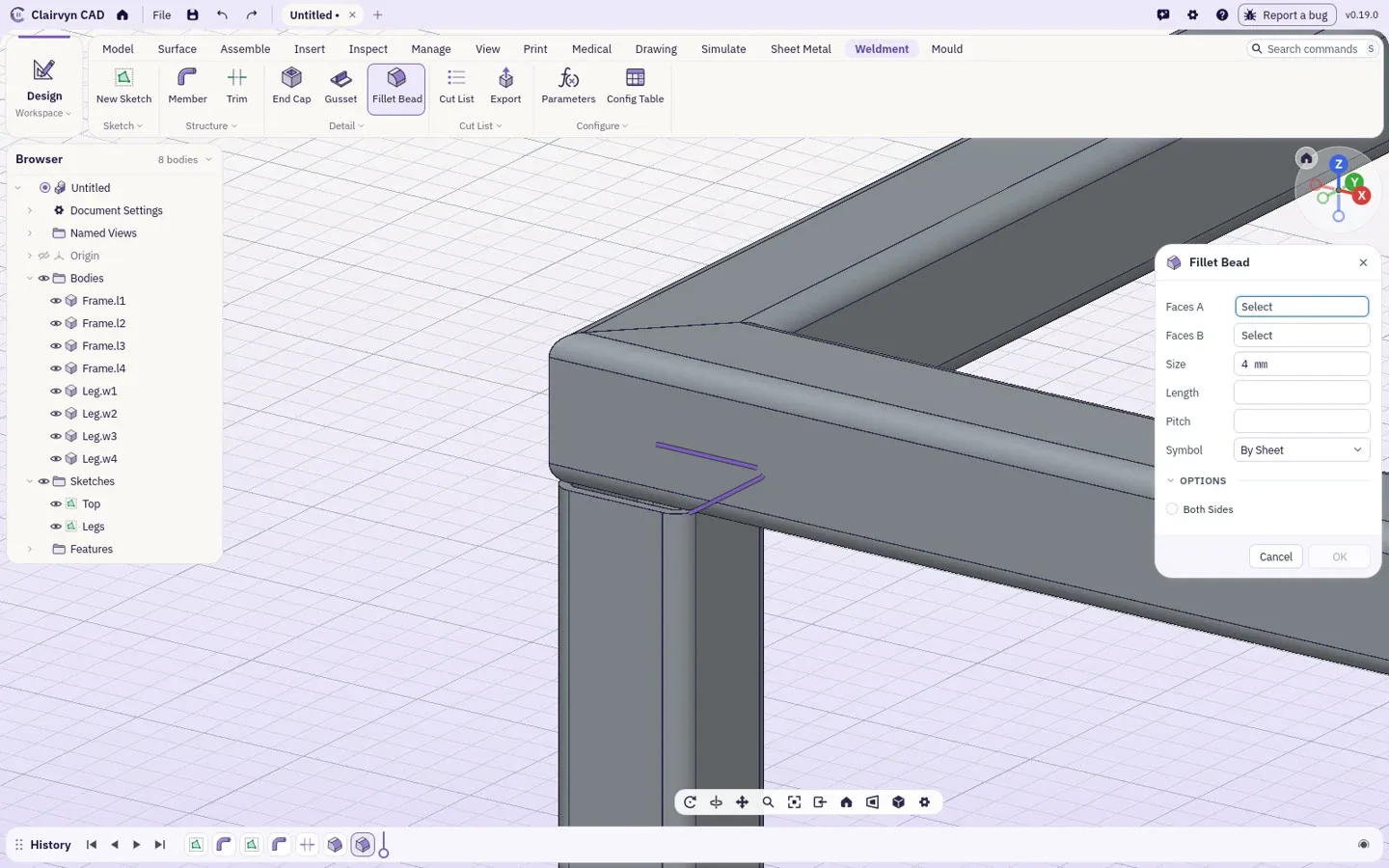
Four lines become a welded frame.
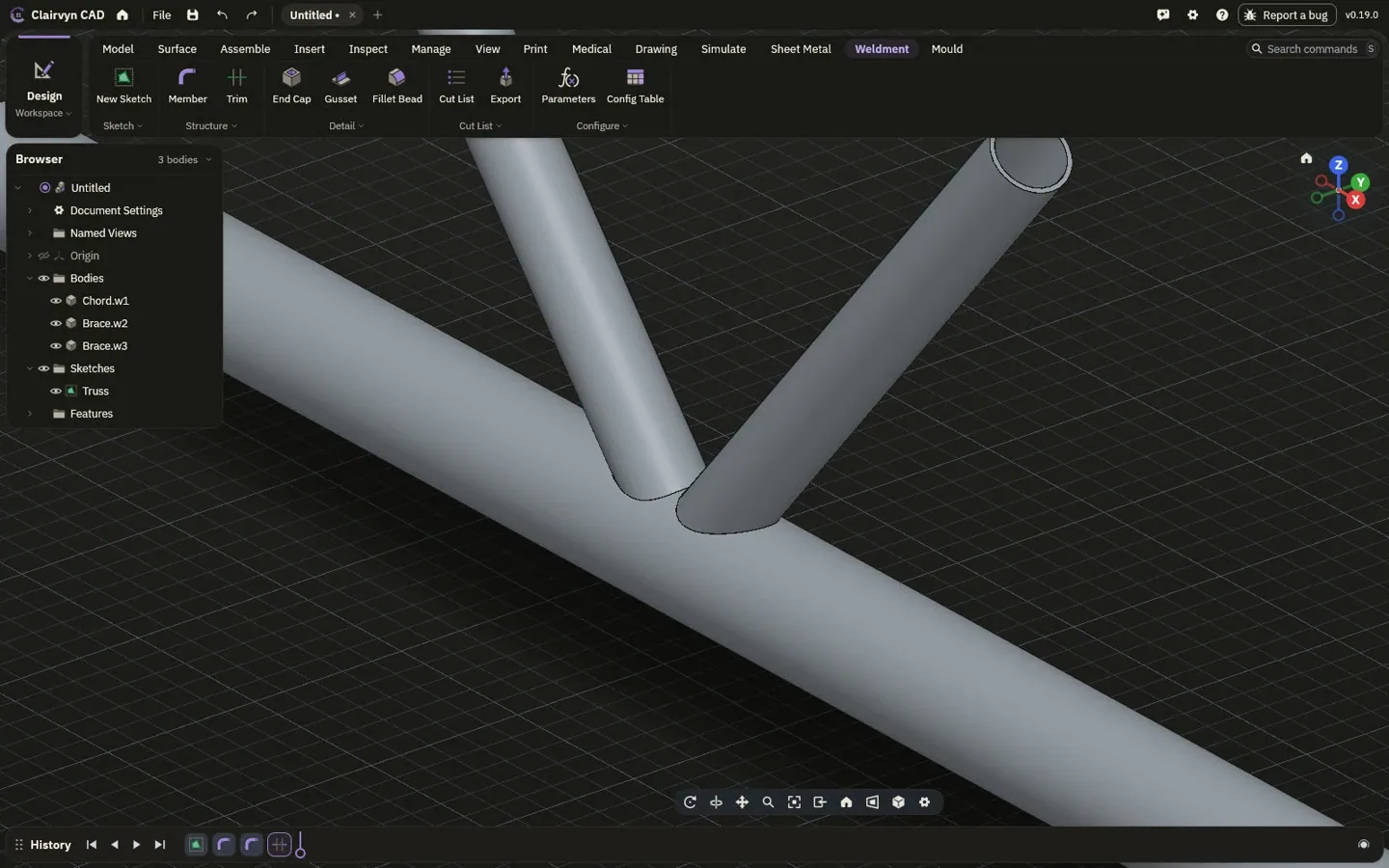
Sketch the top, pick a steel section, and the members follow the lines with their corners mitred. Sketch the legs and they join the frame. This is the real recording, in type: drag the bar to see it, drag the history to scrub it.
- SectionsEuropean, Indian and US steel, or any section you draw
- MembersAlong lines, arcs and splines, in 2D and 3D, handrails included
- CornersMitred or butted; trims and copes checked exact
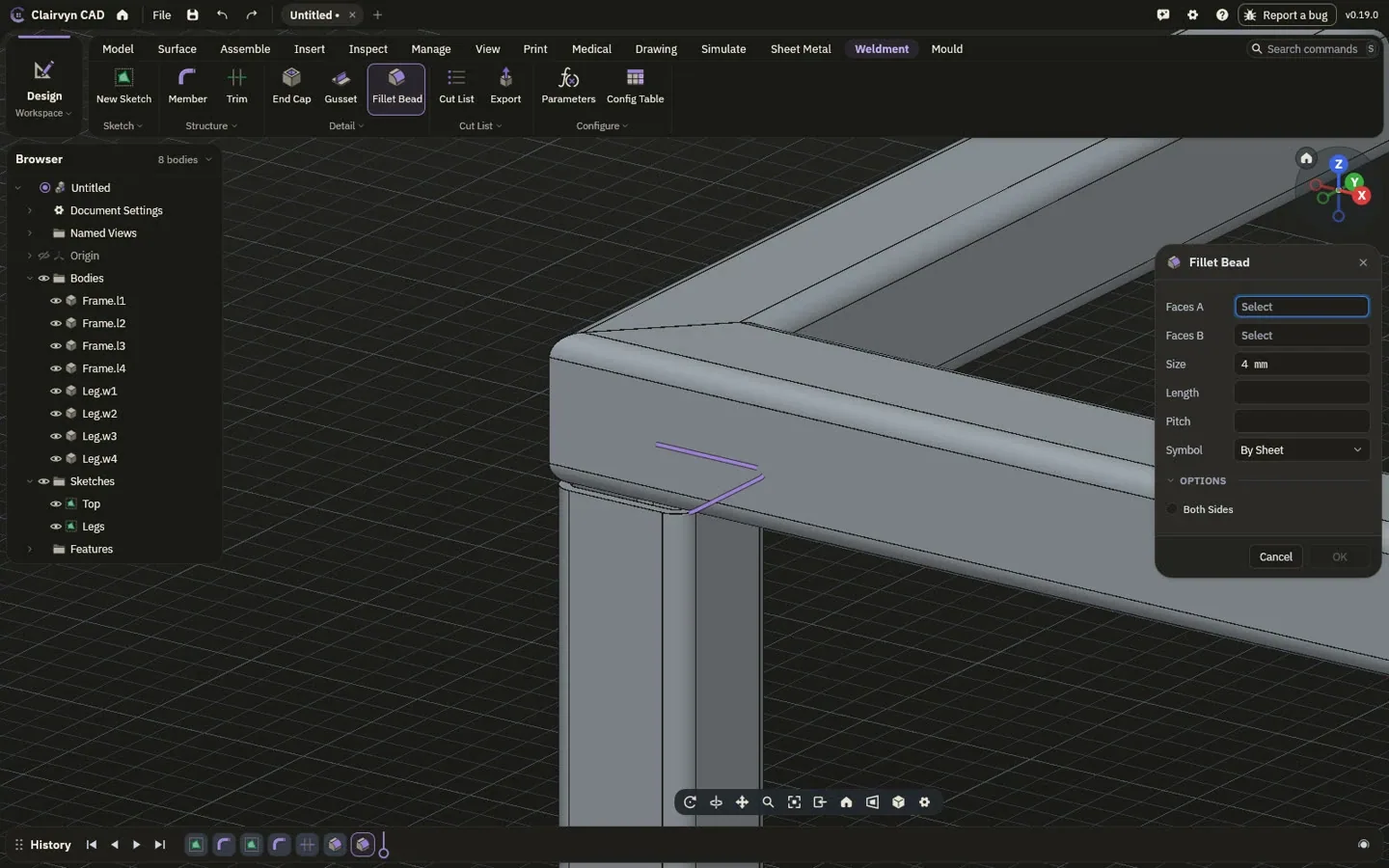
- WeldsFillet beads with ISO 2553 or AWS A2.4 symbols that follow them onto drawings
- Cut listLengths, end angles, mass and weld, in mm or feet and inches, as CSV or on a drawing
Sketch, solid, surface.
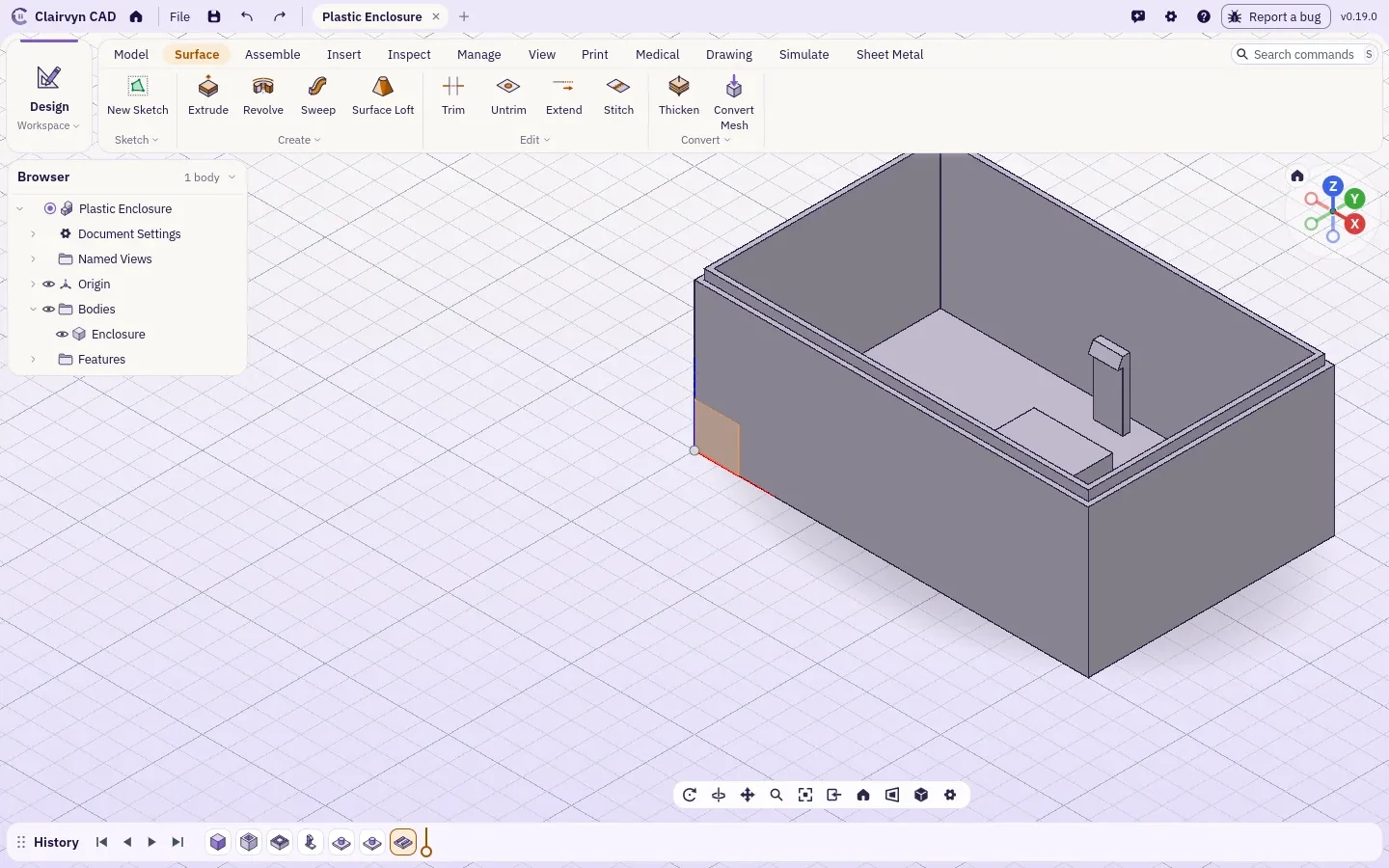
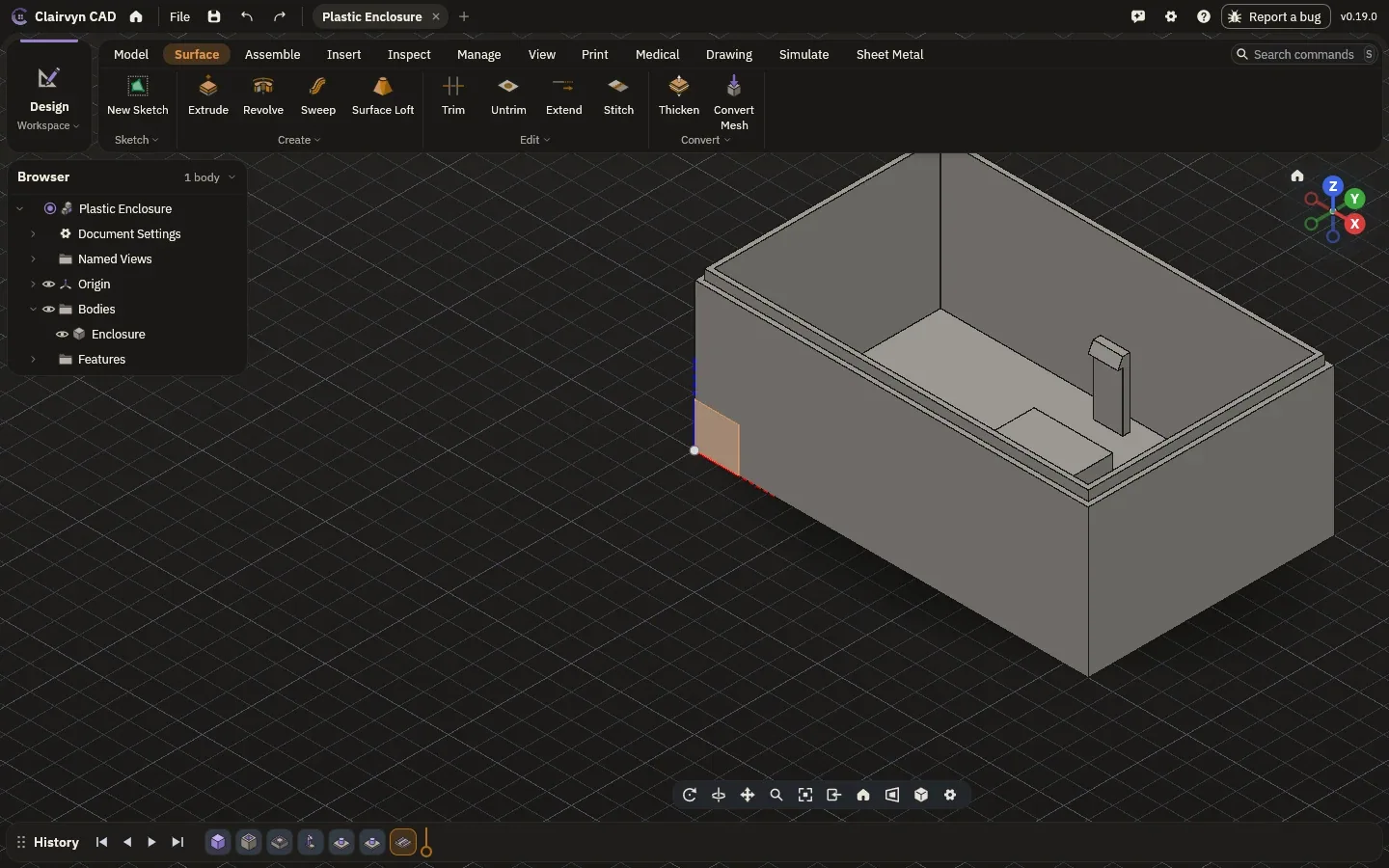
Draw with lines, arcs, splines and text, then pin it down with constraints. Extrude, revolve, sweep and loft it into solids, or build surfaces and thicken them. Plastic parts get bosses, ribs, snap fits and draft checks.
- SketchConstraints, dimensions, construction lines
- SolidsExtrude, revolve, sweep, loft, holes, fillets, shells, patterns
- SurfacesLoft, boundary, patch, offset, trim and stitch
- PlasticsBosses, ribs, snap fits, draft analysis
Assemble it, then try to break it.
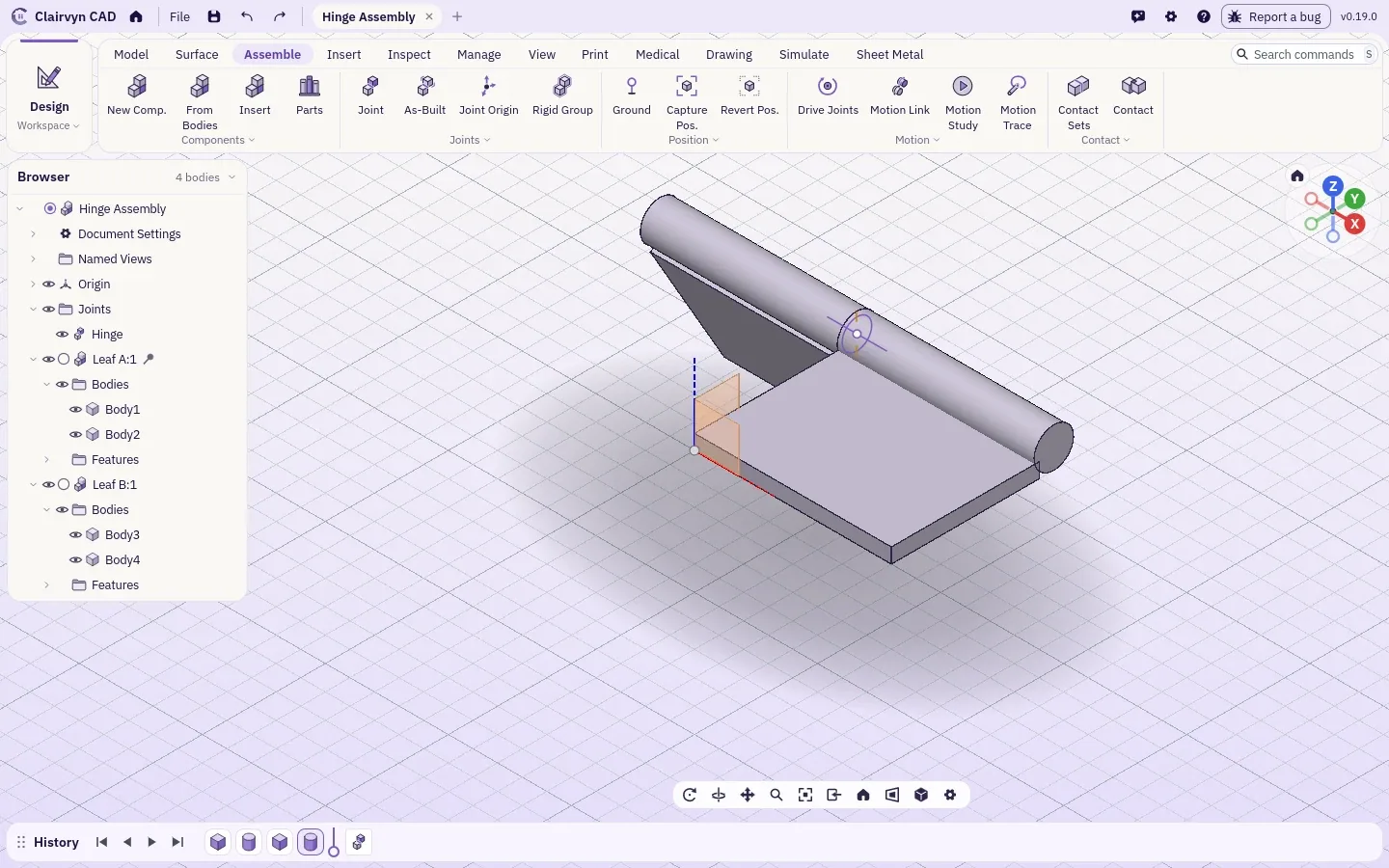
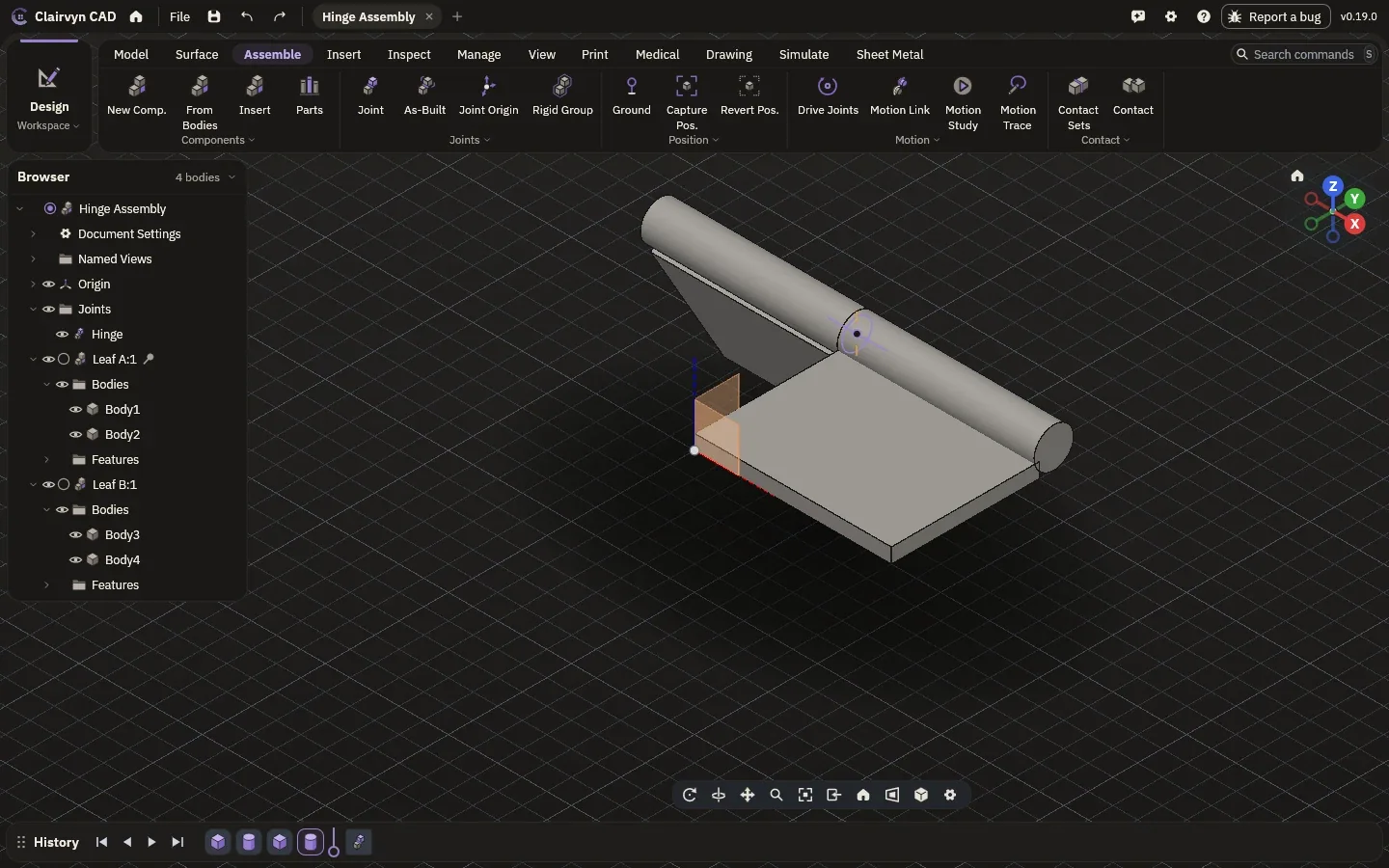
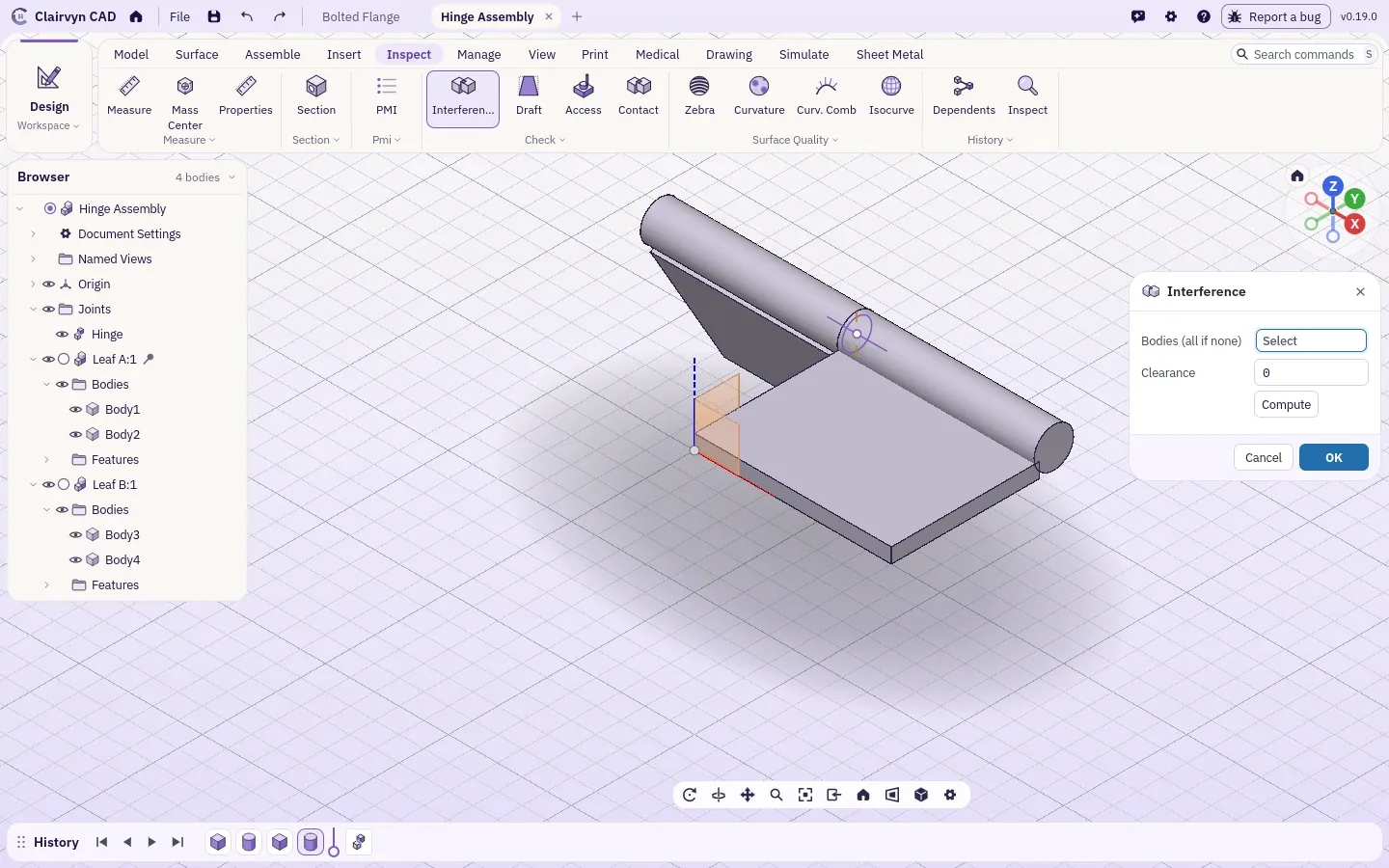
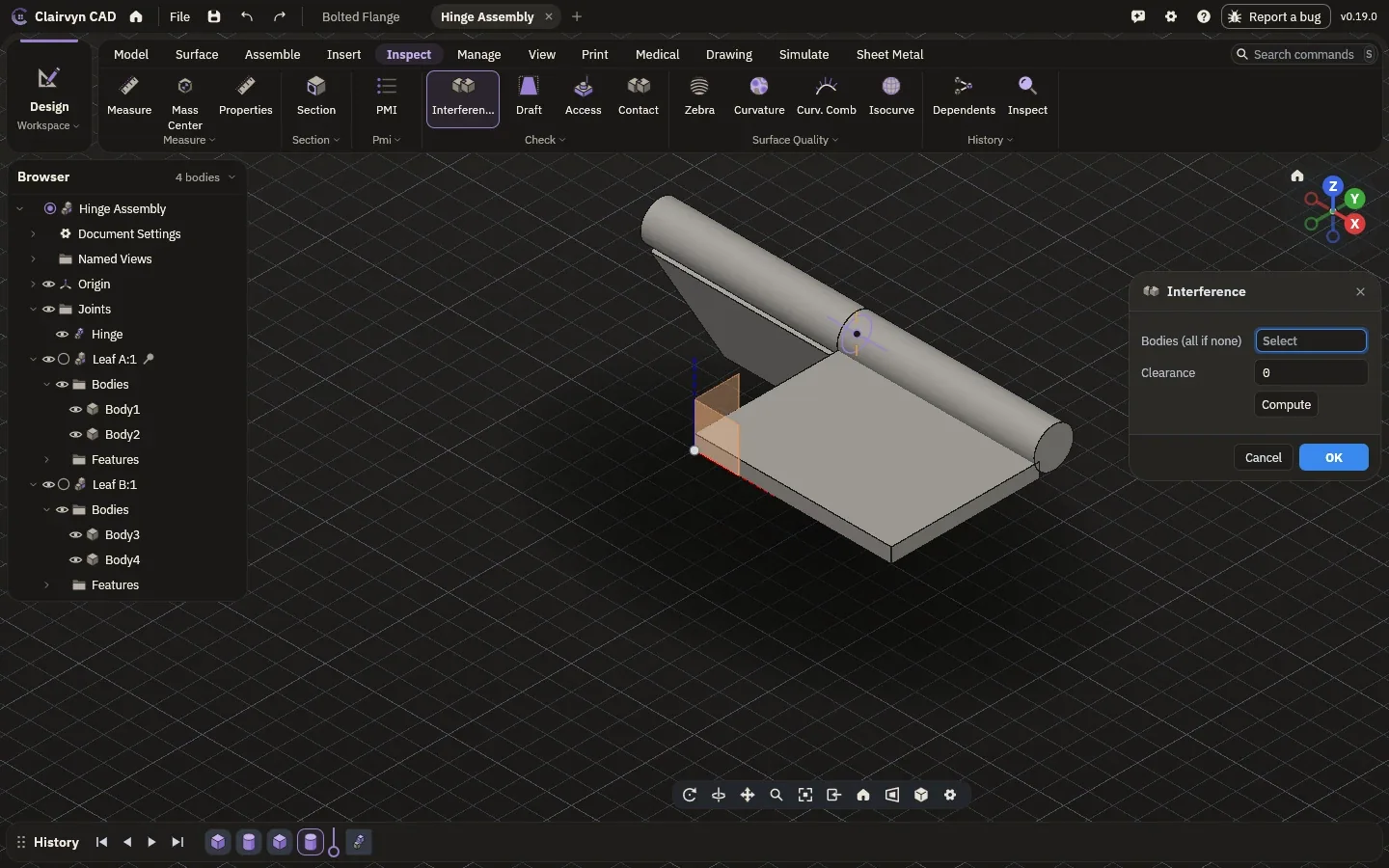
Put parts together with joints that move the way the real ones do. Drive a joint and watch the motion, and let collision checks tell you where two parts would meet.
- JointsRigid, revolute, slider, ball, gear, rack and pinion, screw, cam
- MotionDrive a joint, play it back, trace a point, stop at collisions
- ChecksInterference and clearance, exact
- LibraryFasteners and standard parts, resized to fit
Sheet metal that folds flat again.
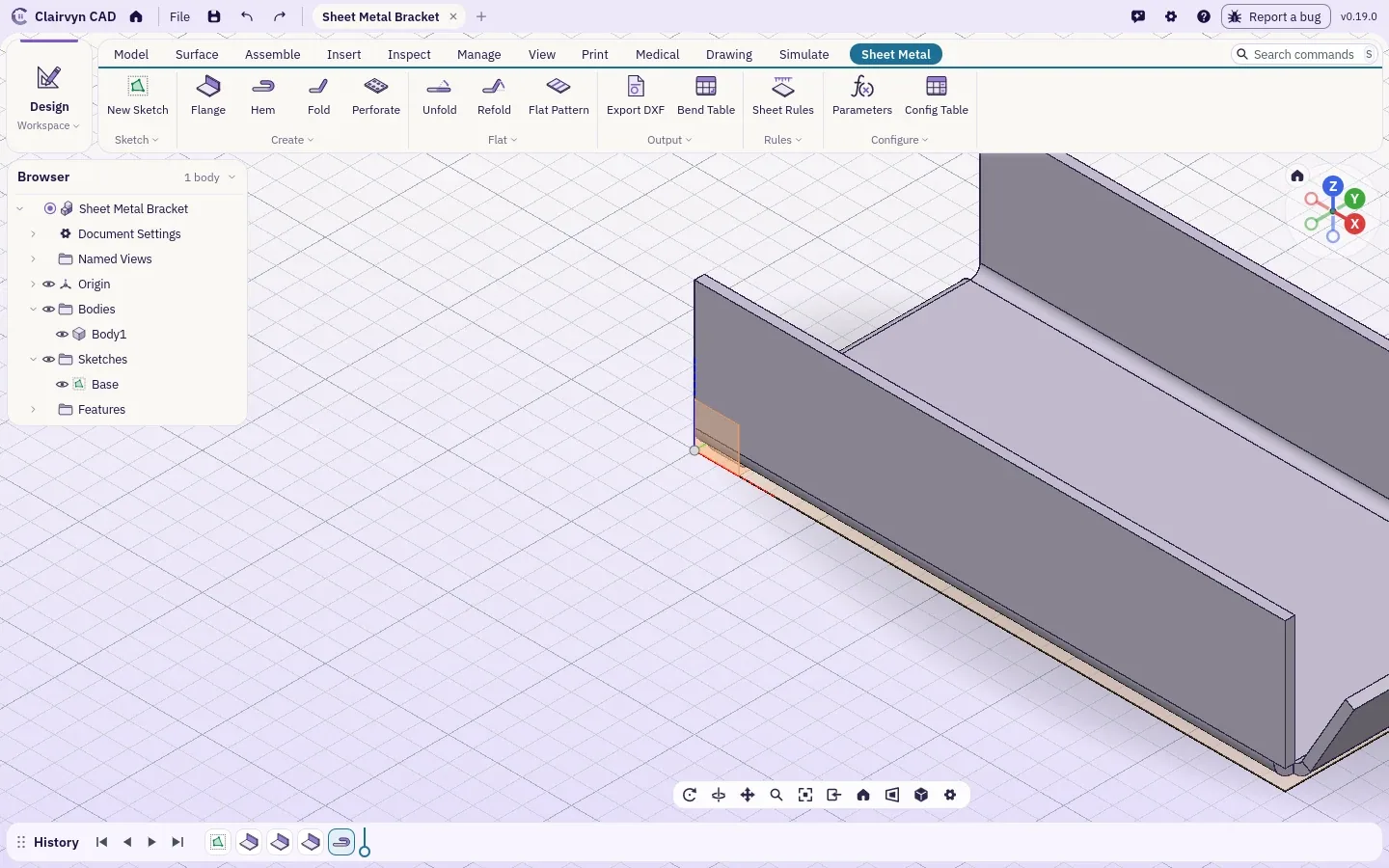
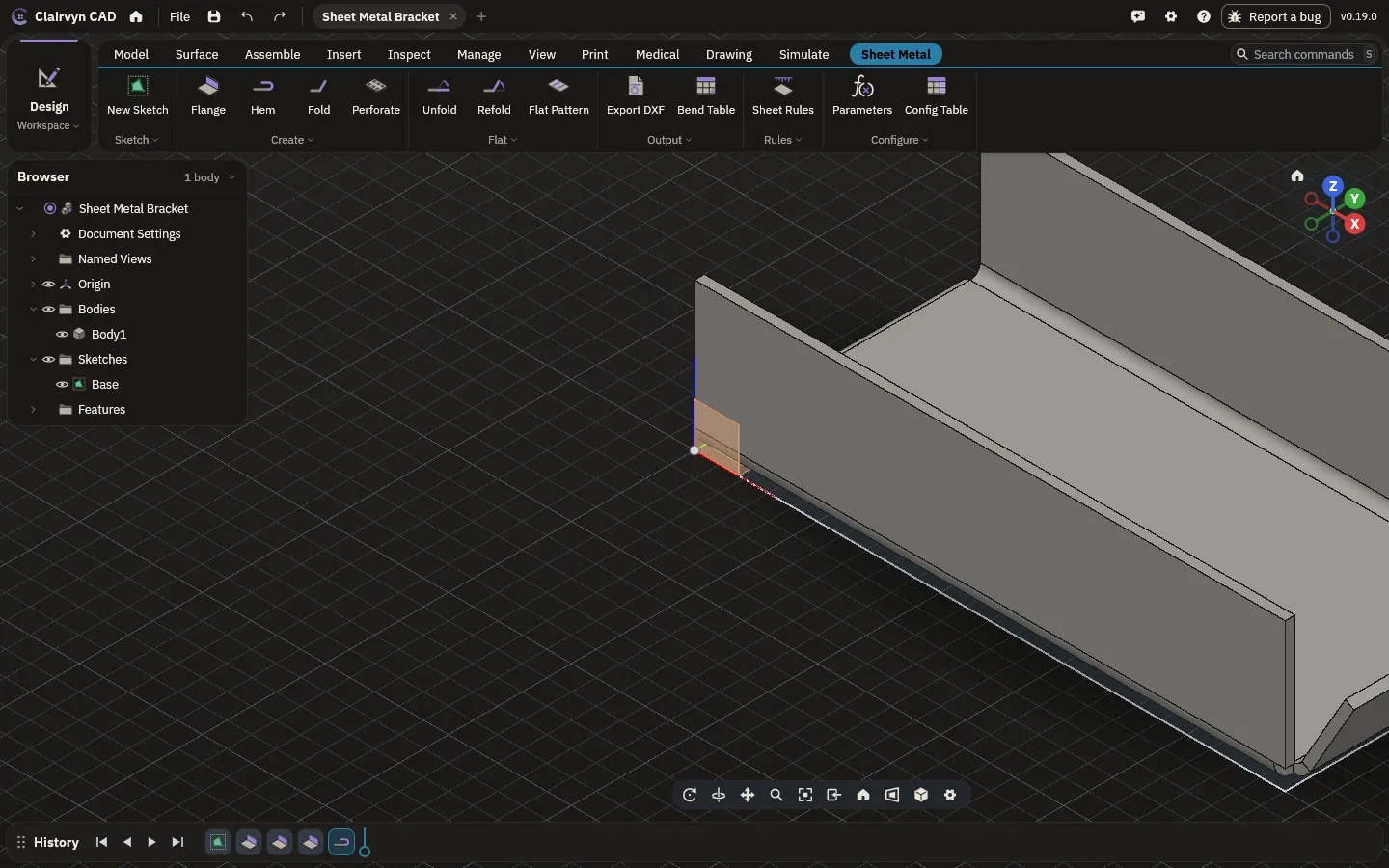
Flanges, hems and folds with the bend rules of your material, then unfold it for the flat pattern, the bend table and a DXF for the laser or the press brake.
- FeaturesFlange, hem, fold, perforate
- FlatUnfold, refold, flat pattern, bend table
- OutDXF of the flat for cutting
Weldments, cut list included.
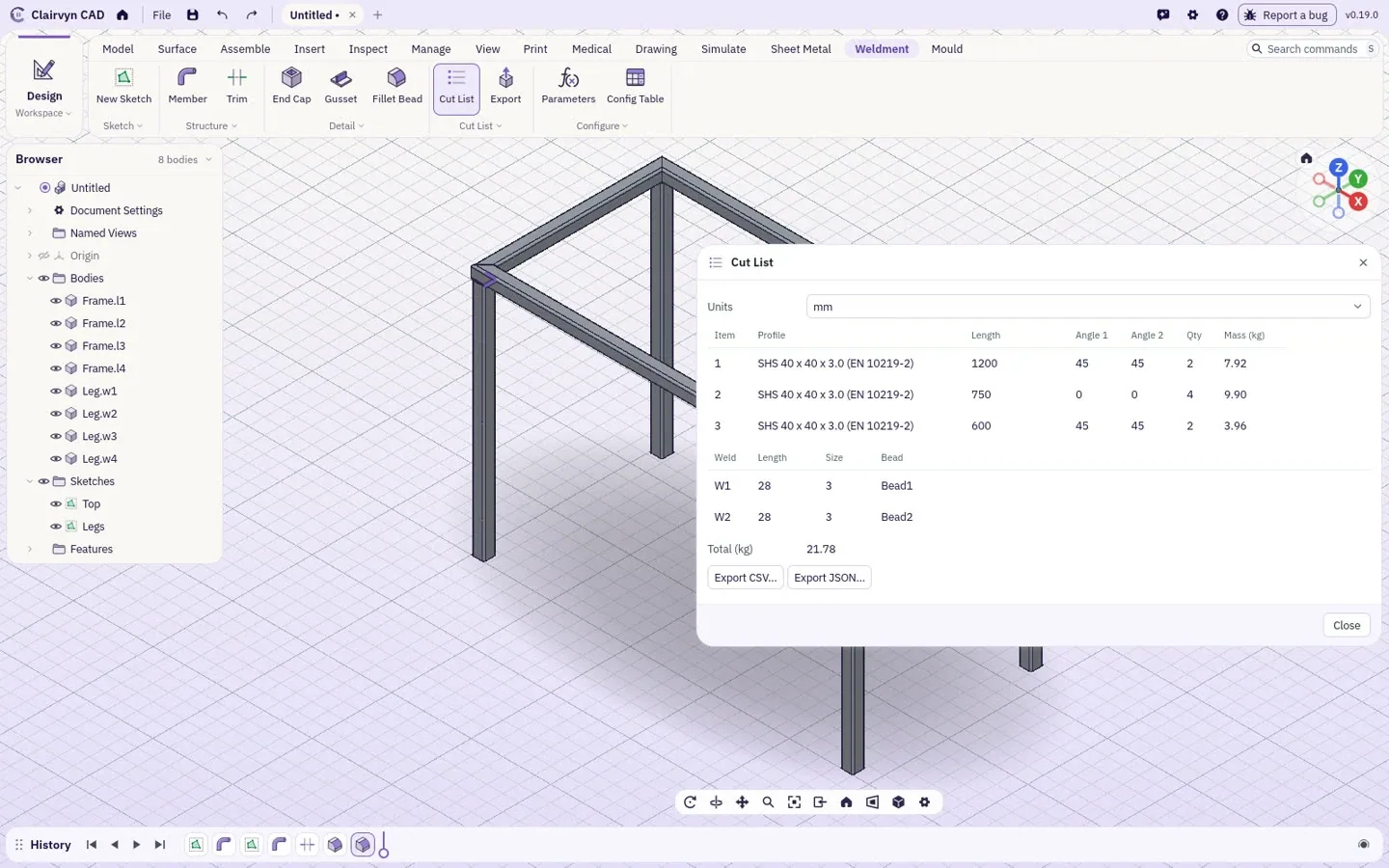
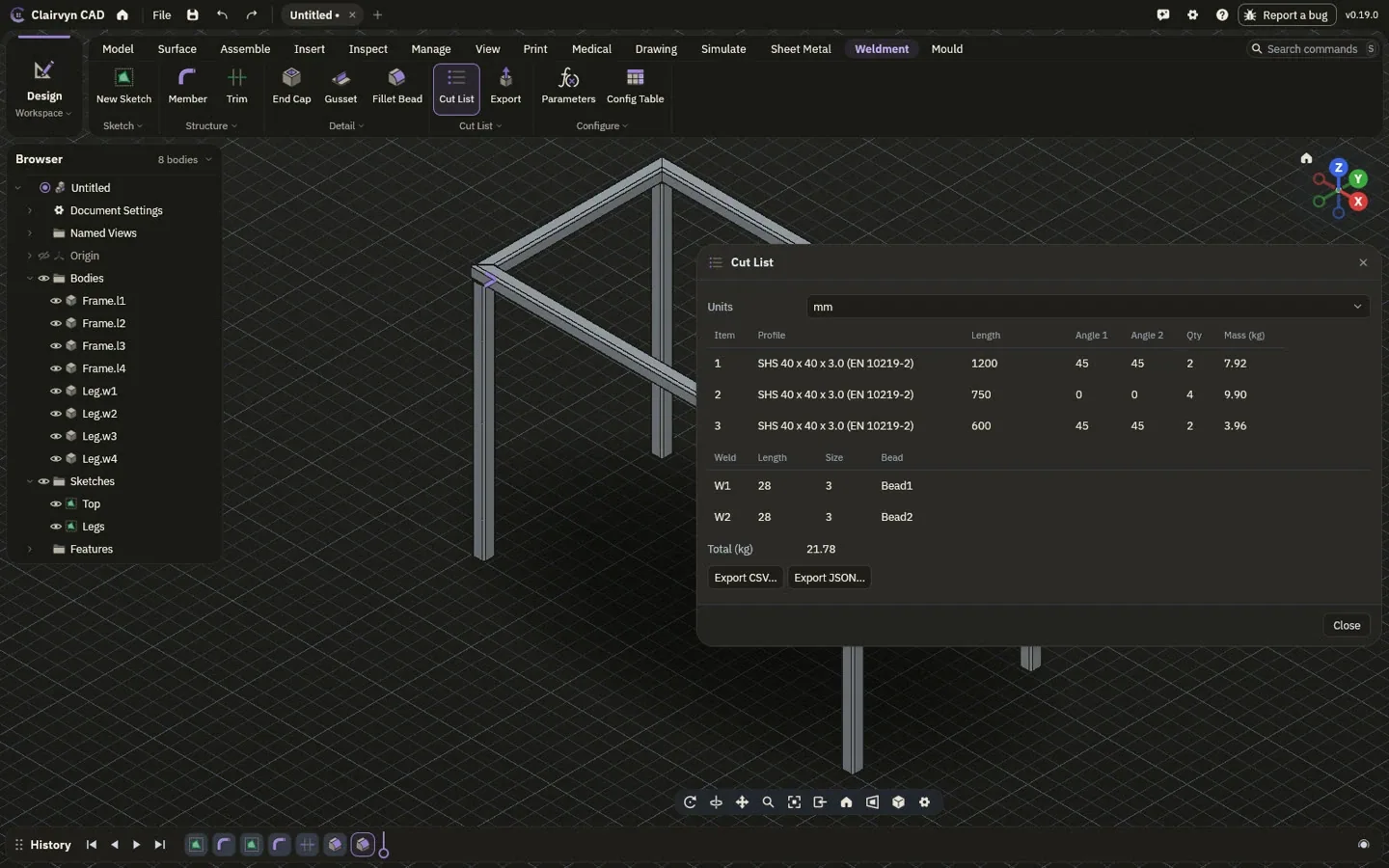
Moulds that follow the part.
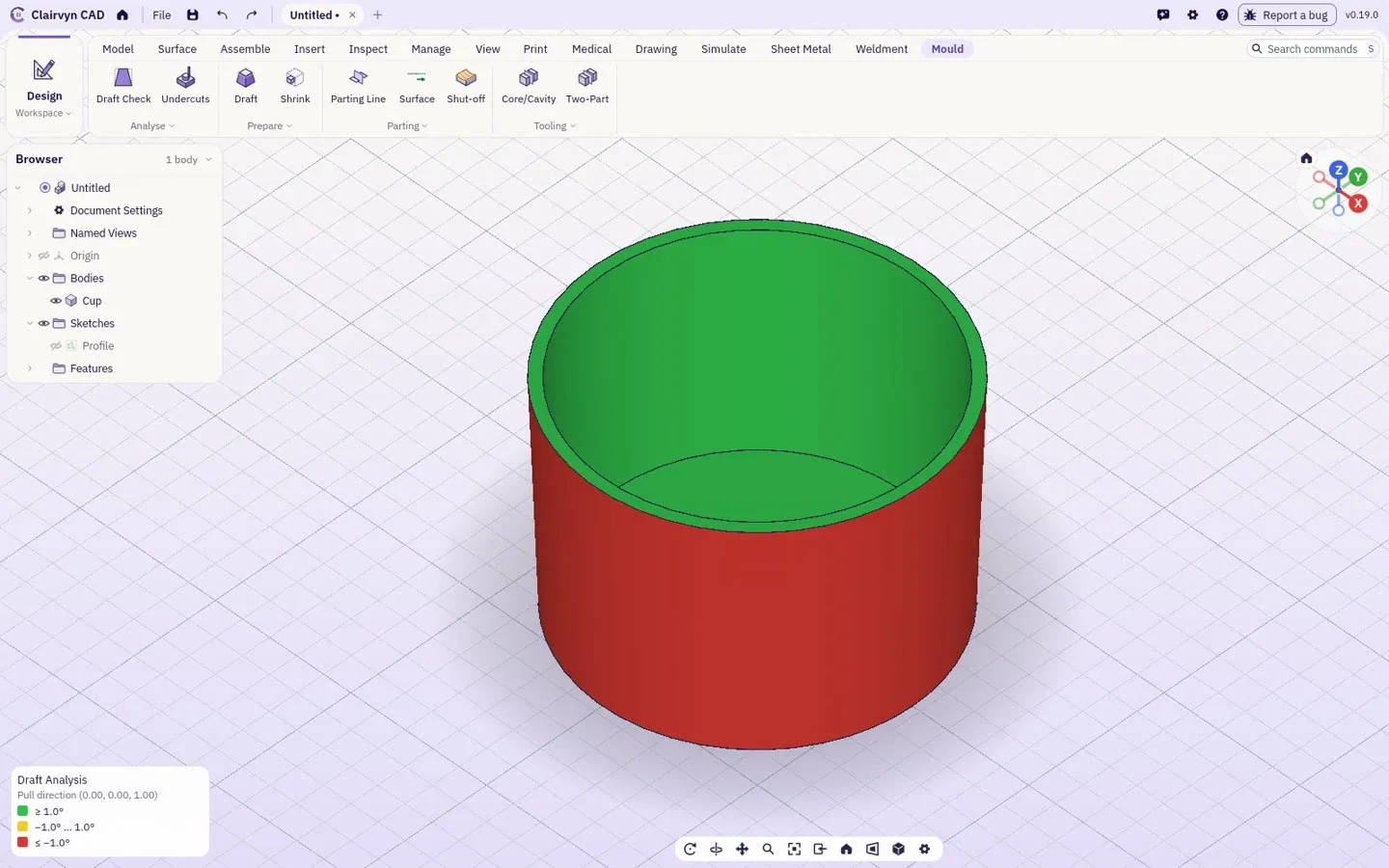
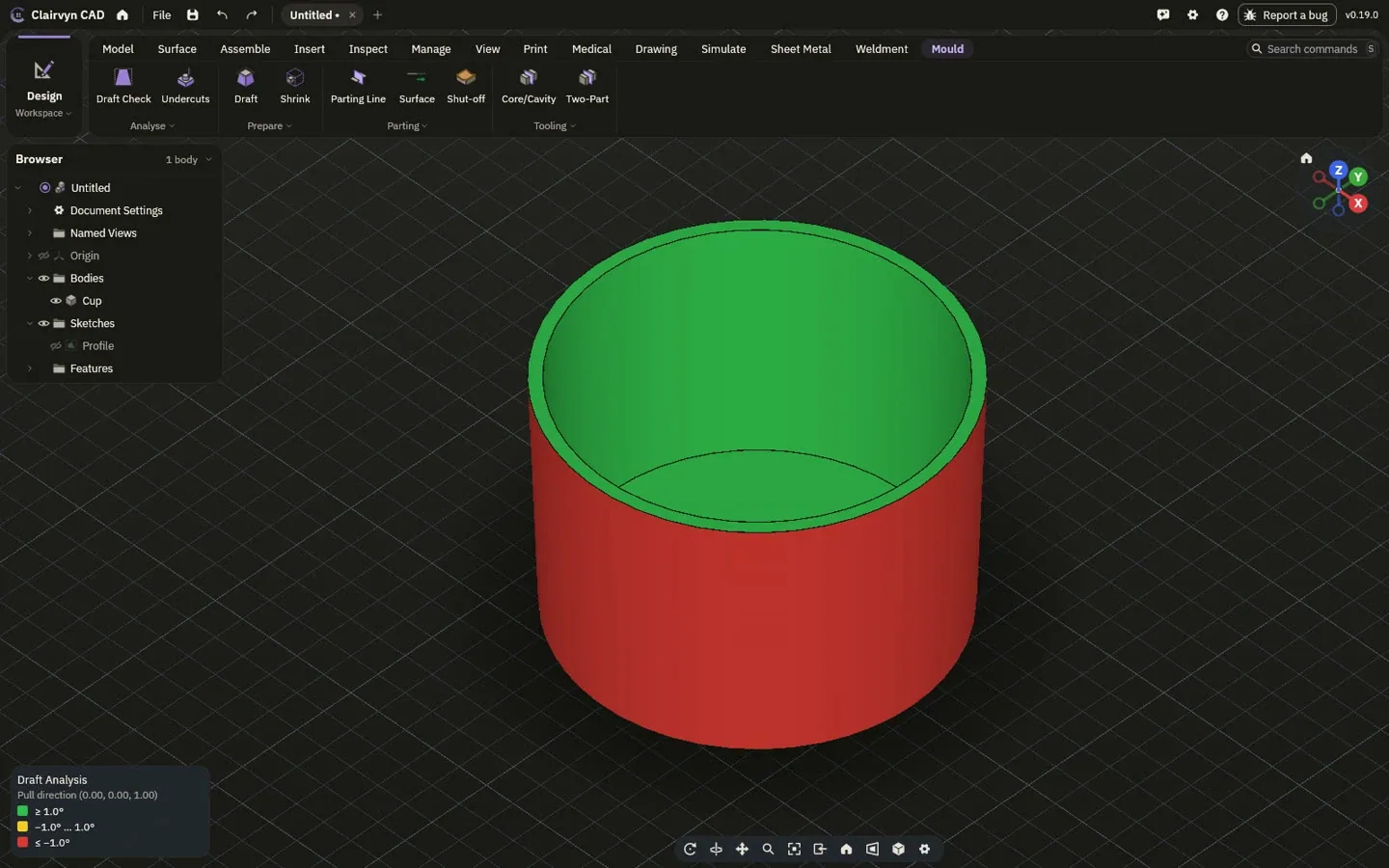
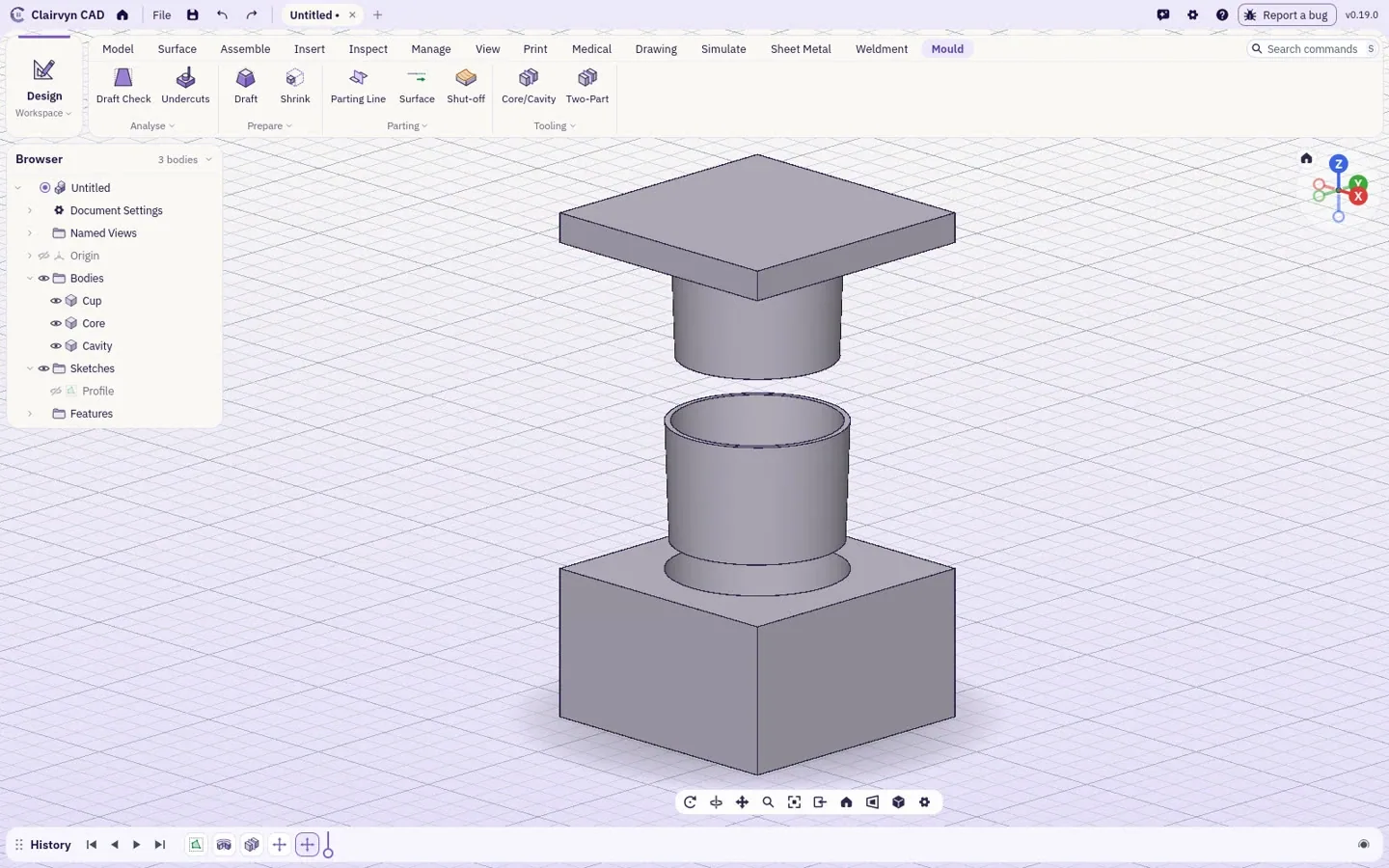
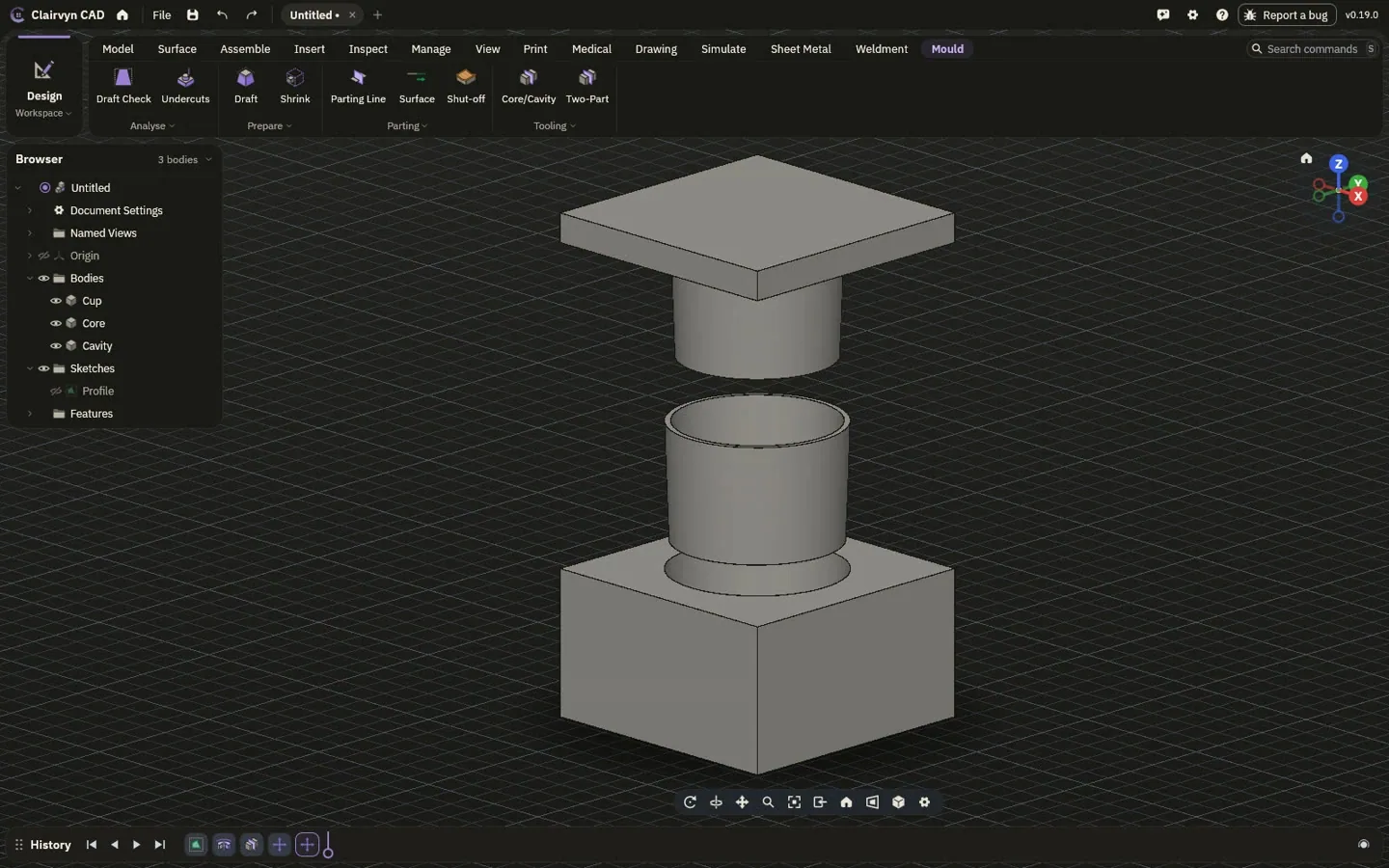
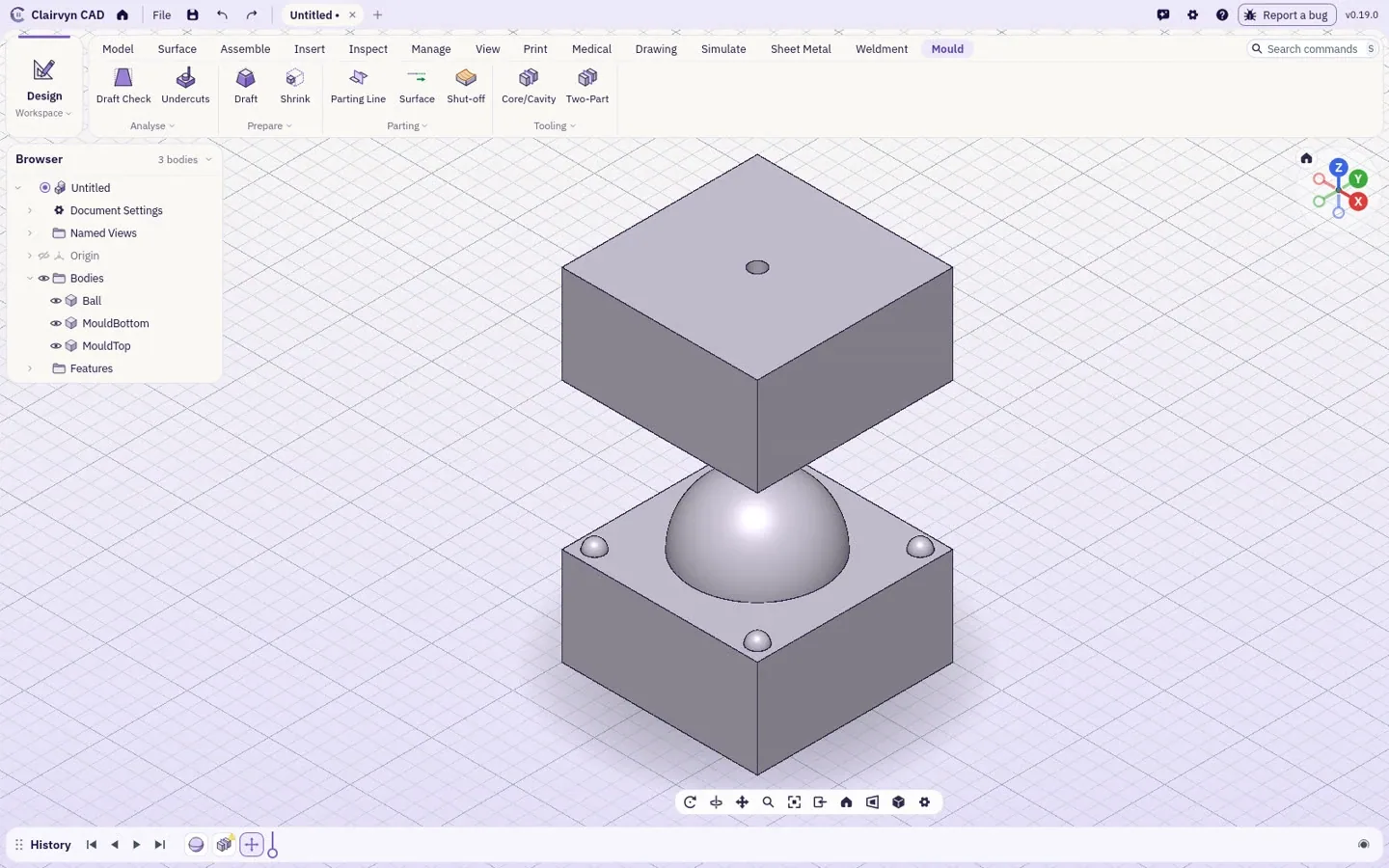
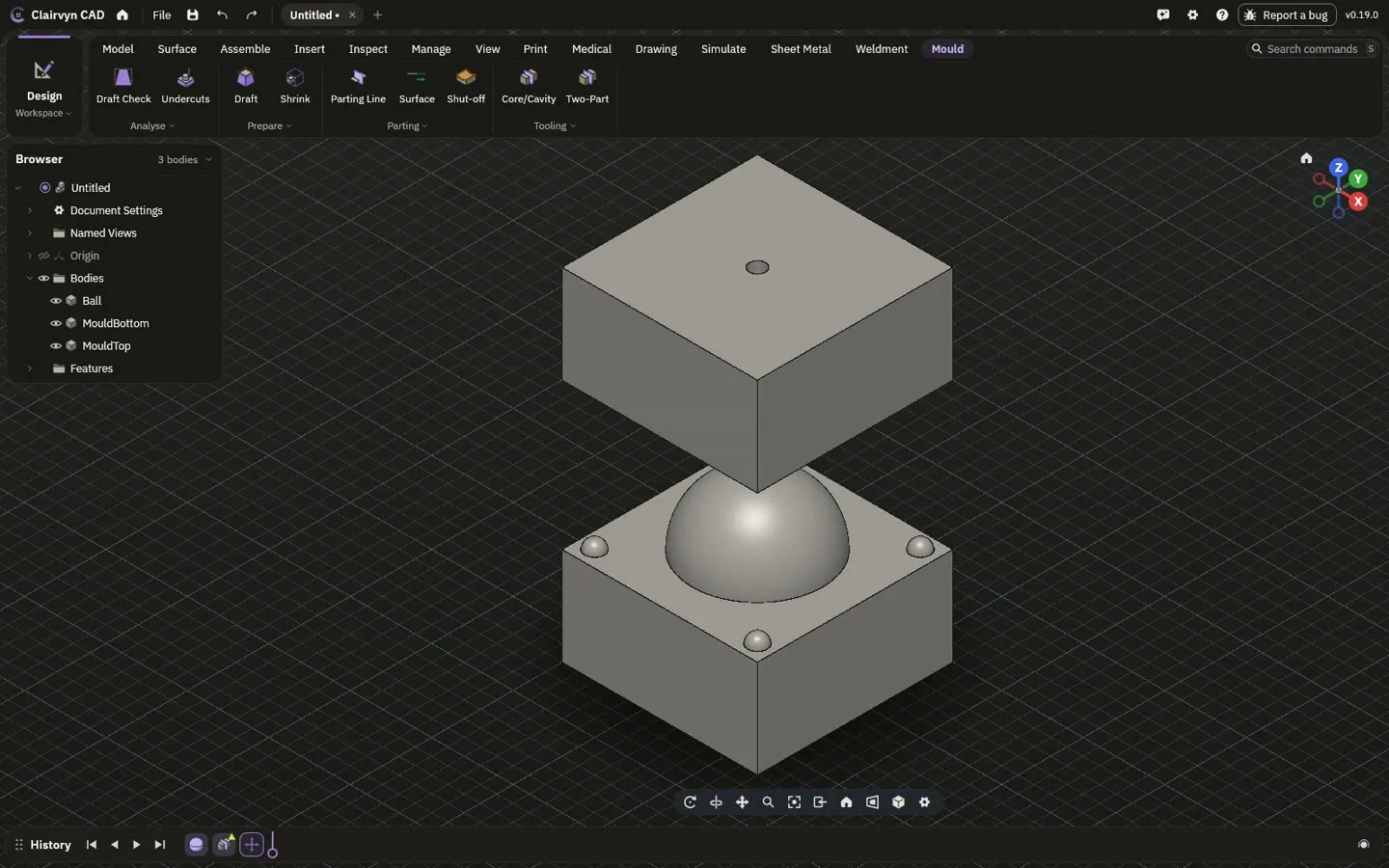
Draft and undercut checks, shrinkage from plastics suppliers' datasheets, parting lines and surfaces, shut-offs, core and cavity for injection moulds, and two-part moulds for casting or printing. Change the part and the mould follows.
Measure it, cut it open, keep every version.
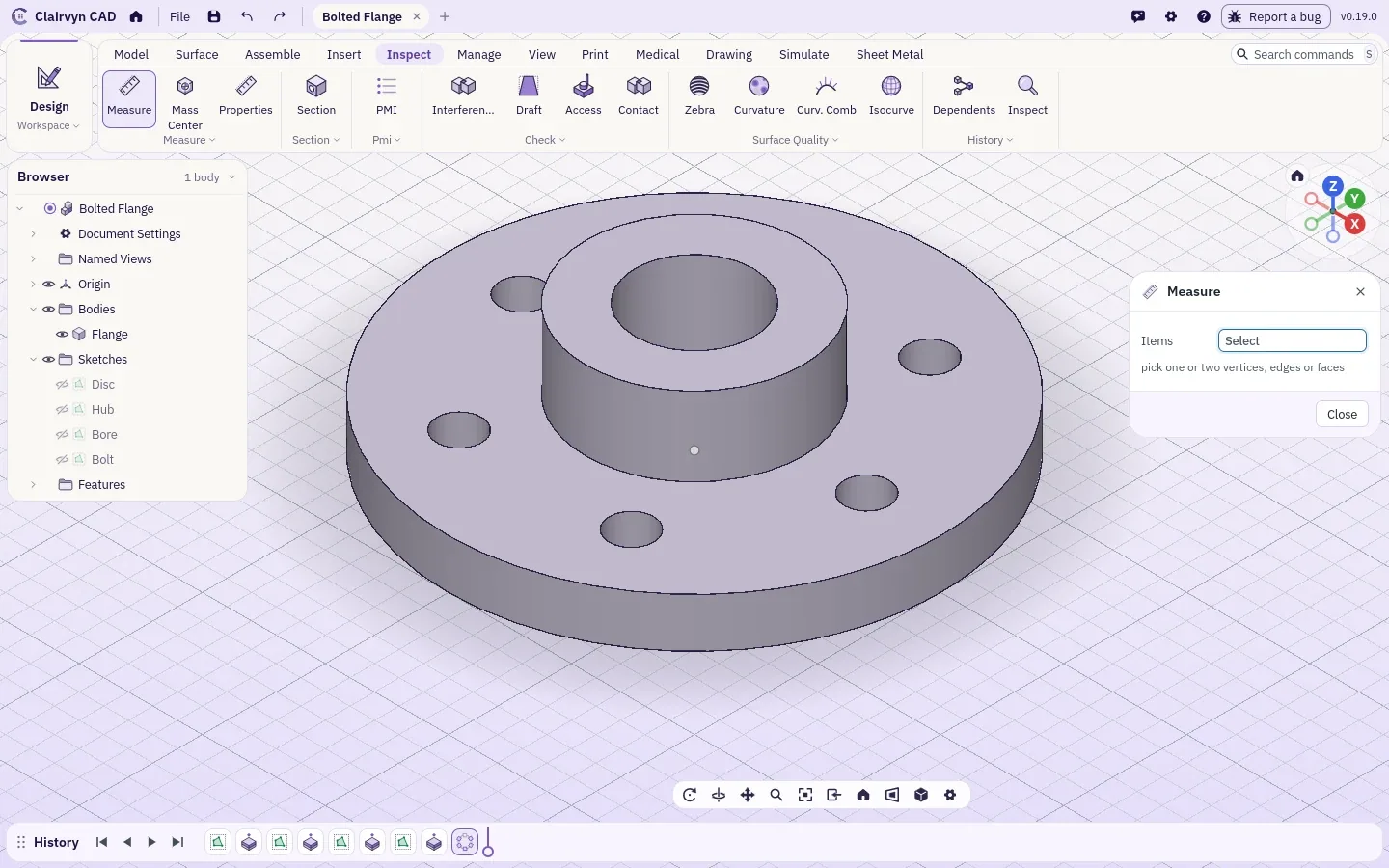
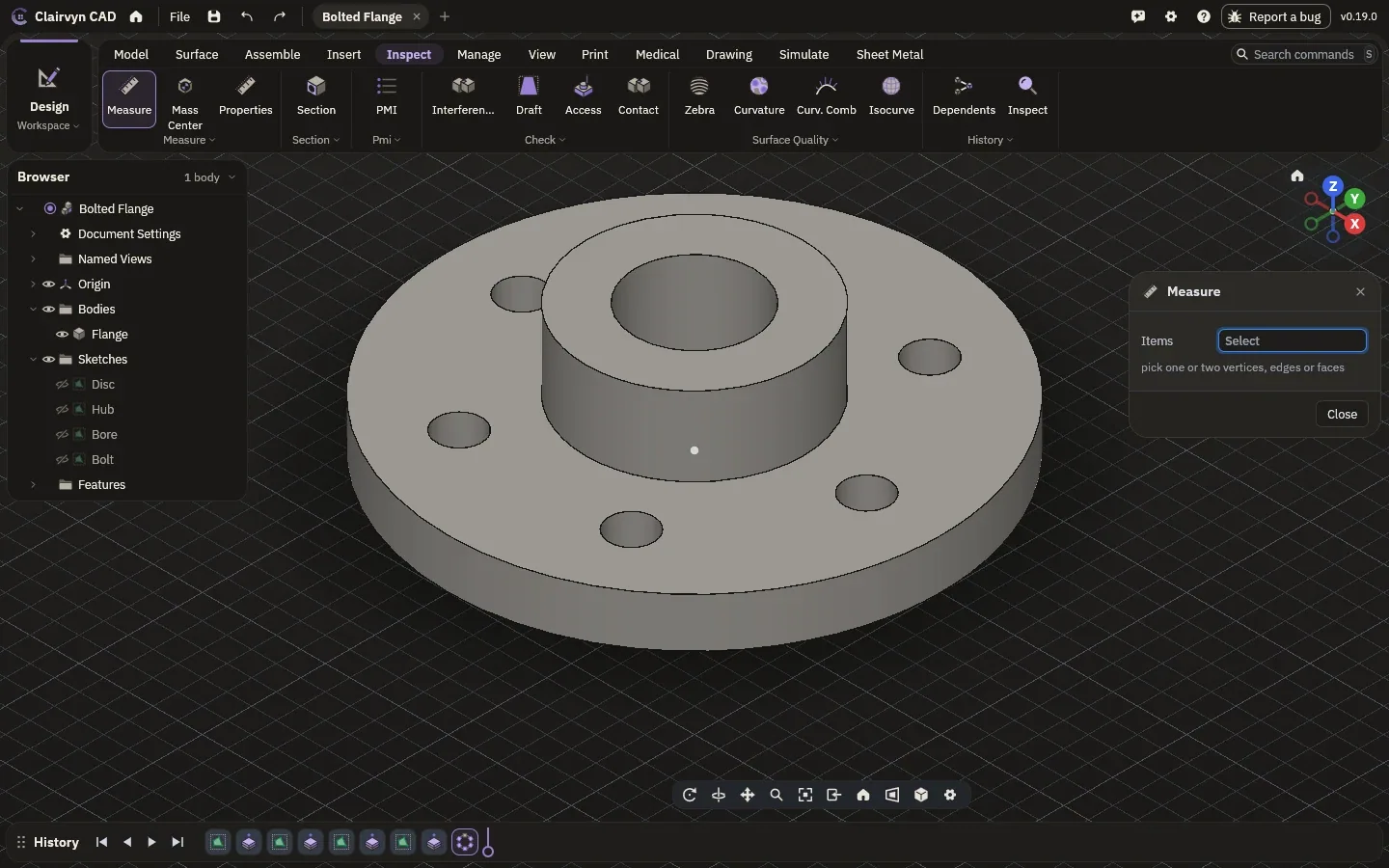
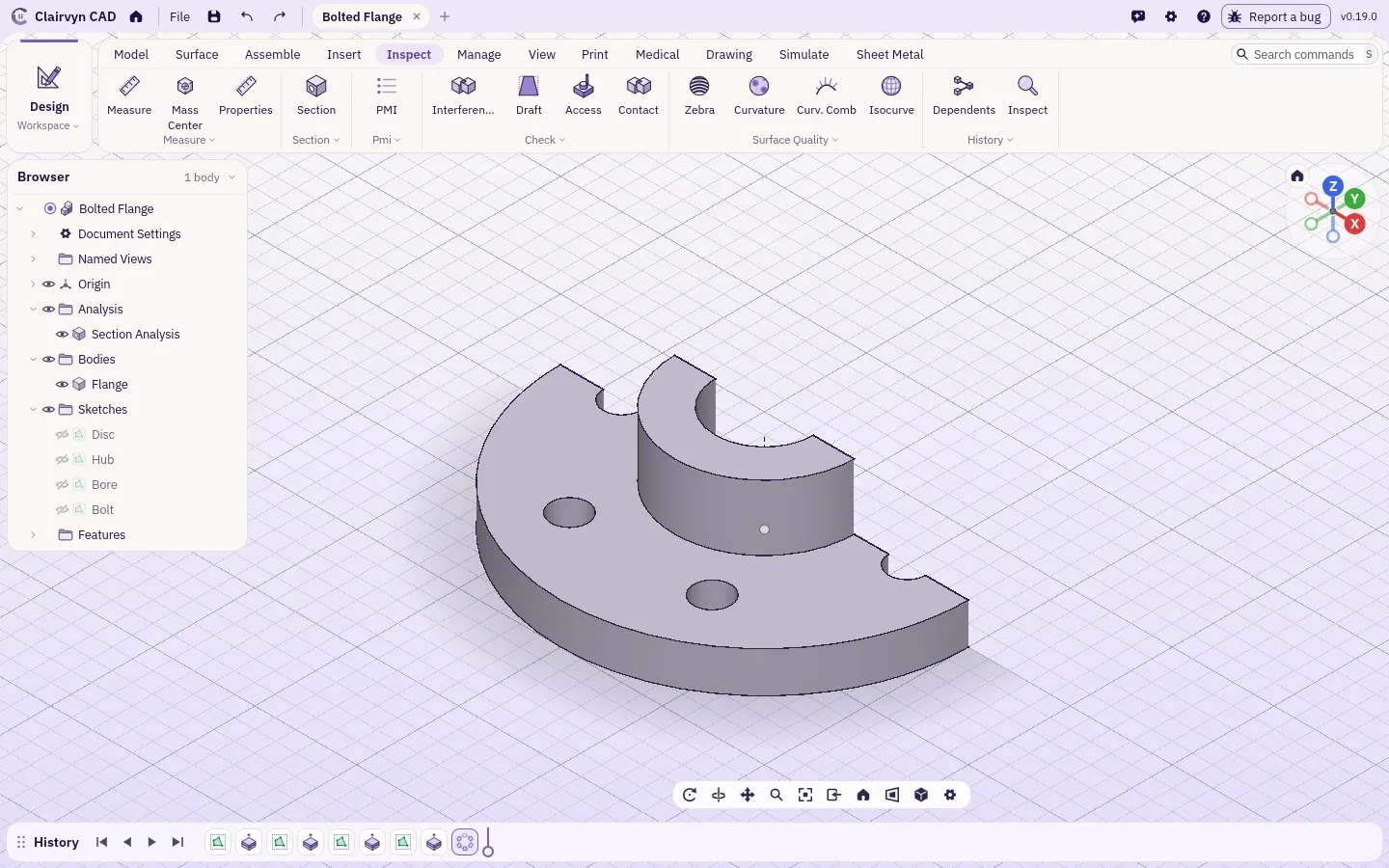
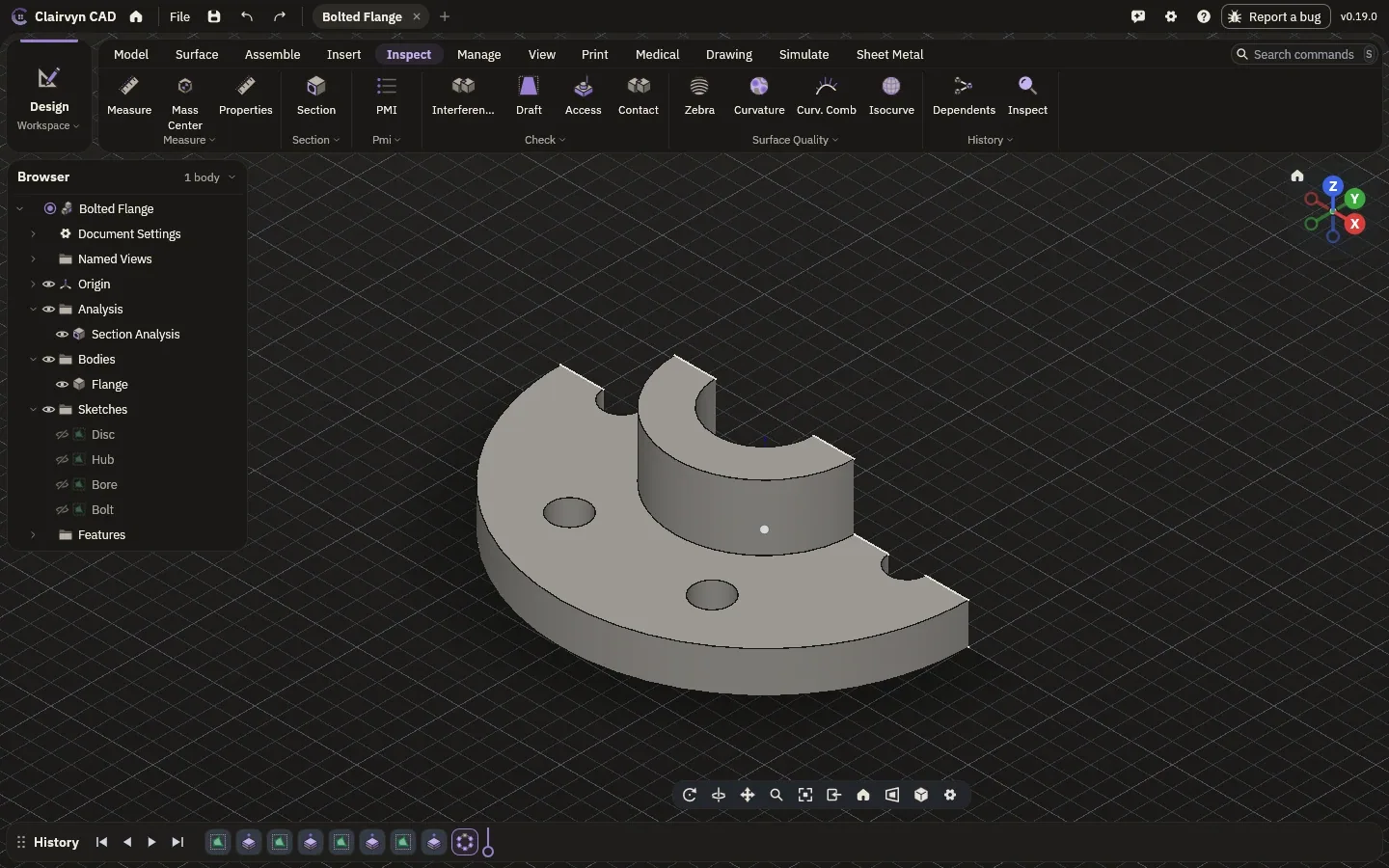
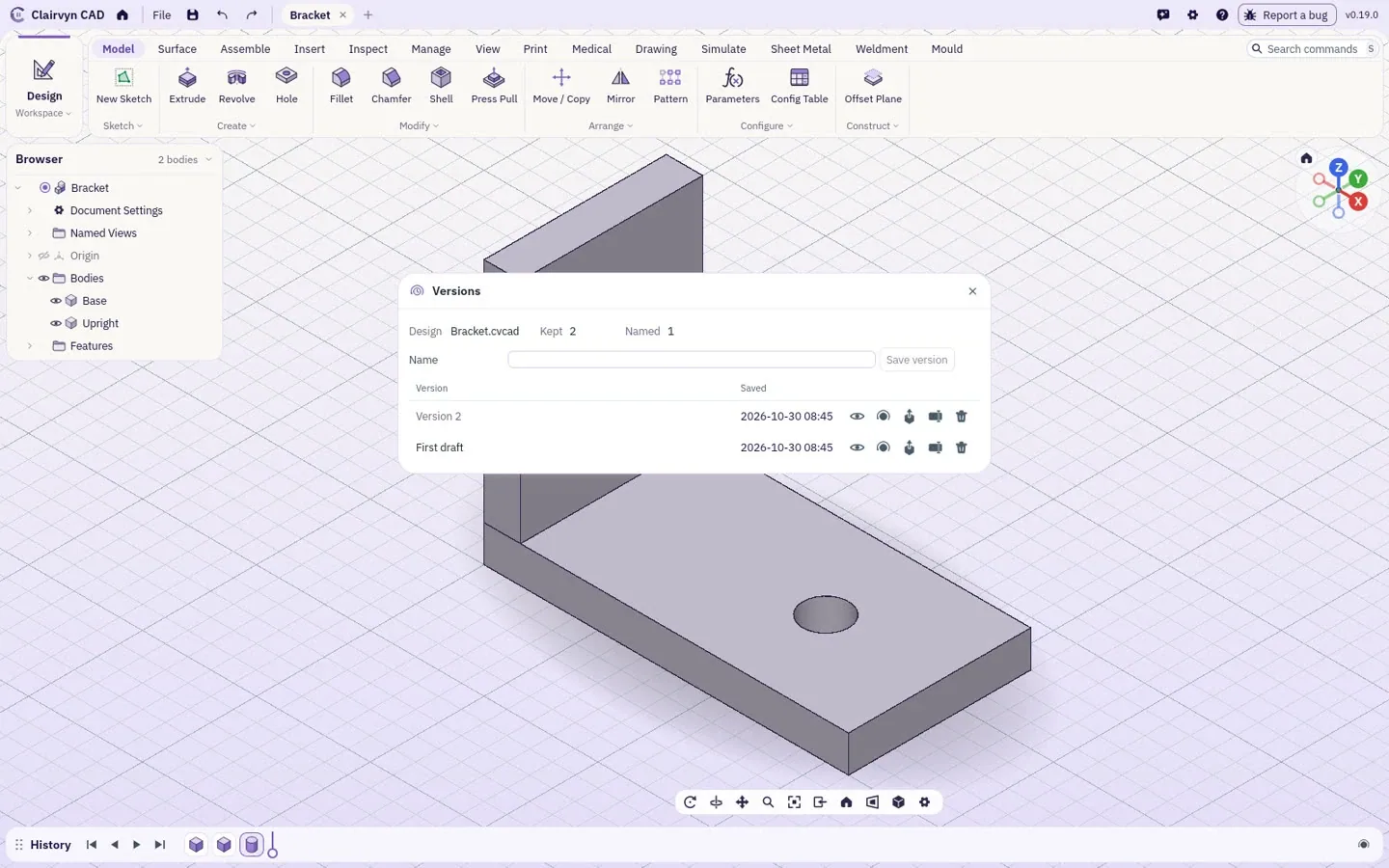
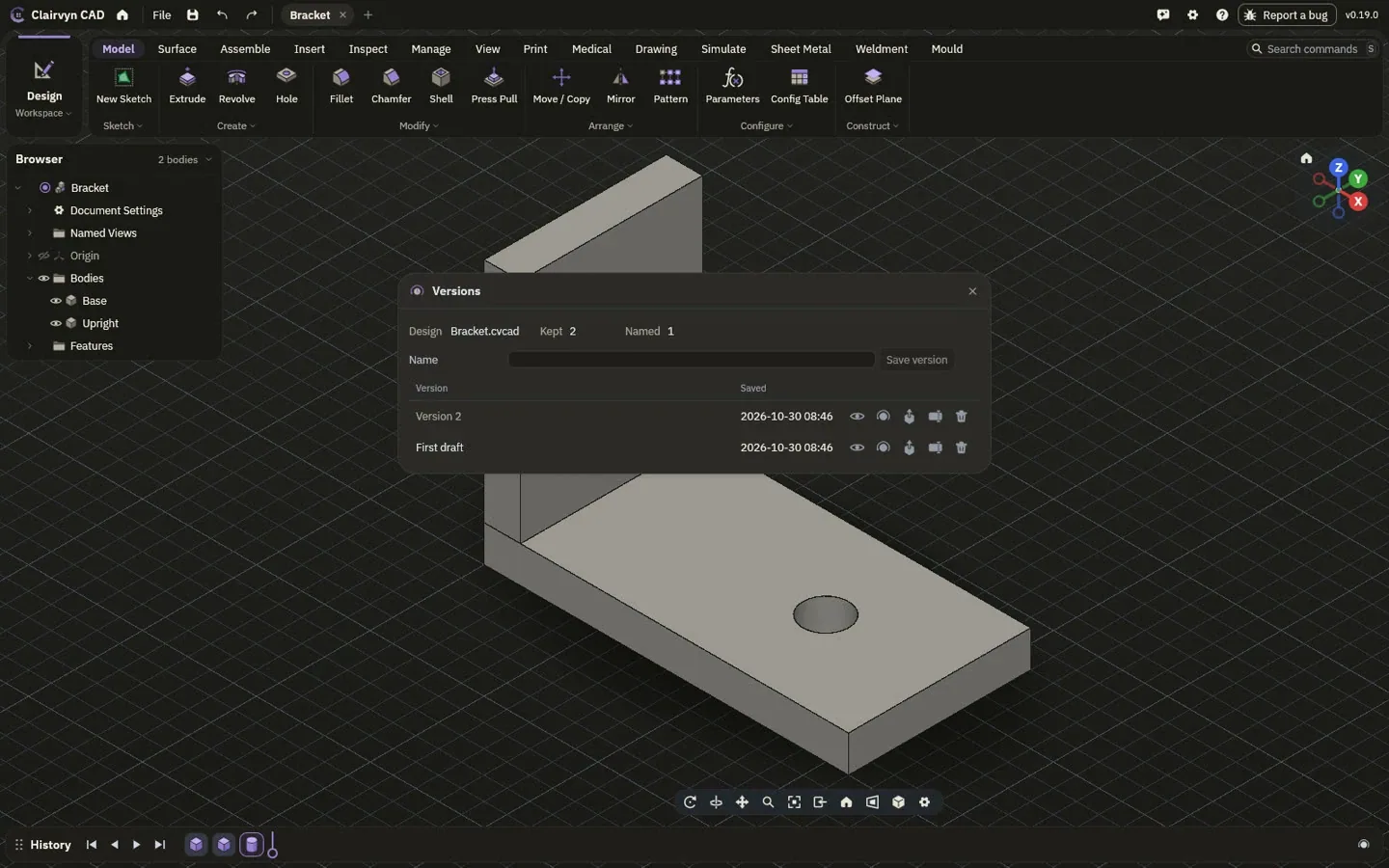
Exact measurements, mass and centre of mass from the true surfaces. Sections, draft and surface quality checks. Check that a part is a sound solid, compare two parts exactly, and heal an import that arrives as loose surfaces. Every save is kept: name a version, open it beside the current one, restore it.
List of drawings.
| Pages |
|---|
| The lab |
| Modellingyou are here |
| Drawings |
| Simulation |
| Make |
| Medical |
| Accuracy |
| Bring your own AI |