Professional CAD. In a browser tab.
Model parts and assemblies, make drawings, run simulations, slice prints and turn scans into models. Nothing to install. Your files never leave your device.
Walk into the lab.
Every machine is a door to one part of Clairvyn CAD. Hover or tap one to take it apart, then step through.
Parametric CAD in a browser tab. Nothing to install.
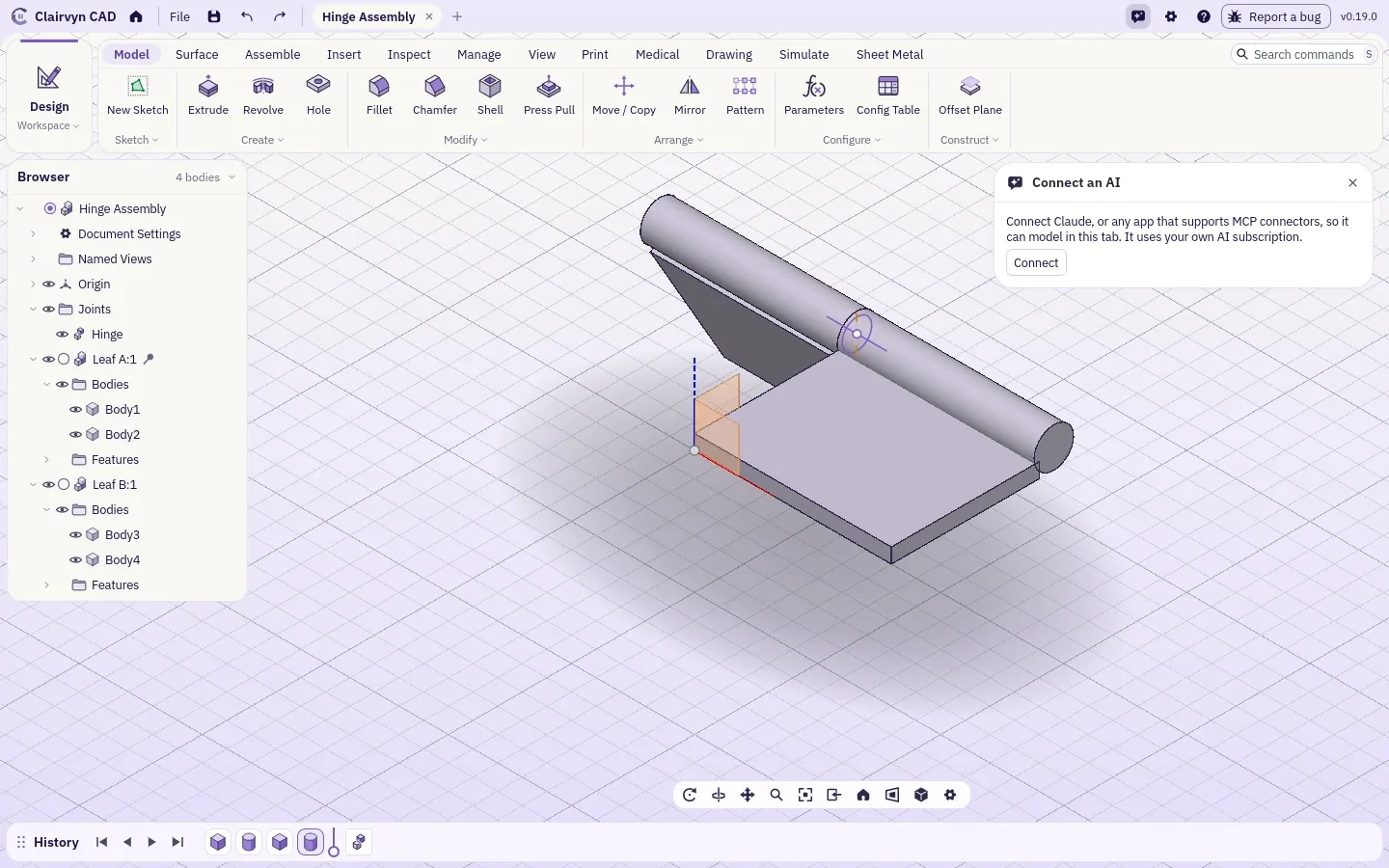
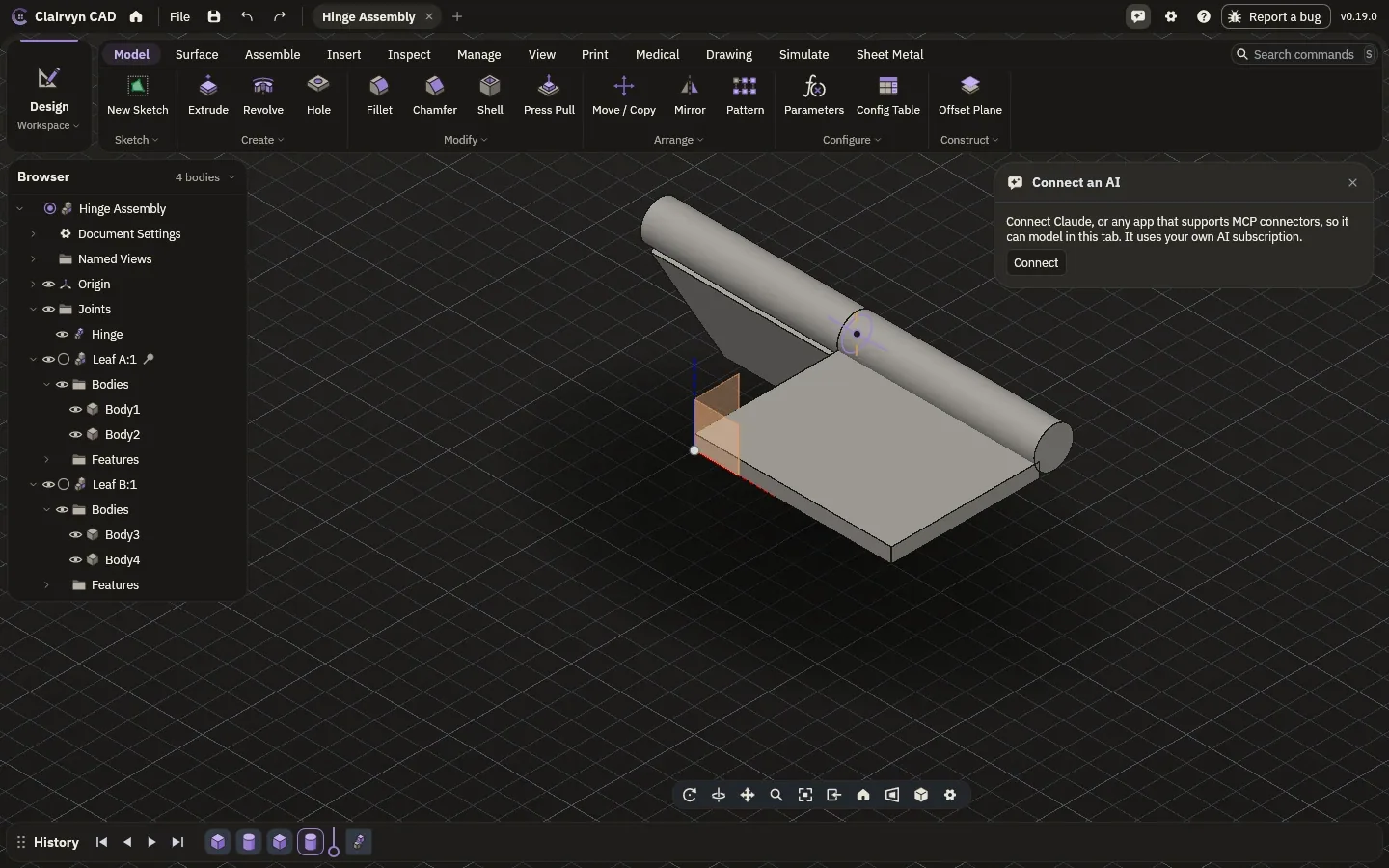
Open a tab and you are at a full workstation. Sketch with constraints, then build solids and surfaces, assemble them and check them. Every step stays on the timeline: change one number and everything after it rebuilds, on the Clairvyn CAD kernel, right in the tab.
- ModelSketches with constraints, solids, surfaces, a full feature history
- AssembleComponents, joints, motion studies and collision checks
- Sheet metalFlanges, hems, flat patterns and bend tables
- PlasticsBosses, ribs, snap fits and draft checks
- WeldmentsFrames from steel sections, welds and a cut list
- MouldsParting lines, core and cavity, two-part moulds
- InspectExact measurements, sections and surface quality
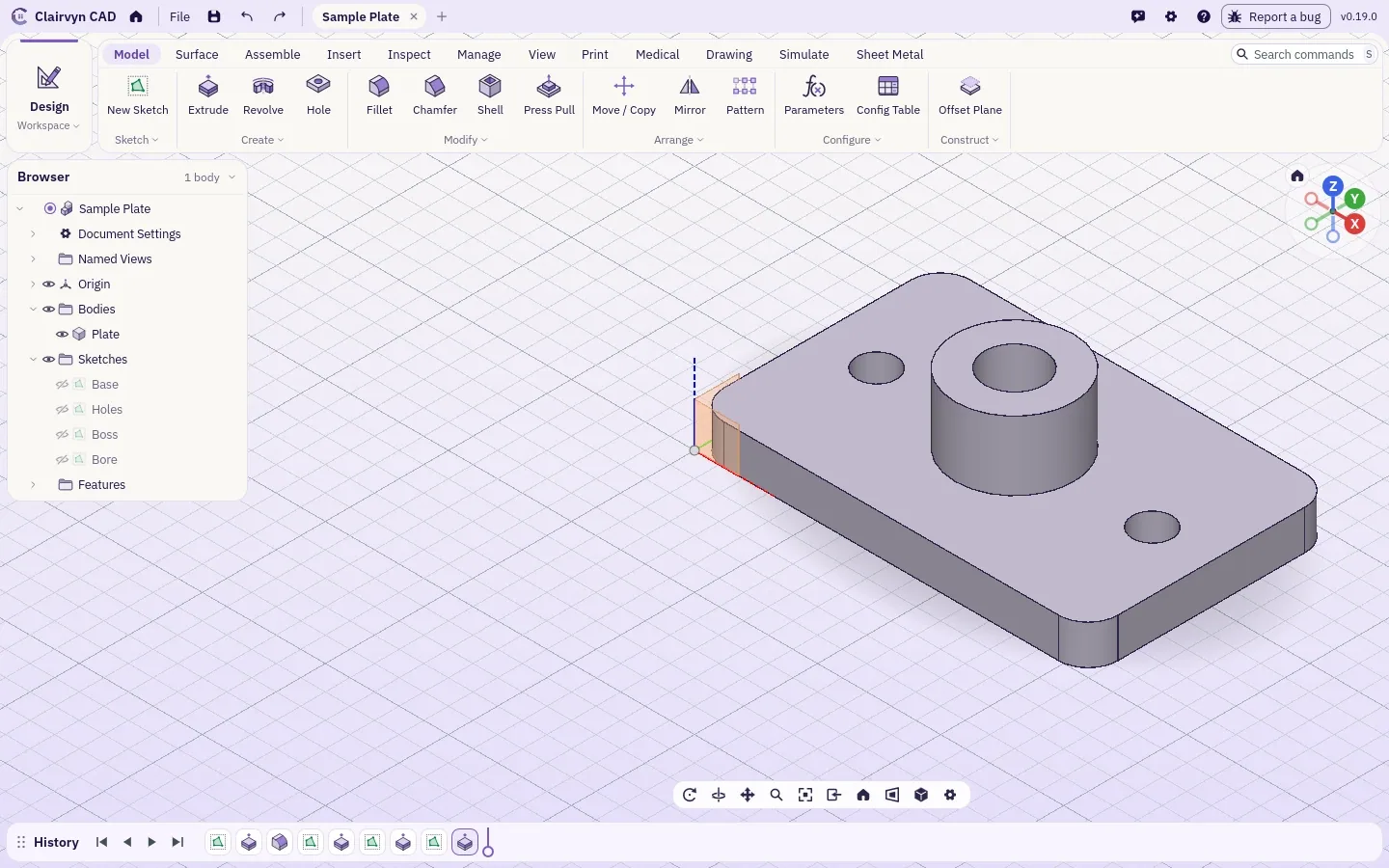
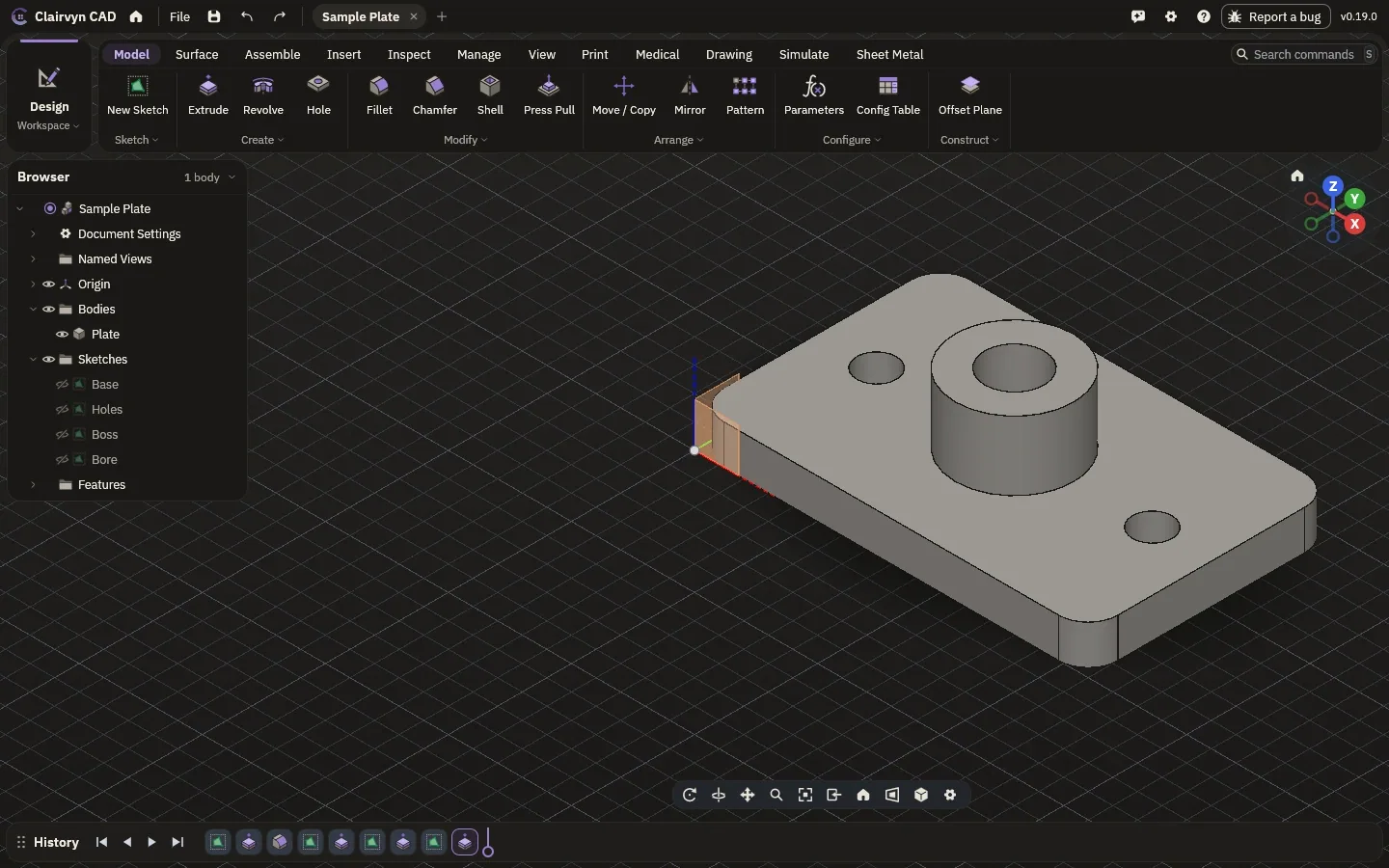
Files never leave your device.
Clairvyn CAD runs on your computer, inside the browser tab. Your designs stay there. Once the page has loaded, it works offline: unplug, fly, keep modelling.
- Your deviceDesigns are kept in the browser on your machine
- OfflineWorks once loaded, with or without a network
- VersionsEvery save kept: name, compare, restore
Opens everything on your drive.
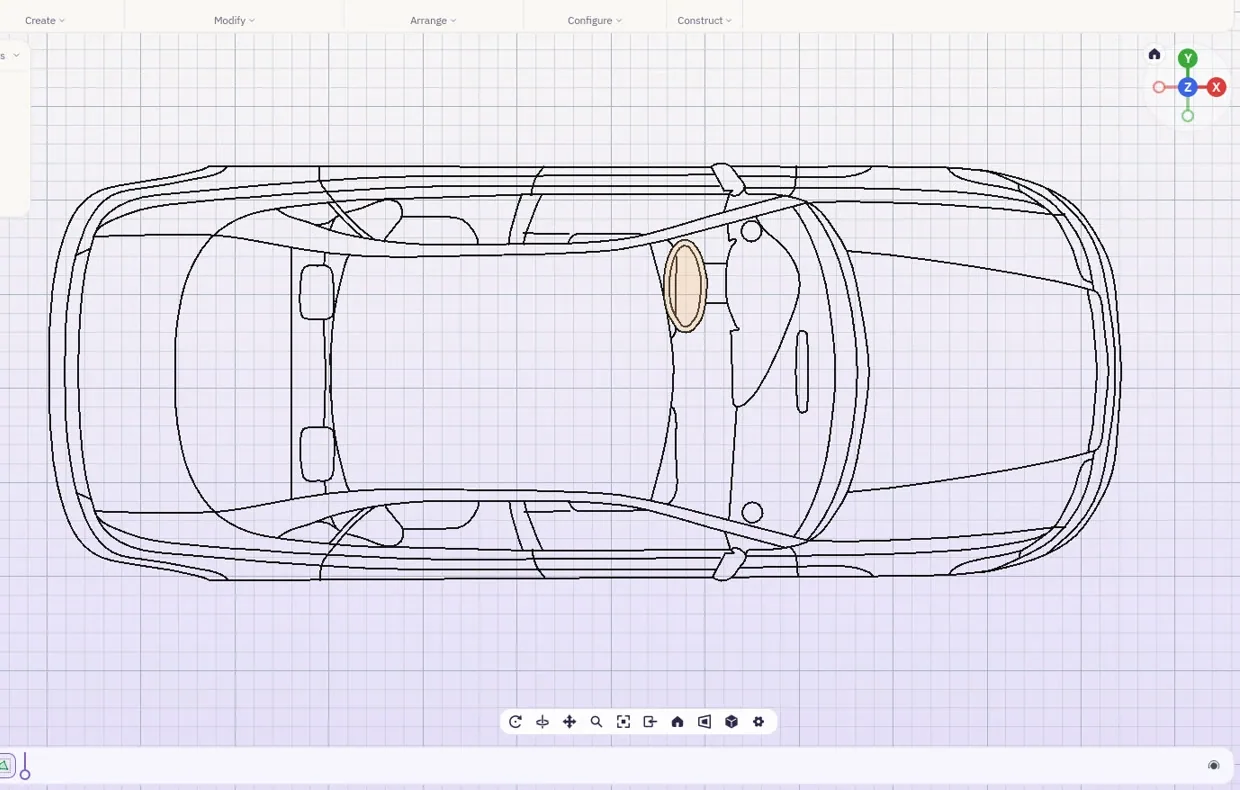
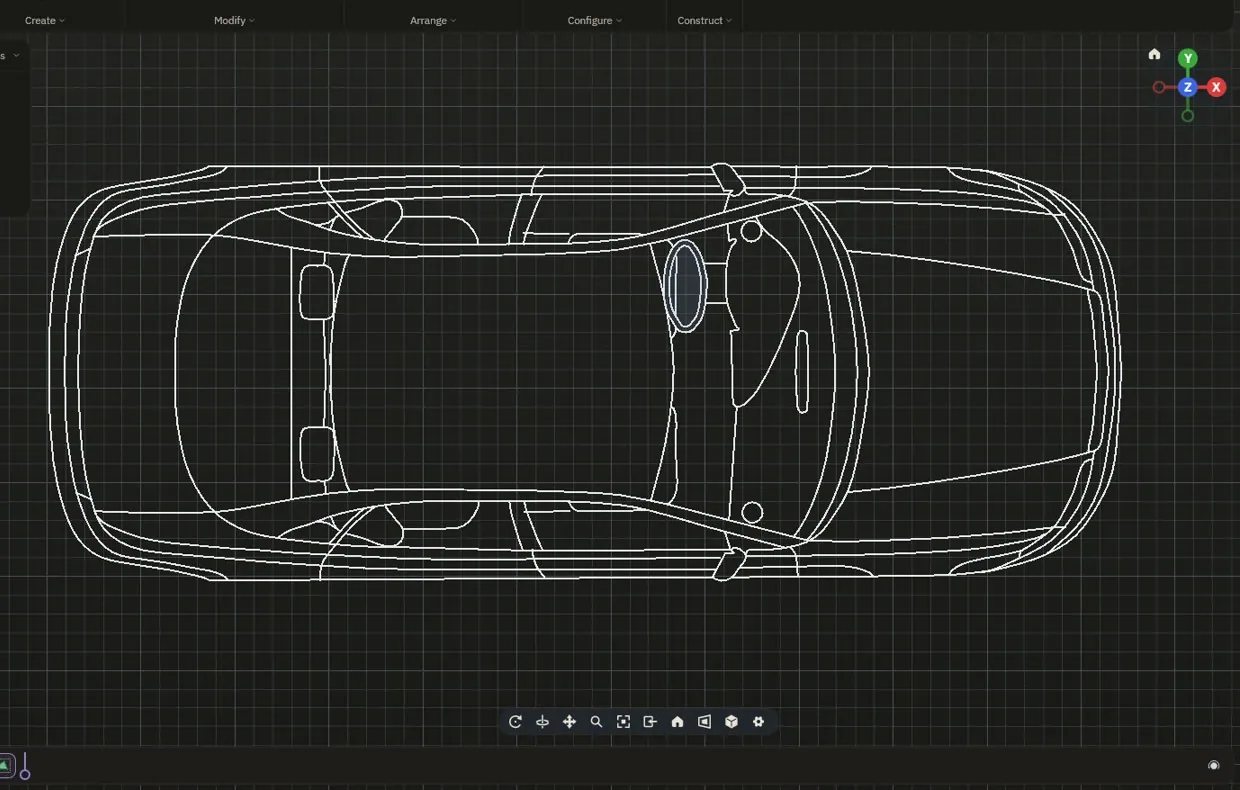
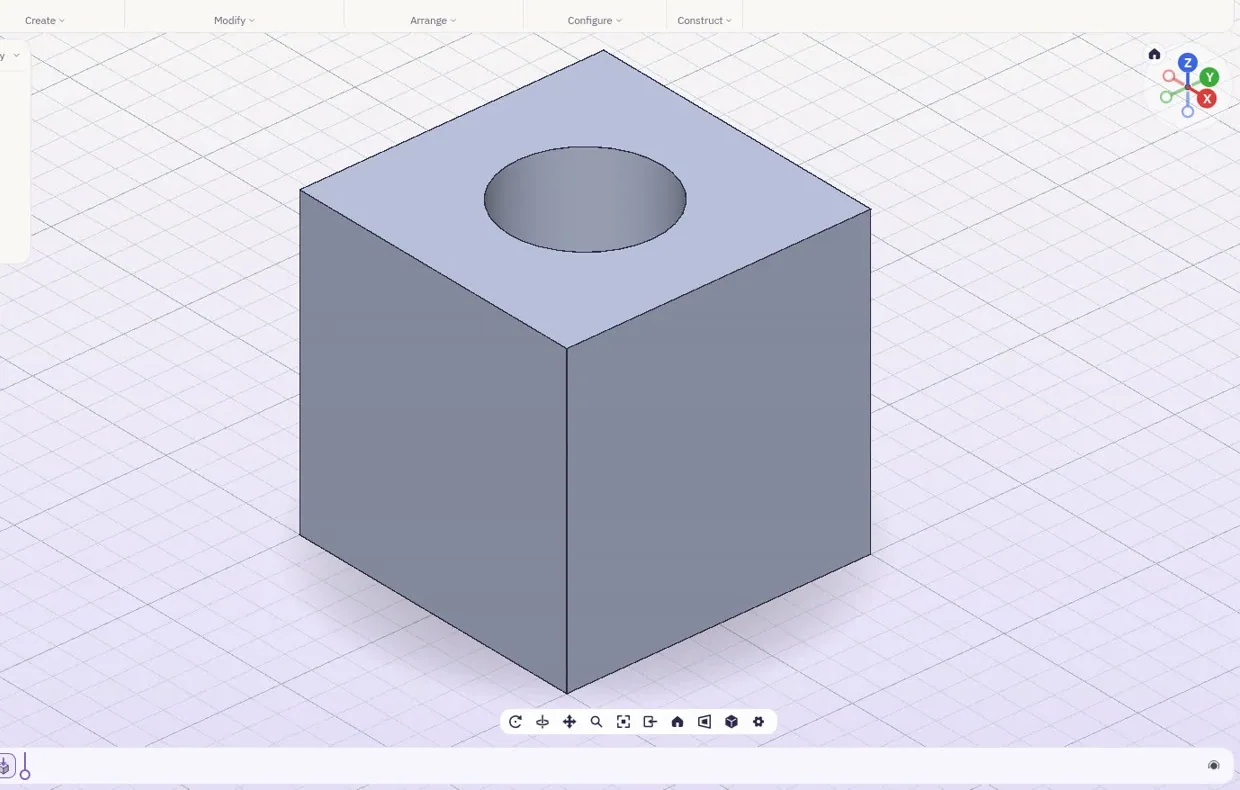
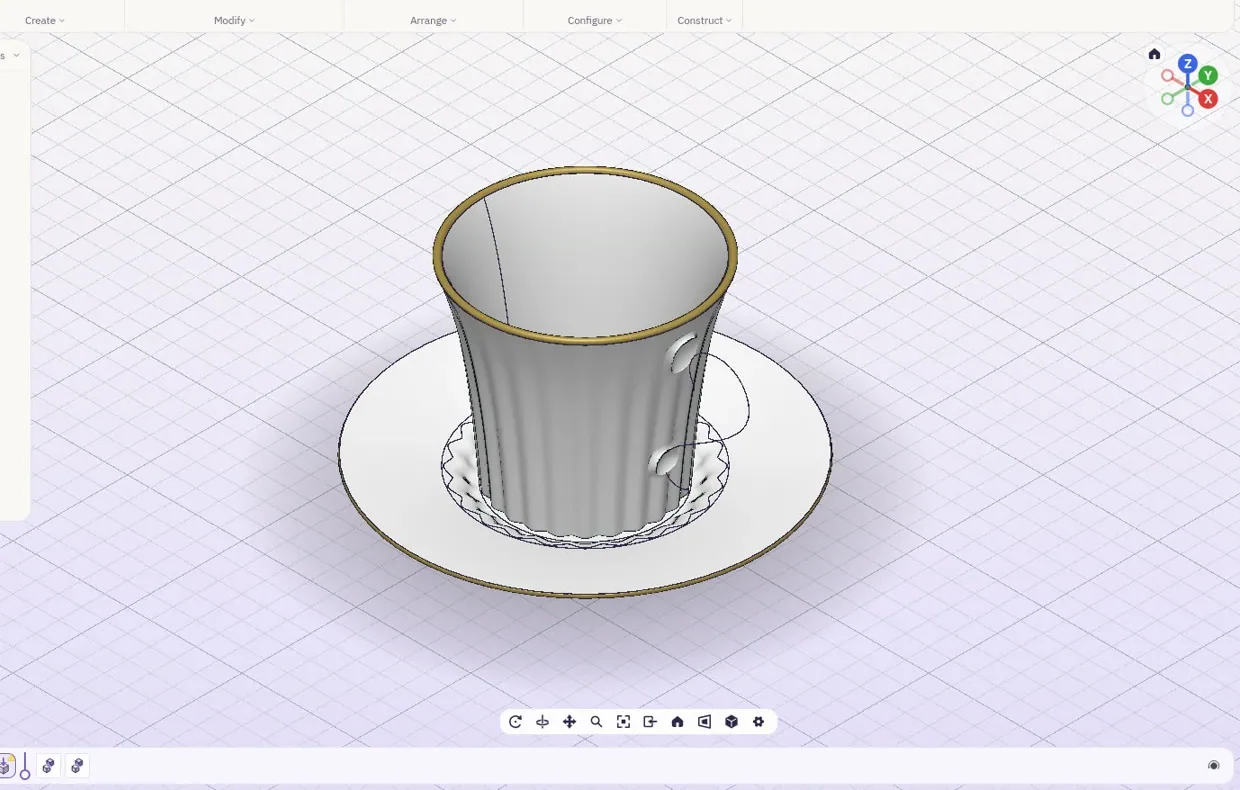
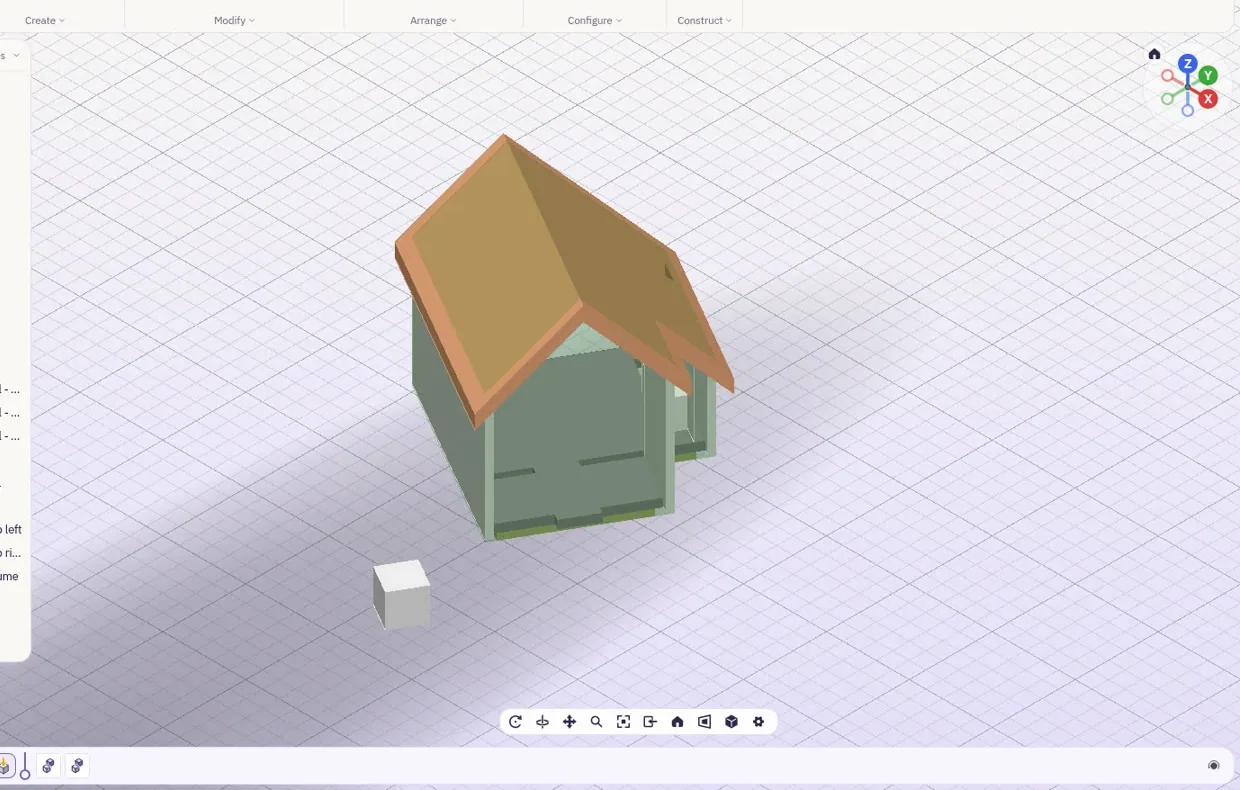
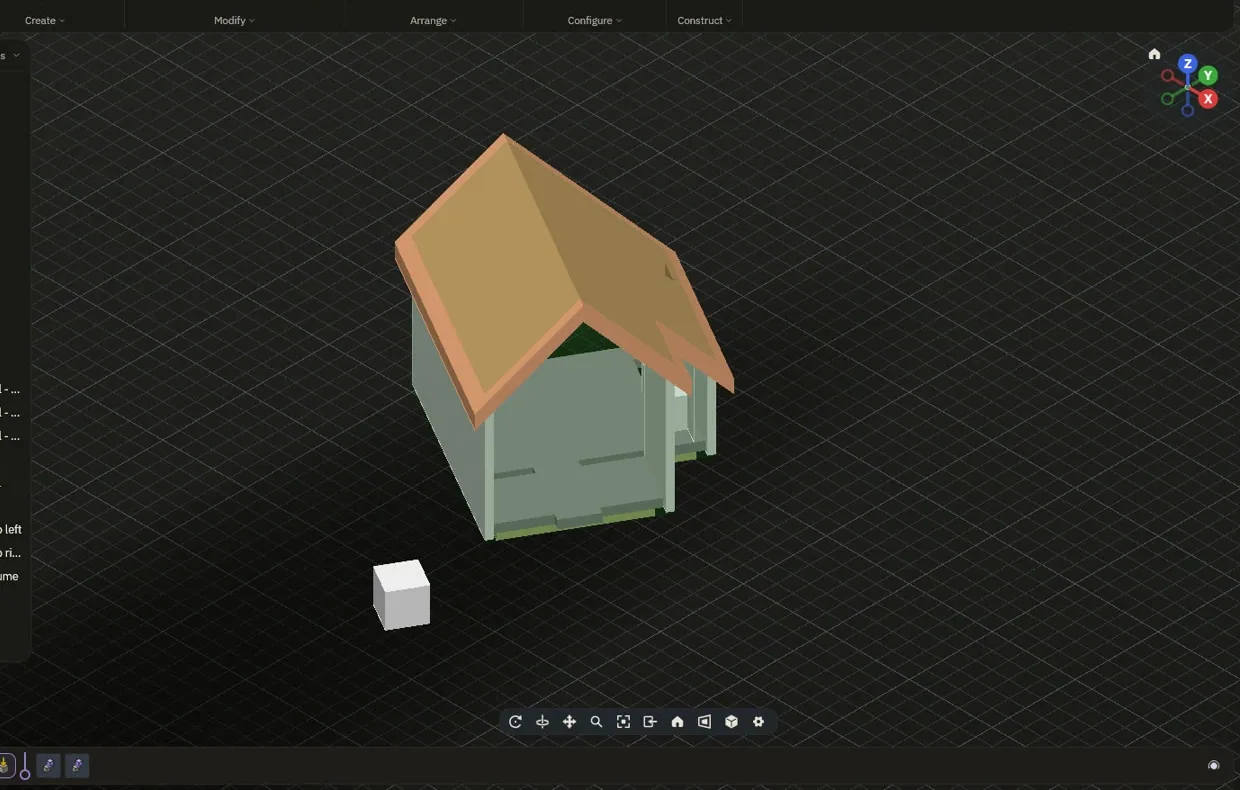
Bring the files you already have, from the tools you already use. Drawings open as sketches, parts open as solids, building models keep their storeys and spaces.
| File | From |
|---|---|
| DWG | AutoCAD, read and write |
| DXF | Any drafting tool |
| STEP, IGES | Any solid modeller |
| SLDPRT | SolidWorks parts |
| 3DM | Rhino, with its layers |
| IFC | Revit and ArchiCAD |
| FCSTD, SAT | FreeCAD and ACIS |
| STL, OBJ, 3MF | Meshes and printers |
| glTF, USDZ | Viewers and AR |
Load it, heat it, shake it, blow on it.
Stress, vibration, heat, fatigue, buckling, drop tests and a wind tunnel, run on the part you just drew, in the same tab. This is the turbofan's fan blade under load, printed in type from the real study. Drag the bar to see the study itself.
- StructuresStress, buckling, contact, yielding and large movement
- DynamicsModes, vibration through time and frequency, shock, drop
- Heat and airThermal, flow through parts, the wind tunnel
- BuildingsLoads to IS 1893, IS 875, IS 456, Eurocode and ASCE 7
From model to G‑code in the same tab.
Check that it prints, find the best way up, then slice it for FDM or resin. Or send the same part to a CNC mill, a laser, a waterjet, wire EDM or a drag knife. This plate is printing from its real sliced layers.
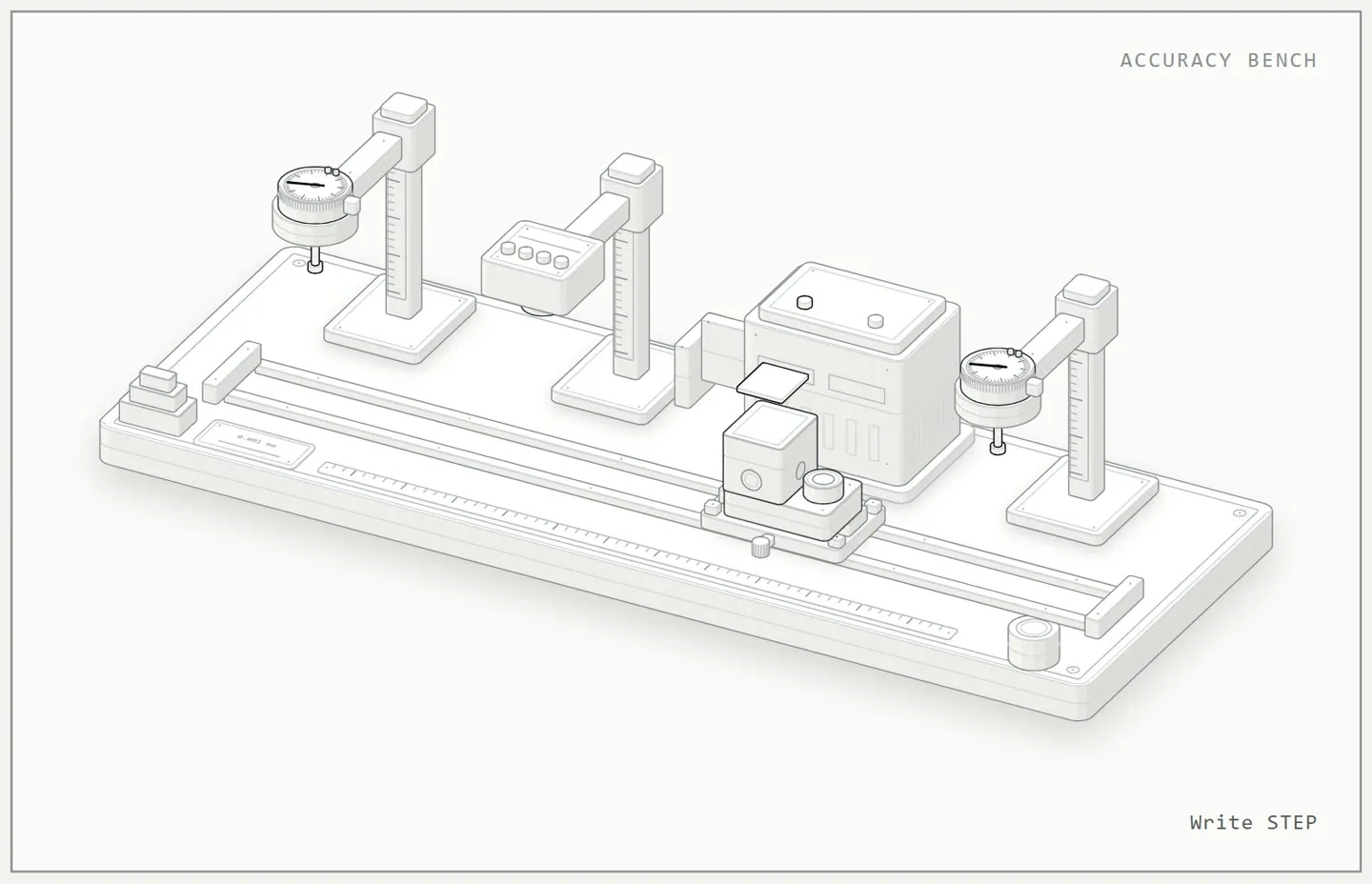
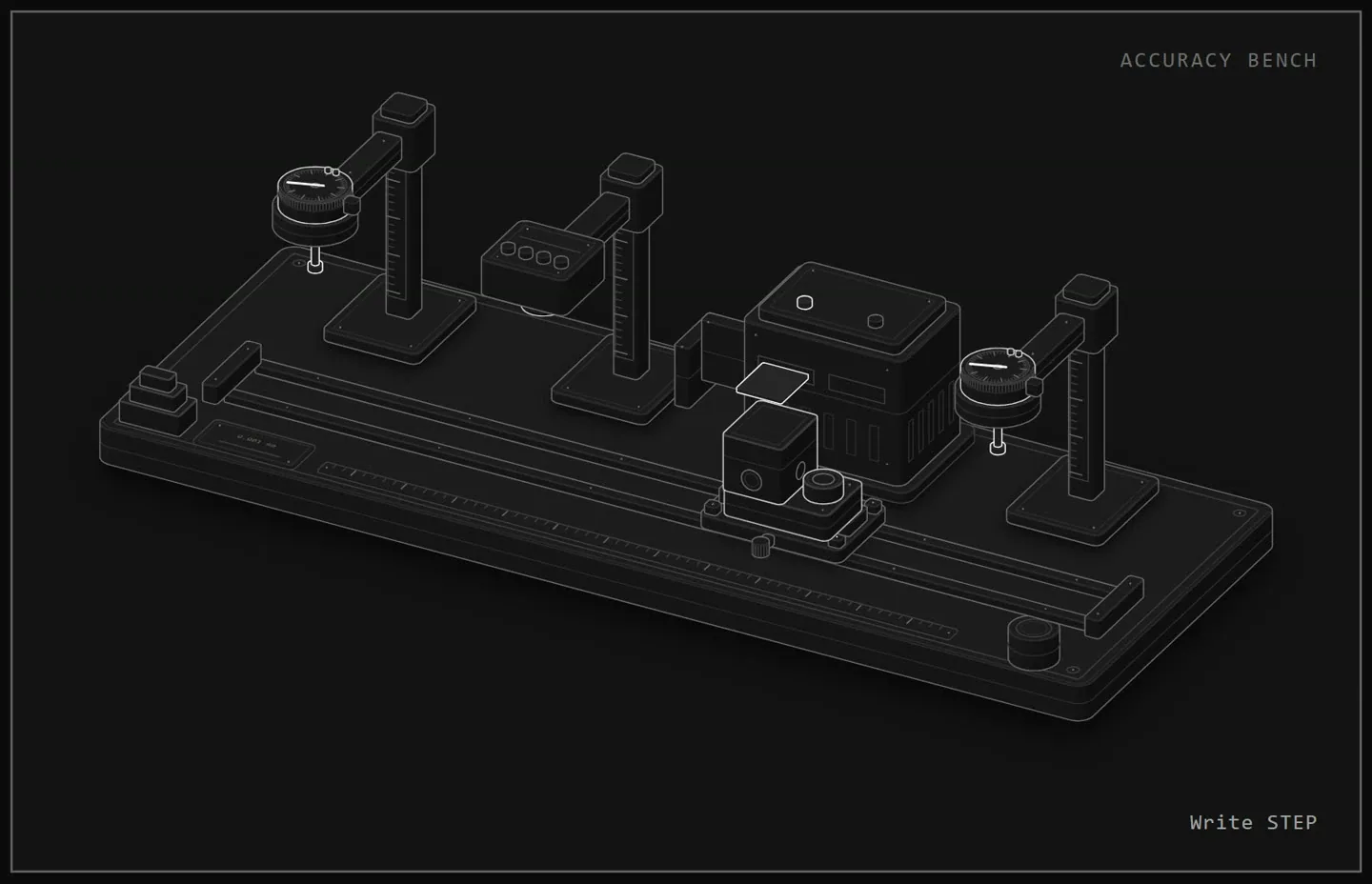
Checked to a thousandth of a millimetre.
0.00004 in. Every feature is measured on the exact surfaces, then checked again after a STEP round trip.
Bring your own AI.
Connect Claude, Cursor or VS Code and let it drive the open tab: sketch, model, check every size and export the file. It runs on your own AI subscription.


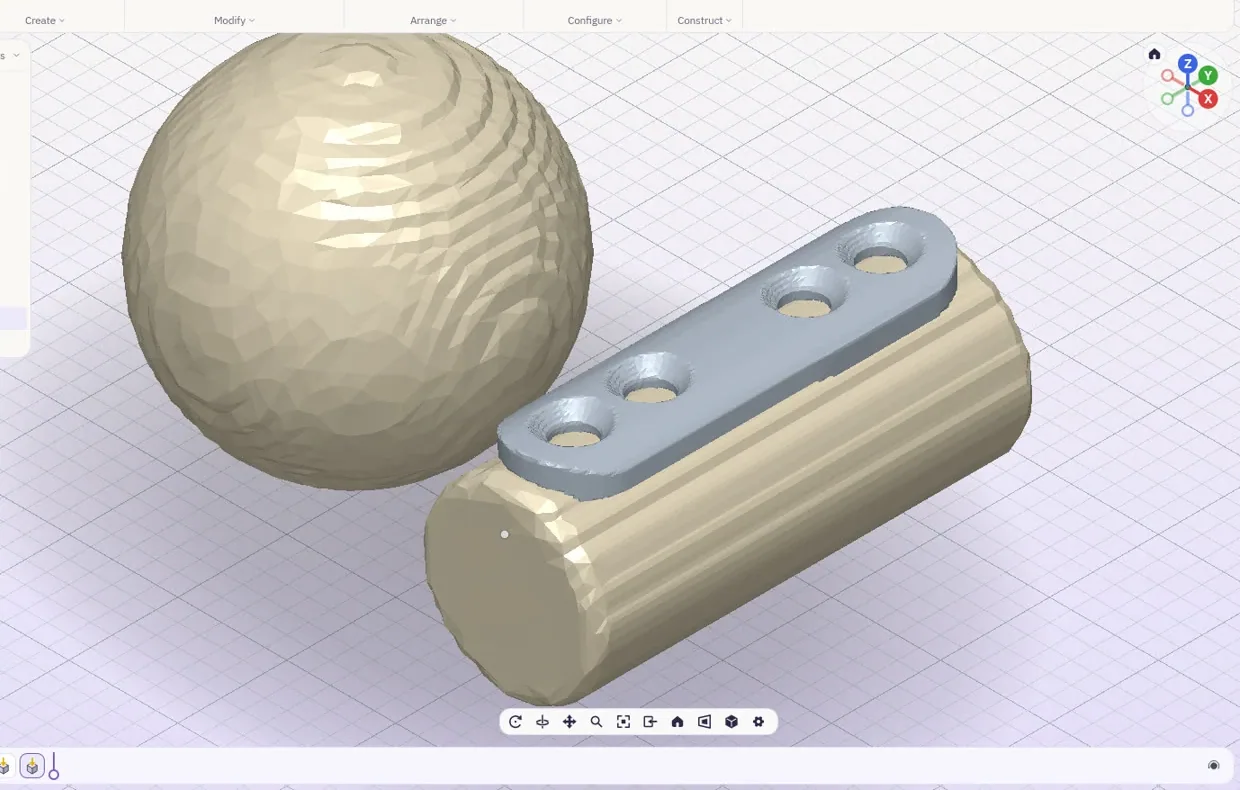
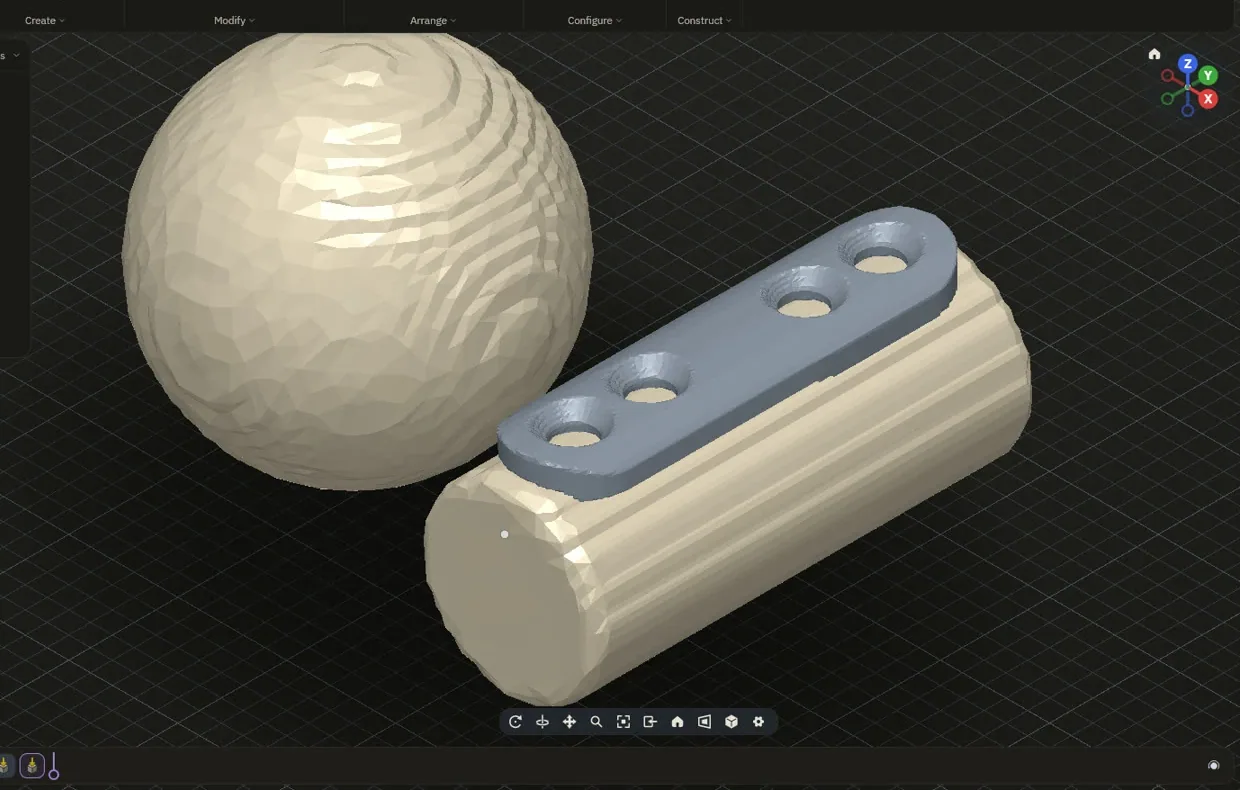
Medical: CT and MR scans to printable models, dental lab parts and surgical guides. for research, education and lab use
List of drawings.
| Pages |
|---|
| The labyou are here |
| Modelling |
| Drawings |
| Simulation |
| Make |
| Medical |
| Accuracy |
| Bring your own AI |